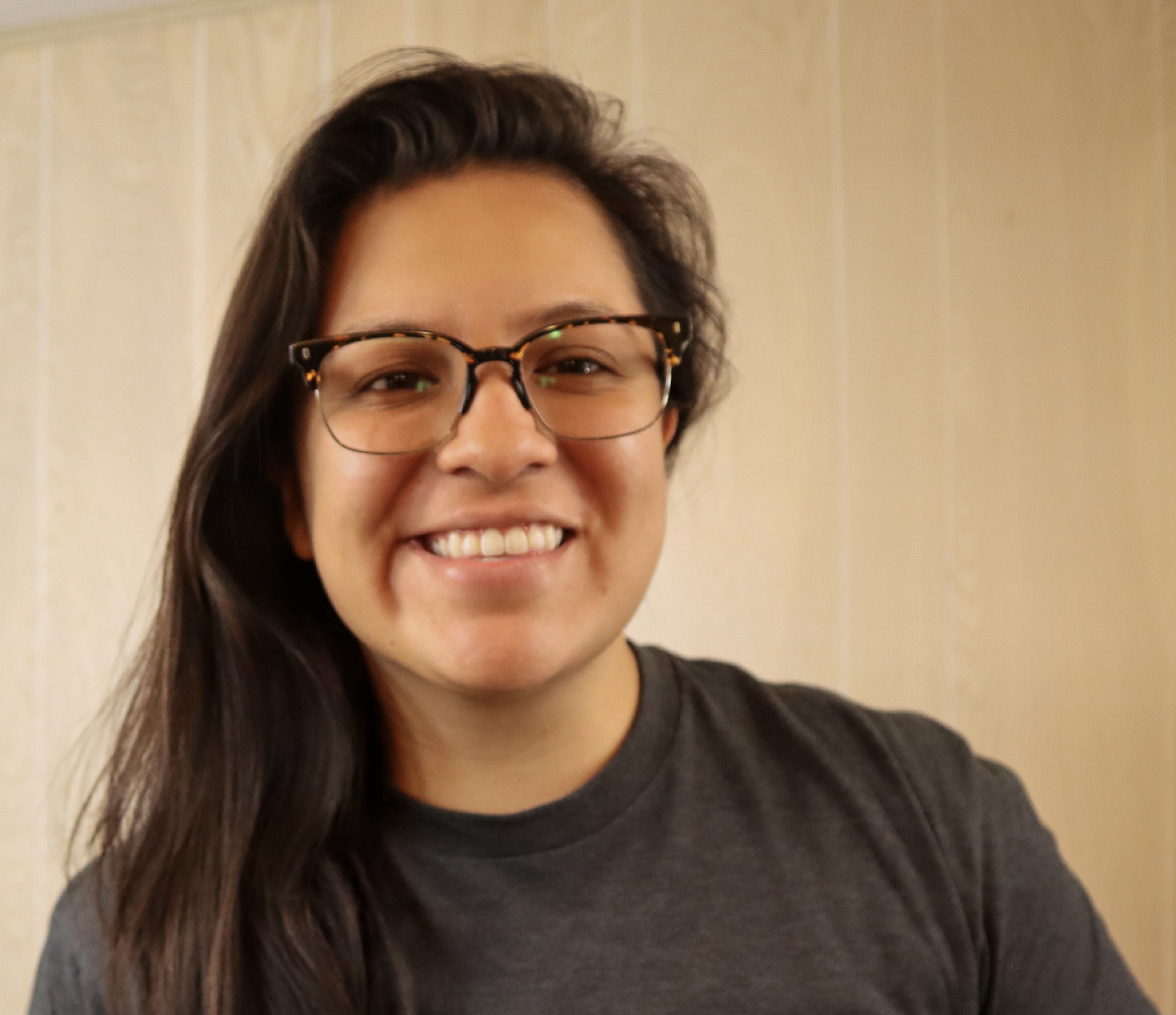
Gwyneth Peña-Siguenza (Español)
Microsoft


学ぶ、つながる、構築する
AI と最新のテクノロジを使い始める準備はできましたか? Microsoft Reactor は、開発者、起業家、スタートアップ企業が AI テクノロジなどを構築するのに役立つイベント、トレーニング、コミュニティ リソースを提供します。 ご参加ください。
学ぶ、つながる、構築する
AI と最新のテクノロジを使い始める準備はできましたか? Microsoft Reactor は、開発者、起業家、スタートアップ企業が AI テクノロジなどを構築するのに役立つイベント、トレーニング、コミュニティ リソースを提供します。 ご参加ください。
22 2月, 2023 | 7:00 午後 - 8:00 午後 (UTC) 協定世界時
 ライブストリーム
トピック: コーディング、言語、およびフレームワーク
言語: 英語
The Windows Subsystem for Linux lets developers run a GNU/Linux environment -- including most command-line tools, utilities, and applications -- directly on Windows, unmodified, without the overhead of a traditional virtual machine or dualboot setup. It’s a great way for people of all levels and roles to get experience with Linux without the need for a dedicated and separate machine. In this session we’re going to get you started with WSL. We’ll start by going over how to use Linux commands and work across Windows and Linux file systems. Then we’ll set up a dev environment using WSL and Visual Studio Code, and finally create a website using this environment. If you’re looking to better understand what WSL is and how to use it for development, you don’t want to miss this session.
Prerequisites:
Due to time limitations, I can’t cover installing WSL and a distro, follow these to get ready for the session:
Install WSL: https://aka.ms/Feb22InstallWSL1
Install a Linux distro, I recommend: https://aka.ms/Feb22InstallUbuntu1
講演者
Gwyneth Peña-Siguenza (Español)
Microsoft
以下のイベントにも、ご興味があるかもしれません。 必ず当社の Reactor ホームページ を訪問して、 視聴可能なすべてのイベントをご確認ください。
形式:
ライブストリーム
トピック: コーディング、言語、およびフレームワーク
言語: 英語
形式:
ライブストリーム
トピック: コーディング、言語、およびフレームワーク
言語: 英語
形式:
ライブストリーム
トピック: コーディング、言語、およびフレームワーク
言語: 英語
イベントは、の一部です。 How Linux Works and How to leverage it in the Cloud Series.
シリーズ ページにアクセスするには、 こちらをクリックしてください ここでは、今後のおよびオンデマンドのイベントをすべて確認できます。