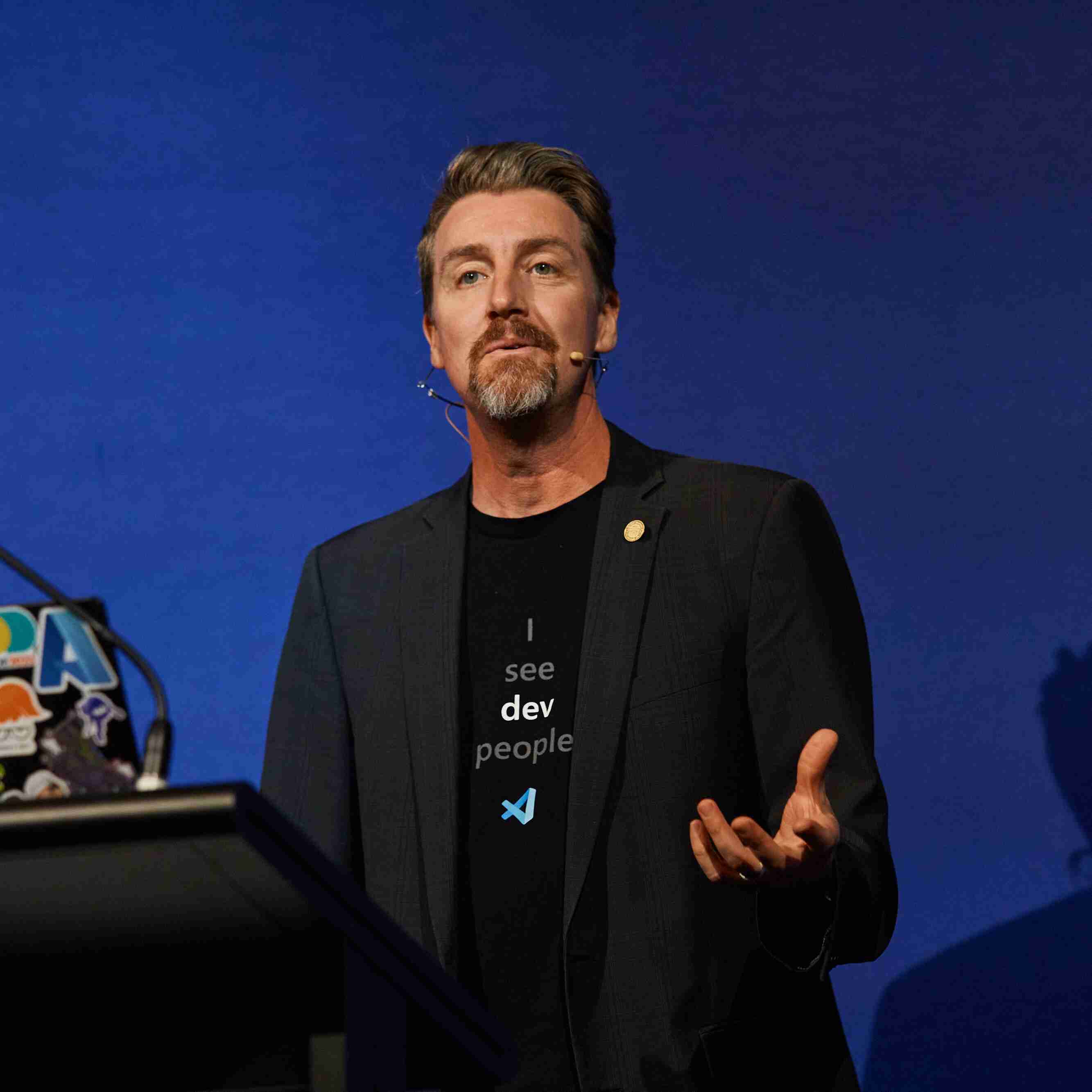
Aaron Powell
Microsoft


AI と最新のテクノロジを使い始める準備はできましたか? Microsoft Reactor は、開発者、起業家、スタートアップ企業が AI テクノロジなどを構築するのに役立つイベント、トレーニング、コミュニティ リソースを提供します。 ご参加ください。
AI と最新のテクノロジを使い始める準備はできましたか? Microsoft Reactor は、開発者、起業家、スタートアップ企業が AI テクノロジなどを構築するのに役立つイベント、トレーニング、コミュニティ リソースを提供します。 ご参加ください。
 ライブストリーム
トピック: 開発者ツール
言語: 英語
The GitHub Copilot CLI Hands-On series walks you through the GitHub Copilot CLI for Beginners course and teaches you to use GitHub Copilot CLI for real development work, all from the terminal.
You start with what Copilot CLI is and how you can use it, learn basic commands, then build up to custom agents, reusable skills, and connecting to external services through MCP servers. By using Copilot CLI to interact with our provided sample app over the duration of the whole course, you'll learn how to layer the different concepts covered throughout the course in a real-world scenario.
By the end of the 4-part series, you'll have a workflow that takes a feature from idea to merged PR without leaving the command line.
講演者
Aaron Powell
Microsoft
Renee Noble
Microsoft
Dave Glover
Microsoft
常時 - 協定世界時
4月
14
火曜日
2026
GitHub Copilot CLI Hands-On: First Steps, Context, and Conversations
6:00 午前 - 7:00 午前 (UTC)
Chapters Covered: Overview, 01 – First Steps, 02 – Context and Conversations What is GitHub Copilot CLI and how can you get started using it? In this first session you'll get answers to those questions and run your first Copilot CLI commands against a coding project. From there you'll learn about the three interaction modes that are available: Interactive, Plan, and Programmatic. You'll then learn how to give Copilot better context with the @ syntax, work across files and directories, and carry conversations forward across multiple turns and sessions. With the skills you learn in this session, you'll be able to review and summarize existing code with context across multiple files, plan new projects, and generate code and documentation. This is the first of four sessions that walk you through the GitHub Copilot CLI for Beginners course.
ライブストリームトピック: 開発者ツール
言語: 英語
4月
17
金曜日
2026
GitHub Copilot CLI Hands-On: Development Workflows and Specialized AI Assistants
6:00 午前 - 7:00 午前 (UTC)
Chapters Covered: 03 – Development Workflows, 04 – Create Specialized AI Assistants This session moves from understanding Copilot to using it in real development work. You'll apply GitHub Copilot CLI to code review, refactoring, debugging, test generation, and git workflows, then learn how built-in and custom agents can bring more focused expertise to those same tasks. You'll also see how adding your own custom instructions helps Copilot follow your team's standards more consistently. This is the second of four sessions that walk you through the GitHub Copilot CLI for Beginners course.
ライブストリームトピック: 開発者ツール
言語: 英語
4月
21
火曜日
2026
GitHub Copilot CLI Hands-On: Using AI Skills to Automate Repeatable Work
6:00 午前 - 7:00 午前 (UTC)
Chapters Covered: 05 – Automate Repetitive Tasks In this session, you'll learn how to use Copilot CLI to automate repeatable work by using skills - natural language descriptions of workflows and processes. Learn what skills are, where you can access a library of skills to use in your projects, and how skills can be used by Copilot CLI. This is the third of four sessions that walk you through the GitHub Copilot CLI for Beginners course.
ライブストリームトピック: 開発者ツール
言語: 英語
4月
24
金曜日
2026
GitHub Copilot CLI Hands-On: Using MCP to Connect to External Systems
6:00 午前 - 7:00 午前 (UTC)
Chapters Covered: 06 – Connect to GitHub, Databases & APIs In this final session, you'll learn how to use Model Context Protocol (MCP) servers to connect GitHub Copilot CLI to external systems so it can work with GitHub, local files, documentation, databases, APIs, and more from the terminal. You'll learn why MCP matters, how to add an MCP server, and how GitHub Copilot CLI uses that functionality. The sessions will then wrap up with a course review so you leave with a clear picture of how the pieces fit together and how to apply them in your own projects. This is the final session in the series that walks you through the GitHub Copilot CLI for Beginners course.
ライブストリームトピック: 開発者ツール
言語: 英語
常時 - 協定世界時
4月
14
火曜日
2026
GitHub Copilot CLI Hands-On: First Steps, Context, and Conversations
6:00 午前 - 7:00 午前 (UTC)
Chapters Covered: Overview, 01 – First Steps, 02 – Context and Conversations What is GitHub Copilot CLI and how can you get started using it? In this first session you'll get answers to those questions and run your first Copilot CLI commands against a coding project. From there you'll learn about the three interaction modes that are available: Interactive, Plan, and Programmatic. You'll then learn how to give Copilot better context with the @ syntax, work across files and directories, and carry conversations forward across multiple turns and sessions. With the skills you learn in this session, you'll be able to review and summarize existing code with context across multiple files, plan new projects, and generate code and documentation. This is the first of four sessions that walk you through the GitHub Copilot CLI for Beginners course.
ライブストリームトピック: 開発者ツール
言語: 英語
4月
17
金曜日
2026
GitHub Copilot CLI Hands-On: Development Workflows and Specialized AI Assistants
6:00 午前 - 7:00 午前 (UTC)
Chapters Covered: 03 – Development Workflows, 04 – Create Specialized AI Assistants This session moves from understanding Copilot to using it in real development work. You'll apply GitHub Copilot CLI to code review, refactoring, debugging, test generation, and git workflows, then learn how built-in and custom agents can bring more focused expertise to those same tasks. You'll also see how adding your own custom instructions helps Copilot follow your team's standards more consistently. This is the second of four sessions that walk you through the GitHub Copilot CLI for Beginners course.
ライブストリームトピック: 開発者ツール
言語: 英語
4月
21
火曜日
2026
GitHub Copilot CLI Hands-On: Using AI Skills to Automate Repeatable Work
6:00 午前 - 7:00 午前 (UTC)
Chapters Covered: 05 – Automate Repetitive Tasks In this session, you'll learn how to use Copilot CLI to automate repeatable work by using skills - natural language descriptions of workflows and processes. Learn what skills are, where you can access a library of skills to use in your projects, and how skills can be used by Copilot CLI. This is the third of four sessions that walk you through the GitHub Copilot CLI for Beginners course.
ライブストリームトピック: 開発者ツール
言語: 英語
4月
24
金曜日
2026
GitHub Copilot CLI Hands-On: Using MCP to Connect to External Systems
6:00 午前 - 7:00 午前 (UTC)
Chapters Covered: 06 – Connect to GitHub, Databases & APIs In this final session, you'll learn how to use Model Context Protocol (MCP) servers to connect GitHub Copilot CLI to external systems so it can work with GitHub, local files, documentation, databases, APIs, and more from the terminal. You'll learn why MCP matters, how to add an MCP server, and how GitHub Copilot CLI uses that functionality. The sessions will then wrap up with a course review so you leave with a clear picture of how the pieces fit together and how to apply them in your own projects. This is the final session in the series that walks you through the GitHub Copilot CLI for Beginners course.
ライブストリームトピック: 開発者ツール
言語: 英語