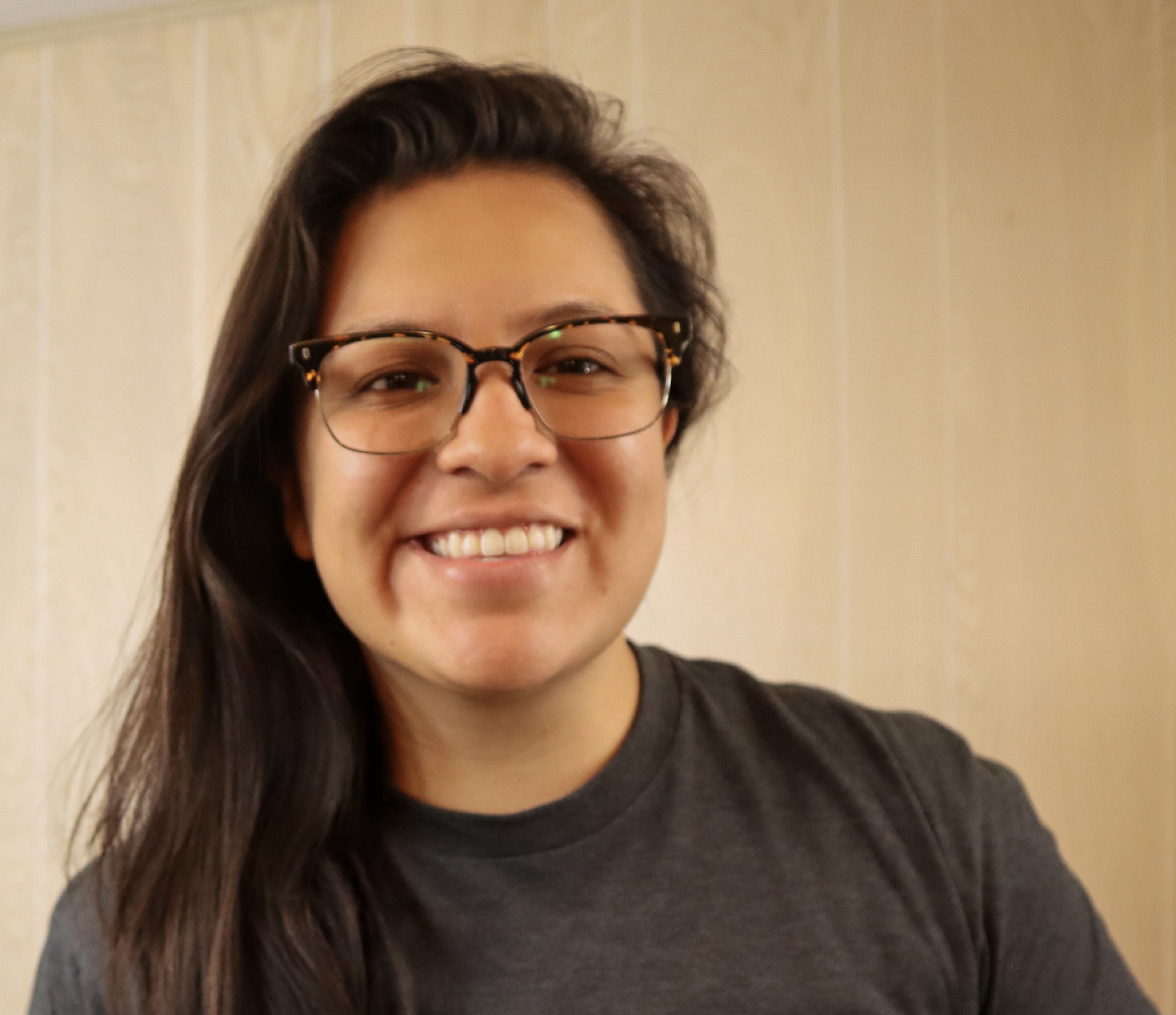
Gwyneth Peña-Siguenza (Español)
Microsoft


LEARN, CONNECT, BUILD
AI 및 최신 기술을 시작할 준비가 되셨나요? Microsoft Reactor는 개발자, 기업가 및 신생 기업이 AI 기술 등을 기반으로 구축하는 데 도움이 되는 이벤트, 교육 및 커뮤니티 리소스를 제공합니다. 참여하세요.
LEARN, CONNECT, BUILD
AI 및 최신 기술을 시작할 준비가 되셨나요? Microsoft Reactor는 개발자, 기업가 및 신생 기업이 AI 기술 등을 기반으로 구축하는 데 도움이 되는 이벤트, 교육 및 커뮤니티 리소스를 제공합니다. 참여하세요.
22 2월, 2023 | 7:00 오후 - 8:00 오후 (UTC) 협정 세계시
 Livestream
항목: 코딩, 언어 및 프레임워크
언어: 영어
The Windows Subsystem for Linux lets developers run a GNU/Linux environment -- including most command-line tools, utilities, and applications -- directly on Windows, unmodified, without the overhead of a traditional virtual machine or dualboot setup. It’s a great way for people of all levels and roles to get experience with Linux without the need for a dedicated and separate machine. In this session we’re going to get you started with WSL. We’ll start by going over how to use Linux commands and work across Windows and Linux file systems. Then we’ll set up a dev environment using WSL and Visual Studio Code, and finally create a website using this environment. If you’re looking to better understand what WSL is and how to use it for development, you don’t want to miss this session.
Prerequisites:
Due to time limitations, I can’t cover installing WSL and a distro, follow these to get ready for the session:
Install WSL: https://aka.ms/Feb22InstallWSL1
Install a Linux distro, I recommend: https://aka.ms/Feb22InstallUbuntu1
스피커
Gwyneth Peña-Siguenza (Español)
Microsoft
아래 이벤트는 사용자에게도 관심이 있을 수 있습니다. 반드시 방문하세요. Reactor 홈페이지 사용 가능한 모든 이벤트를 확인합니다.
서식:
Livestream
항목: 코딩, 언어 및 프레임워크
언어: 영어
서식:
Livestream
항목: 코딩, 언어 및 프레임워크
언어: 영어
서식:
Livestream
항목: 코딩, 언어 및 프레임워크
언어: 영어
이 이벤트는 다음의 일부입니다. How Linux Works and How to leverage it in the Cloud Series.
여기를 클릭하여 시리즈 페이지 방문 예정된 모든 주문형 이벤트를 볼 수 있는 위치입니다.