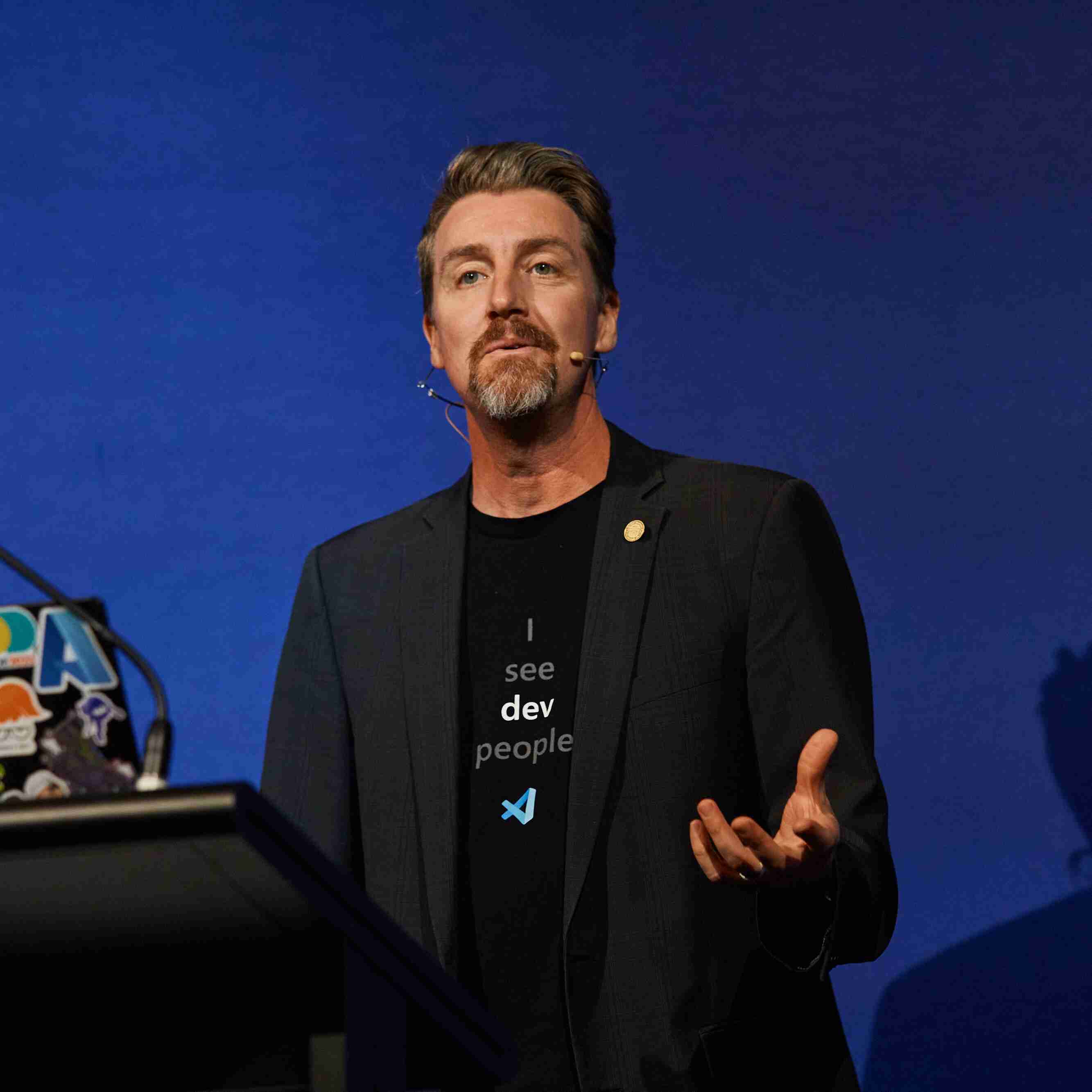
Aaron Powell
Microsoft


4월 14, 2026 | 6:00 - 7:00 오전 (UTC) 협정 세계시
AI 및 최신 기술을 시작할 준비가 되셨나요? Microsoft Reactor는 개발자, 기업가 및 신생 기업이 AI 기술 등을 기반으로 구축하는 데 도움이 되는 이벤트, 교육 및 커뮤니티 리소스를 제공합니다. 참여하세요.
4월 14, 2026 | 6:00 - 7:00 오전 (UTC) 협정 세계시
AI 및 최신 기술을 시작할 준비가 되셨나요? Microsoft Reactor는 개발자, 기업가 및 신생 기업이 AI 기술 등을 기반으로 구축하는 데 도움이 되는 이벤트, 교육 및 커뮤니티 리소스를 제공합니다. 참여하세요.
4월 14, 2026 | 6:00 - 7:00 오전 (UTC) 협정 세계시
 Livestream
항목: 개발자 도구
언어: 영어
Chapters Covered: Overview, 01 – First Steps, 02 – Context and Conversations
What is GitHub Copilot CLI and how can you get started using it?
In this first session you'll get answers to those questions and run your first Copilot CLI commands against a coding project. From there you'll learn about the three interaction modes that are available: Interactive, Plan, and Programmatic. You'll then learn how to give Copilot better context with the @ syntax, work across files and directories, and carry conversations forward across multiple turns and sessions.
With the skills you learn in this session, you'll be able to review and summarize existing code with context across multiple files, plan new projects, and generate code and documentation.
This is the first of four sessions that walk you through the GitHub Copilot CLI for Beginners course.
Complete Chapter 00 of the course to install GitHub Copilot CLI and sign in.
스피커
Aaron Powell
Microsoft
Renee Noble
Microsoft
아래 이벤트는 사용자에게도 관심이 있을 수 있습니다. 반드시 방문하세요. Reactor 홈페이지 사용 가능한 모든 이벤트를 확인합니다.
서식:
Livestream
항목: 개발자 도구
언어: 영어
서식:
Livestream
항목: 개발자 도구
언어: 영어
이 이벤트는 다음의 일부입니다. GitHub Copilot CLI Hands-On | APAC Series.
여기를 클릭하여 시리즈 페이지 방문 예정된 모든 주문형 이벤트를 볼 수 있는 위치입니다.