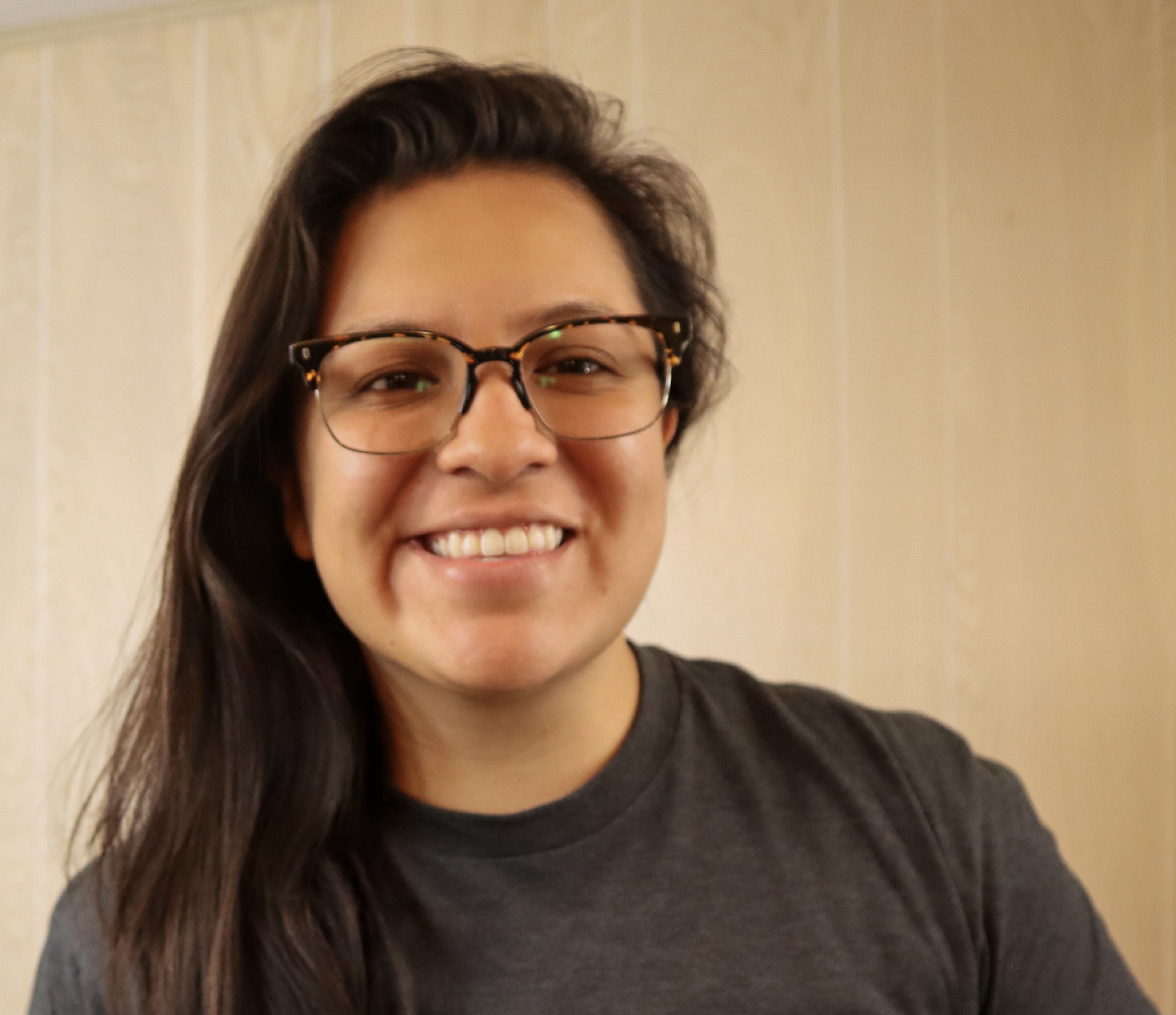
Gwyneth Peña-Siguenza (Español)
Microsoft


februari 22, 2023 | 7:00 - 8:00 em (UTC) Koordinerad universell tid
Är du redo att komma igång med AI och de senaste teknikerna? Microsoft Reactor tillhandahåller evenemang, utbildning och communityresurser som hjälper utvecklare, entreprenörer och nystartade företag att bygga vidare på AI-teknik med mera. Följ med!
februari 22, 2023 | 7:00 - 8:00 em (UTC) Koordinerad universell tid
Är du redo att komma igång med AI och de senaste teknikerna? Microsoft Reactor tillhandahåller evenemang, utbildning och communityresurser som hjälper utvecklare, entreprenörer och nystartade företag att bygga vidare på AI-teknik med mera. Följ med!
februari 22, 2023 | 7:00 - 8:00 em (UTC) Koordinerad universell tid
 Livestream
Område: Kodning, språk och ramverk
Språk: Engelska
The Windows Subsystem for Linux lets developers run a GNU/Linux environment -- including most command-line tools, utilities, and applications -- directly on Windows, unmodified, without the overhead of a traditional virtual machine or dualboot setup. It’s a great way for people of all levels and roles to get experience with Linux without the need for a dedicated and separate machine. In this session we’re going to get you started with WSL. We’ll start by going over how to use Linux commands and work across Windows and Linux file systems. Then we’ll set up a dev environment using WSL and Visual Studio Code, and finally create a website using this environment. If you’re looking to better understand what WSL is and how to use it for development, you don’t want to miss this session.
Prerequisites:
Due to time limitations, I can’t cover installing WSL and a distro, follow these to get ready for the session:
Install WSL: https://aka.ms/Feb22InstallWSL1
Install a Linux distro, I recommend: https://aka.ms/Feb22InstallUbuntu1
Talare
Gwyneth Peña-Siguenza (Español)
Microsoft
Den här händelsen är en del av How Linux Works and How to leverage it in the Cloud Series.
Klicka här för att besök seriesidan där du kan se alla kommande händelser och händelser på begäran.