
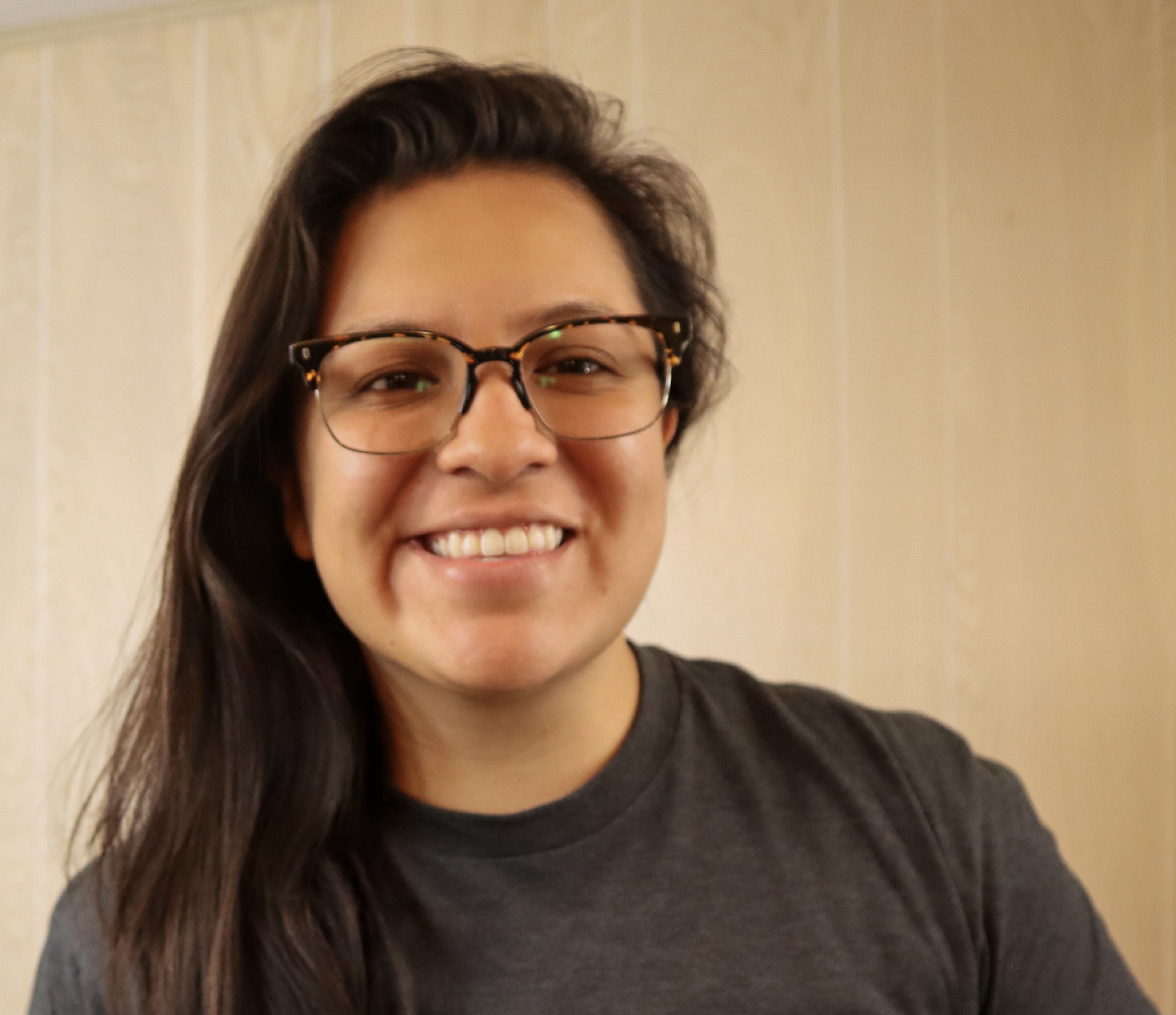
Gwyneth Peña-Siguenza (Español)
Microsoft


เรียนรู้ เชื่อมต่อ สร้าง
พร้อมที่จะเริ่มต้นใช้งาน AI และเทคโนโลยีล่าสุดหรือไม่ Microsoft Reactor มีกิจกรรม การฝึกอบรม และทรัพยากรของชุมชนเพื่อช่วยเหลือนักพัฒนา ผู้ประกอบการ และสตาร์ทอัพที่สร้างขึ้นบนเทคโนโลยี AI และอื่น ๆ เข้าร่วมกับเรา!
เรียนรู้ เชื่อมต่อ สร้าง
พร้อมที่จะเริ่มต้นใช้งาน AI และเทคโนโลยีล่าสุดหรือไม่ Microsoft Reactor มีกิจกรรม การฝึกอบรม และทรัพยากรของชุมชนเพื่อช่วยเหลือนักพัฒนา ผู้ประกอบการ และสตาร์ทอัพที่สร้างขึ้นบนเทคโนโลยี AI และอื่น ๆ เข้าร่วมกับเรา!
22 กุมภาพันธ์, 2566 | 7:00 หลังเที่ยง - 8:00 หลังเที่ยง (UTC) เวลามาตรฐานสากล
 Livestream
หัวข้อ: การเขียนโค้ด ภาษา และเฟรมเวิร์ก
ภาษา: ภาษาอังกฤษ
The Windows Subsystem for Linux lets developers run a GNU/Linux environment -- including most command-line tools, utilities, and applications -- directly on Windows, unmodified, without the overhead of a traditional virtual machine or dualboot setup. It’s a great way for people of all levels and roles to get experience with Linux without the need for a dedicated and separate machine. In this session we’re going to get you started with WSL. We’ll start by going over how to use Linux commands and work across Windows and Linux file systems. Then we’ll set up a dev environment using WSL and Visual Studio Code, and finally create a website using this environment. If you’re looking to better understand what WSL is and how to use it for development, you don’t want to miss this session.
Prerequisites:
Due to time limitations, I can’t cover installing WSL and a distro, follow these to get ready for the session:
Install WSL: https://aka.ms/Feb22InstallWSL1
Install a Linux distro, I recommend: https://aka.ms/Feb22InstallUbuntu1
ผู้พูด
Gwyneth Peña-Siguenza (Español)
Microsoft
กิจกรรมด้านล่างนี้อาจน่าสนใจสําหรับคุณเช่นกัน อย่าลืมเยี่ยมชมของเรา หน้าแรกของ Reactor เพื่อดูเหตุการณ์ที่พร้อมใช้งานทั้งหมด
รูปแบบ:
Livestream
หัวข้อ: การเขียนโค้ด ภาษา และเฟรมเวิร์ก
ภาษา: ภาษาอังกฤษ
รูปแบบ:
Livestream
หัวข้อ: การเขียนโค้ด ภาษา และเฟรมเวิร์ก
ภาษา: ภาษาอังกฤษ
รูปแบบ:
Livestream
หัวข้อ: การเขียนโค้ด ภาษา และเฟรมเวิร์ก
ภาษา: ภาษาอังกฤษ
เหตุการณ์นี้เป็นส่วนหนึ่งของ How Linux Works and How to leverage it in the Cloud Series.
คลิกที่นี่เพื่อ เยี่ยมชมหน้าชุดข้อมูล ซึ่งคุณสามารถดูเหตุการณ์ที่จะเกิดขึ้นและตามความต้องการทั้งหมด