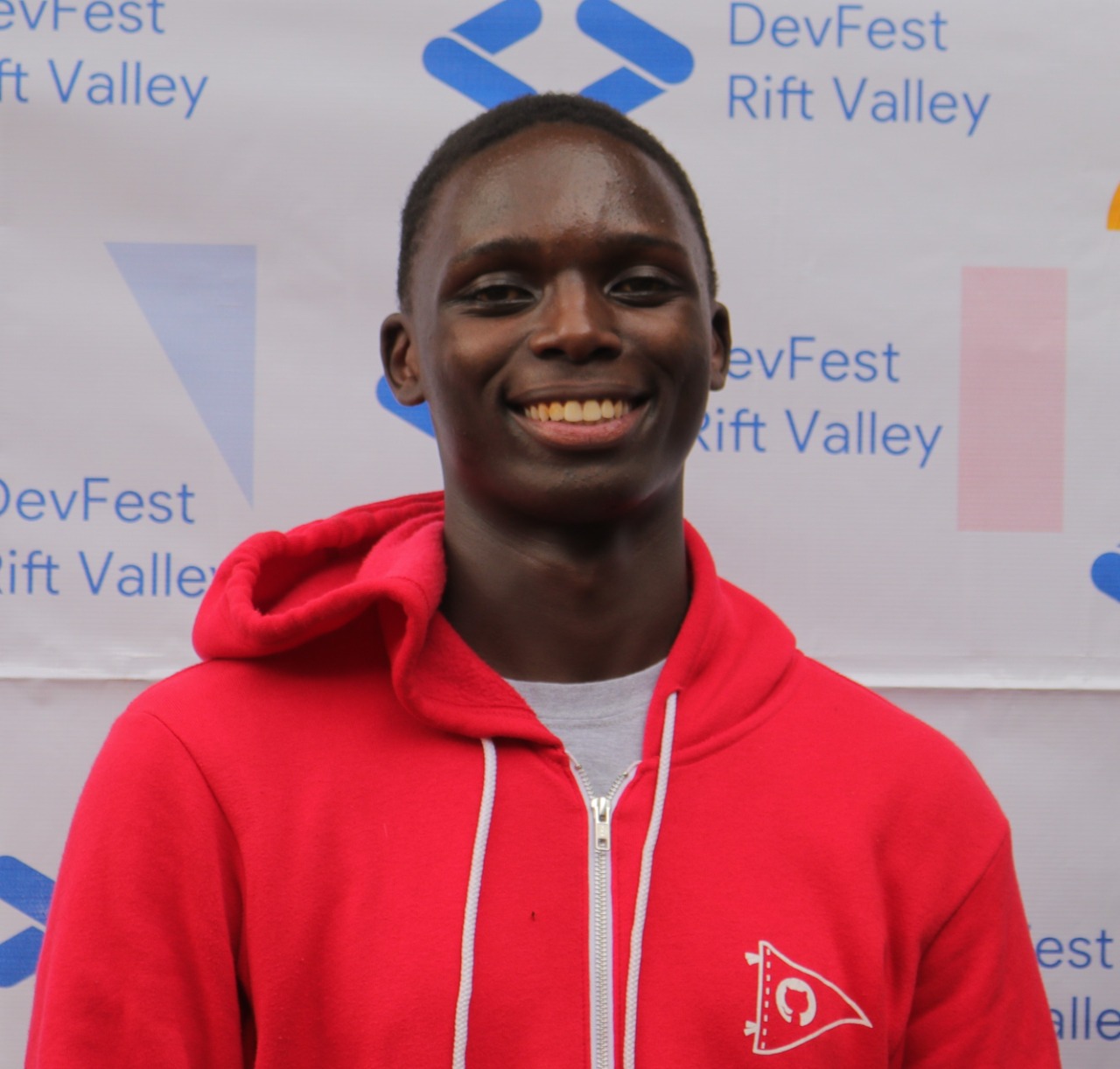
Clifford Ouma
GitHub Campus Expert


พร้อมที่จะเริ่มต้นใช้งาน AI และเทคโนโลยีล่าสุดหรือไม่ Microsoft Reactor มีกิจกรรม การฝึกอบรม และทรัพยากรของชุมชนเพื่อช่วยเหลือนักพัฒนา ผู้ประกอบการ และสตาร์ทอัพที่สร้างขึ้นบนเทคโนโลยี AI และอื่น ๆ เข้าร่วมกับเรา!
พร้อมที่จะเริ่มต้นใช้งาน AI และเทคโนโลยีล่าสุดหรือไม่ Microsoft Reactor มีกิจกรรม การฝึกอบรม และทรัพยากรของชุมชนเพื่อช่วยเหลือนักพัฒนา ผู้ประกอบการ และสตาร์ทอัพที่สร้างขึ้นบนเทคโนโลยี AI และอื่น ๆ เข้าร่วมกับเรา!
 Livestream
หัวข้อ: การเขียนโค้ด ภาษา และเฟรมเวิร์ก
ภาษา: ภาษาอังกฤษ
Kindly visit here for more details on your onboarding: https://aka.ms/GitHub4Me
GitHub is not only for programmers, Data Analyst and Power Platform Develpers too can leverage it for many purposes.
In this series, we will help you leverage GitHub for proper documentation and showcasing of your projects.
ผู้พูด
Clifford Ouma
GitHub Campus Expert
Olanrewaju Oyinbooke
Microsoft
Gbenga Obikoya
Student
Ayotunde Ayoola
Stringify
เวลาทั้งหมดใน - เวลามาตรฐานสากล
ก.พ.
27
วันจันทร์
2566
GitHub for Data Analysts and Power Platform Developers
1:00 หลังเที่ยง - 2:00 หลังเที่ยง (UTC)
What is the session about? This session will cover the basics of GitHub, how to set-up an account and edit their GitHub Profile. Topics to be Covered • What is GitHub • What is GitHub for Student Developer Pack and how to activate it • How to setup a GitHub Account • Create a Repository for your Personal Profile • Markdown Basics Connect to GitHub Account from Visual Studio Code Who is it aimed at? This session is for students, early career and professionals who is interested in learning more about GitHub and how to leverage it for documenting and showcasing their projects. If you are a Data Analyst and Power Platform Developer and interest in how to use GitHub, this session is for you. Why should members attend? Attend this session can help you hit the next milestones in your growth journey. Being able to properly document and showcase your project will boost your confidence on how to show impact through projects. More learning/prerequisites: To follow along, you need to have a project to showcase. We have some project challenges created for you. Check them here https://aka.ms/GitHub4MeSeries
Livestreamหัวข้อ: การเขียนโค้ด ภาษา และเฟรมเวิร์ก
ภาษา: ภาษาอังกฤษ
มี.ค.
01
วันพุธ
2566
Documenting Data Analysis Projects on GitHub
1:00 หลังเที่ยง - 2:00 หลังเที่ยง (UTC)
What is the session about? This session will focus on how Data Analyst can properly document their Power BI Report + MS Excel Dashboard projects on GitHub. Topics to be Covered • Create a Repository with ReadMe file for your project • Editing ReadMe file for project documentation • Add necessary links to your documentation • Add images to your documentation • Upload your code or file to the code session Who is it aimed at? This session is for students, early career and professionals who is interested in learning more about GitHub and how to leverage it for documenting and showcasing their projects. If you are a Data Analyst and Power Platform Developer and interest in how to use GitHub, this session is for you. Why should members attend? Attend this session can help you hit the next milestones in your growth journey. Being able to properly document and showcase your project will boost your confidence on how to show impact through projects. More learning/prerequisites: To follow along, you need to have a project to showcase. We have some project challenges created for you. Check them here https://aka.ms/GitHub4MeSeries
Livestreamหัวข้อ: การเขียนโค้ด ภาษา และเฟรมเวิร์ก
ภาษา: ภาษาอังกฤษ
มี.ค.
03
วันศุกร์
2566
Documenting Power Platform Projects on GitHub
1:00 หลังเที่ยง - 2:00 หลังเที่ยง (UTC)
What is the session about? This session will focus on how Data Analyst can properly document their Power BI Report + MS Excel Dashboard projects on GitHub. Topics to be Covered • Create a Repository with ReadMe file for your project • Editing ReadMe file for project documentation • Add necessary links to your documentation • Add images to your documentation • Upload your code or file to the code session Who is it aimed at? This session is for students, early career and professionals who is interested in learning more about GitHub and how to leverage it for documenting and showcasing their projects. If you are a Data Analyst and Power Platform Developer and interest in how to use GitHub, this session is for you. Why should members attend? Attend this session can help you hit the next milestones in your growth journey. Being able to properly document and showcase your project will boost your confidence on how to show impact through projects. More learning/prerequisites: To follow along, you need to have a project to showcase. We have some project challenges created for you. Check them here: https://aka.ms/GitHub4MeSeries
Livestreamหัวข้อ: การเขียนโค้ด ภาษา และเฟรมเวิร์ก
ภาษา: ภาษาอังกฤษ
เวลาทั้งหมดใน - เวลามาตรฐานสากล
ก.พ.
27
วันจันทร์
2566
GitHub for Data Analysts and Power Platform Developers
1:00 หลังเที่ยง - 2:00 หลังเที่ยง (UTC)
What is the session about? This session will cover the basics of GitHub, how to set-up an account and edit their GitHub Profile. Topics to be Covered • What is GitHub • What is GitHub for Student Developer Pack and how to activate it • How to setup a GitHub Account • Create a Repository for your Personal Profile • Markdown Basics Connect to GitHub Account from Visual Studio Code Who is it aimed at? This session is for students, early career and professionals who is interested in learning more about GitHub and how to leverage it for documenting and showcasing their projects. If you are a Data Analyst and Power Platform Developer and interest in how to use GitHub, this session is for you. Why should members attend? Attend this session can help you hit the next milestones in your growth journey. Being able to properly document and showcase your project will boost your confidence on how to show impact through projects. More learning/prerequisites: To follow along, you need to have a project to showcase. We have some project challenges created for you. Check them here https://aka.ms/GitHub4MeSeries
Livestreamหัวข้อ: การเขียนโค้ด ภาษา และเฟรมเวิร์ก
ภาษา: ภาษาอังกฤษ
มี.ค.
01
วันพุธ
2566
Documenting Data Analysis Projects on GitHub
1:00 หลังเที่ยง - 2:00 หลังเที่ยง (UTC)
What is the session about? This session will focus on how Data Analyst can properly document their Power BI Report + MS Excel Dashboard projects on GitHub. Topics to be Covered • Create a Repository with ReadMe file for your project • Editing ReadMe file for project documentation • Add necessary links to your documentation • Add images to your documentation • Upload your code or file to the code session Who is it aimed at? This session is for students, early career and professionals who is interested in learning more about GitHub and how to leverage it for documenting and showcasing their projects. If you are a Data Analyst and Power Platform Developer and interest in how to use GitHub, this session is for you. Why should members attend? Attend this session can help you hit the next milestones in your growth journey. Being able to properly document and showcase your project will boost your confidence on how to show impact through projects. More learning/prerequisites: To follow along, you need to have a project to showcase. We have some project challenges created for you. Check them here https://aka.ms/GitHub4MeSeries
Livestreamหัวข้อ: การเขียนโค้ด ภาษา และเฟรมเวิร์ก
ภาษา: ภาษาอังกฤษ
มี.ค.
03
วันศุกร์
2566
Documenting Power Platform Projects on GitHub
1:00 หลังเที่ยง - 2:00 หลังเที่ยง (UTC)
What is the session about? This session will focus on how Data Analyst can properly document their Power BI Report + MS Excel Dashboard projects on GitHub. Topics to be Covered • Create a Repository with ReadMe file for your project • Editing ReadMe file for project documentation • Add necessary links to your documentation • Add images to your documentation • Upload your code or file to the code session Who is it aimed at? This session is for students, early career and professionals who is interested in learning more about GitHub and how to leverage it for documenting and showcasing their projects. If you are a Data Analyst and Power Platform Developer and interest in how to use GitHub, this session is for you. Why should members attend? Attend this session can help you hit the next milestones in your growth journey. Being able to properly document and showcase your project will boost your confidence on how to show impact through projects. More learning/prerequisites: To follow along, you need to have a project to showcase. We have some project challenges created for you. Check them here: https://aka.ms/GitHub4MeSeries
Livestreamหัวข้อ: การเขียนโค้ด ภาษา และเฟรมเวิร์ก
ภาษา: ภาษาอังกฤษ