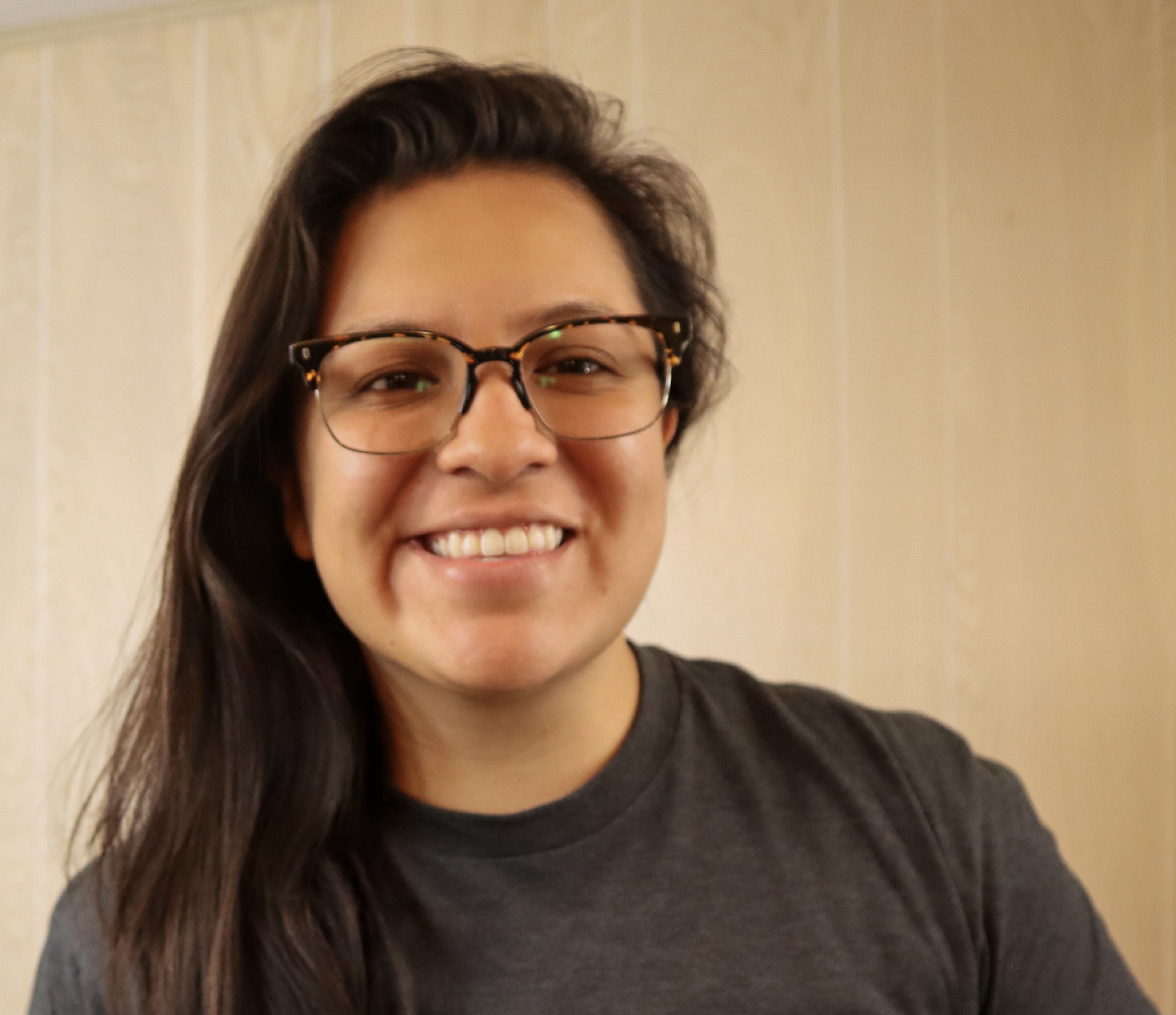
Gwyneth Peña-Siguenza (Español)
Microsoft



Microsoft Build 2026
Go deep on real code and real systems at Microsoft Build
LEARN, CONNECT, BUILD
Yapay zeka ve en son teknolojileri kullanmaya başlamaya hazır mısınız? Microsoft Reactor geliştiricilerin, girişimcilerin ve startup''ların yapay zeka teknolojisi ve daha fazlasını geliştirmesine yardımcı olmak için etkinlikler, eğitimler ve topluluk kaynakları sağlar. Bize katılın!
LEARN, CONNECT, BUILD
Yapay zeka ve en son teknolojileri kullanmaya başlamaya hazır mısınız? Microsoft Reactor geliştiricilerin, girişimcilerin ve startup''ların yapay zeka teknolojisi ve daha fazlasını geliştirmesine yardımcı olmak için etkinlikler, eğitimler ve topluluk kaynakları sağlar. Bize katılın!
22 Şubat, 2023 | 7:00 ÖS - 8:00 ÖS (UTC) Eşgüdümlü Evrensel Saat
 Canlı akış
Konu: Kodlama, Diller ve Çerçeveler
Dil: İngilizce
The Windows Subsystem for Linux lets developers run a GNU/Linux environment -- including most command-line tools, utilities, and applications -- directly on Windows, unmodified, without the overhead of a traditional virtual machine or dualboot setup. It’s a great way for people of all levels and roles to get experience with Linux without the need for a dedicated and separate machine. In this session we’re going to get you started with WSL. We’ll start by going over how to use Linux commands and work across Windows and Linux file systems. Then we’ll set up a dev environment using WSL and Visual Studio Code, and finally create a website using this environment. If you’re looking to better understand what WSL is and how to use it for development, you don’t want to miss this session.
Prerequisites:
Due to time limitations, I can’t cover installing WSL and a distro, follow these to get ready for the session:
Install WSL: https://aka.ms/Feb22InstallWSL1
Install a Linux distro, I recommend: https://aka.ms/Feb22InstallUbuntu1
Konuşmacılar
Gwyneth Peña-Siguenza (Español)
Microsoft
Aşağıdaki olaylar da ilginizi çekebilir. Ziyaret etmeye emin olun Reactor giriş sayfası tüm kullanılabilir olayları görmek için.
Biçimlendir:
Canlı akış
Konu: Kodlama, Diller ve Çerçeveler
Dil: İngilizce
Biçimlendir:
Canlı akış
Konu: Kodlama, Diller ve Çerçeveler
Dil: İngilizce
Biçimlendir:
Canlı akış
Konu: Kodlama, Diller ve Çerçeveler
Dil: İngilizce
Bu olay, How Linux Works and How to leverage it in the Cloud Series.
Şuraya tıklayın: SeriLer Sayfasını ziyaret edin burada yaklaşan ve isteğe bağlı tüm olayları görebilirsiniz.