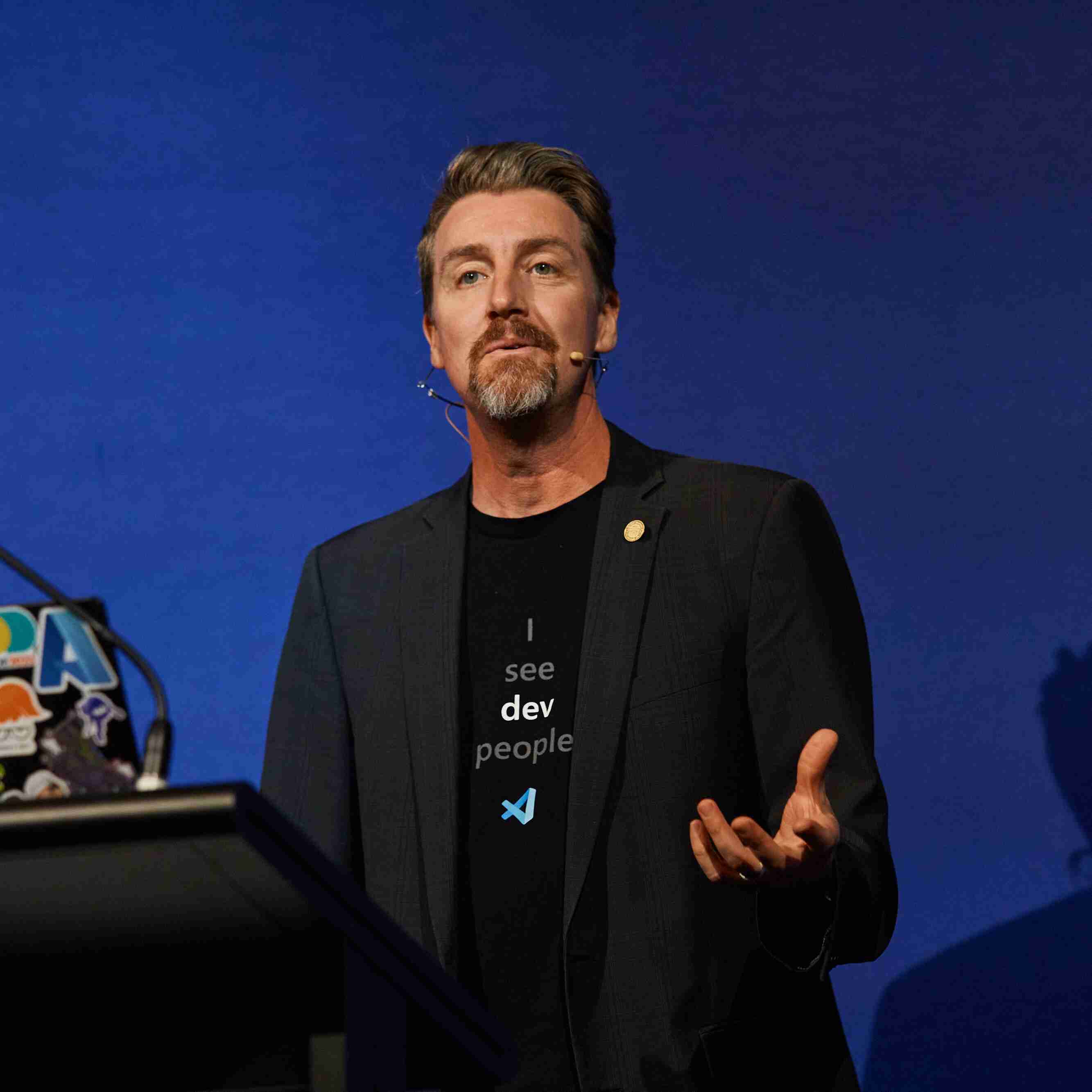
Aaron Powell
Microsoft


四月 14, 2026 | 6:00 - 7:00 上午 (UTC) 协调世界时
准备好开始使用 AI 和最新技术了吗? Microsoft Reactor 提供活动、培训和社区资源,帮助开发人员、企业家和初创公司利用 AI 技术等。 快加入我们吧!
四月 14, 2026 | 6:00 - 7:00 上午 (UTC) 协调世界时
准备好开始使用 AI 和最新技术了吗? Microsoft Reactor 提供活动、培训和社区资源,帮助开发人员、企业家和初创公司利用 AI 技术等。 快加入我们吧!
四月 14, 2026 | 6:00 - 7:00 上午 (UTC) 协调世界时
 直播
直播主题: 开发人员工具
语言: 英语
Chapters Covered: Overview, 01 – First Steps, 02 – Context and Conversations
What is GitHub Copilot CLI and how can you get started using it?
In this first session you'll get answers to those questions and run your first Copilot CLI commands against a coding project. From there you'll learn about the three interaction modes that are available: Interactive, Plan, and Programmatic. You'll then learn how to give Copilot better context with the @ syntax, work across files and directories, and carry conversations forward across multiple turns and sessions.
With the skills you learn in this session, you'll be able to review and summarize existing code with context across multiple files, plan new projects, and generate code and documentation.
This is the first of four sessions that walk you through the GitHub Copilot CLI for Beginners course.
Complete Chapter 00 of the course to install GitHub Copilot CLI and sign in.
主讲人
Aaron Powell
Microsoft
Renee Noble
Microsoft
此活动属于 GitHub Copilot CLI Hands-On | APAC Series.
单击此处 访问“系列”页 可在此处查看所有即将举办的活动和点播活动。