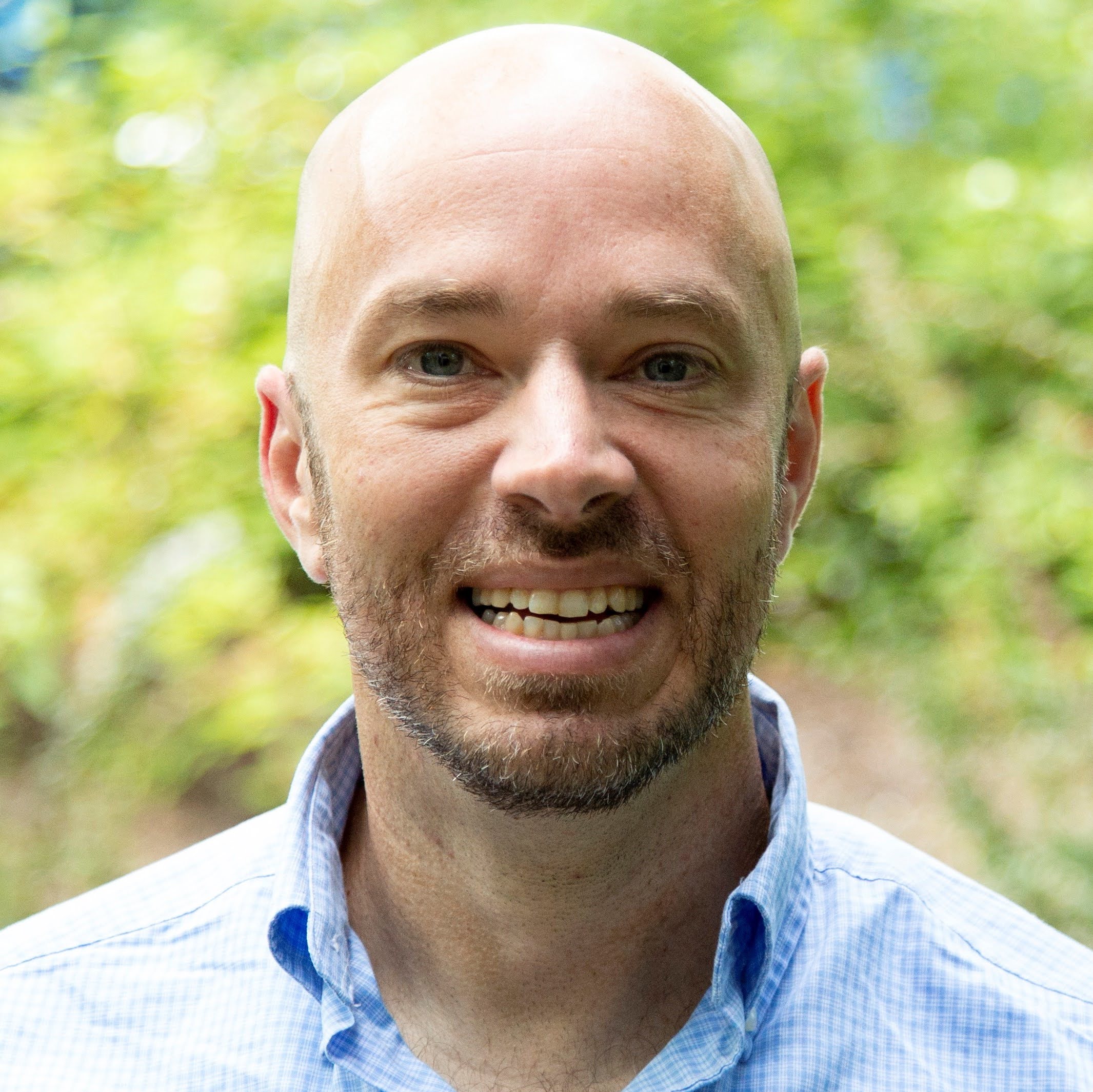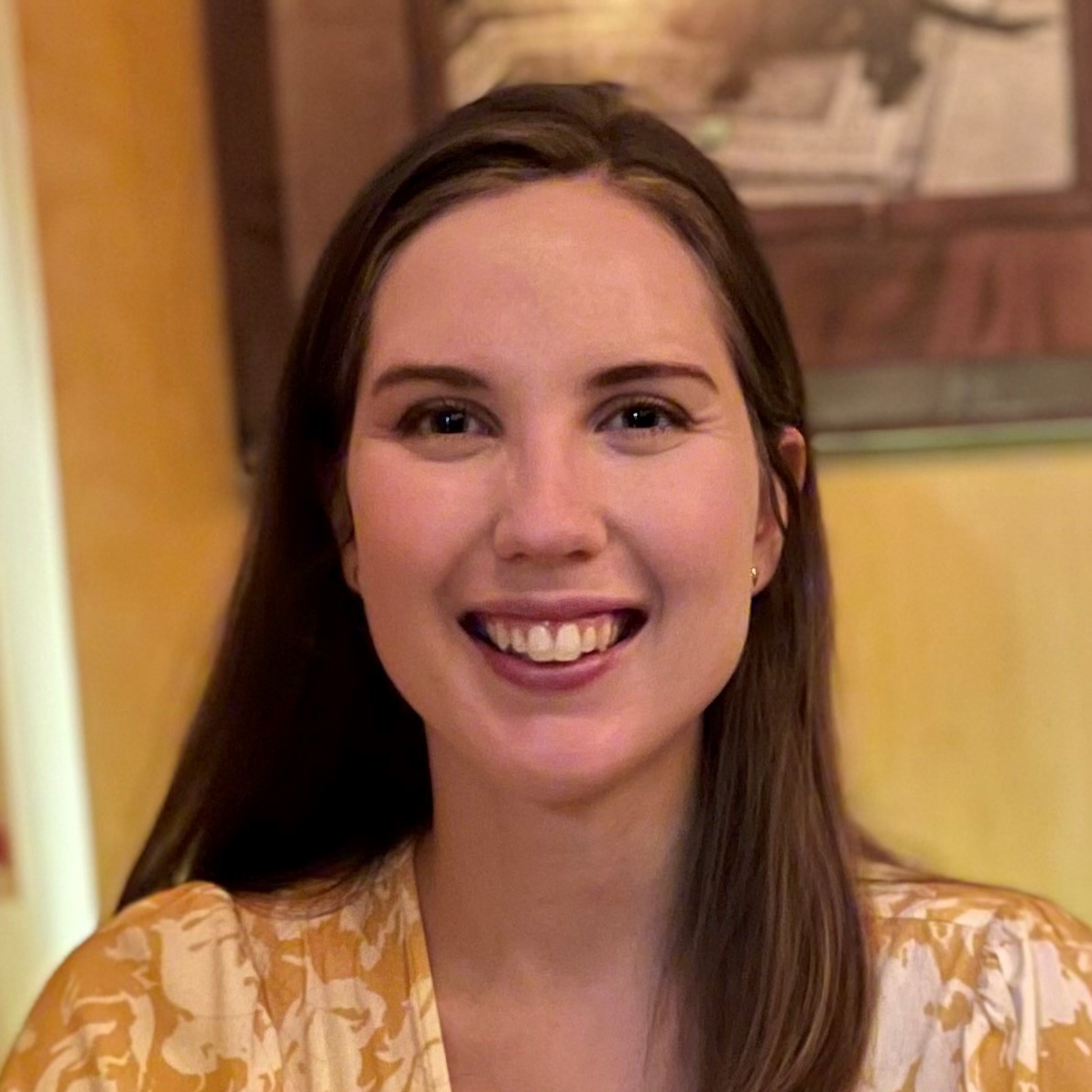
Alex Weininger
Microsoft


LEARN, CONNECT, BUILD
Ready to get started with AI and the latest technologies? Microsoft Reactor provides events, training, and community resources to help developers, entrepreneurs and startups build on AI technology and more. Join us!
LEARN, CONNECT, BUILD
Ready to get started with AI and the latest technologies? Microsoft Reactor provides events, training, and community resources to help developers, entrepreneurs and startups build on AI technology and more. Join us!
19 February, 2026 | 4:00 PM - 8:00 PM (UTC) Coordinated Universal Time
 Livestream
Topic: DevOps
Language: English
Join us for VS Code Live: Agent Sessions Day on Feb 19th: a global virtual event celebrating how Visual Studio Code continues to evolve as the world’s most loved editor, now redefined with AI. Join the product team for live demos showing how VS Code enables agentic development while staying true to its core values: open, extensible, and deeply community‑driven. See how developers are using agents, customizable workflows, and open integrations to build smarter.
| Session | Description | Speaker(s) |
|---|---|---|
| Welcome & Agent HQ Vision | Welcome to VS Code Live: Agent Sessions Day! | Kyle Daigle |
| Keynote | VS Code has evolved into the unified home for multi-agent development—where developers delegate, orchestrate, and collaborate with AI agents across local, background, and cloud environments. This keynote demo will showcase how the latest updates make working with multiple agents seamless, powerful, and secure. | Harald Kirschner |
| How VS Code Builds with AI | The VS Code team uses agents every day to build and improve the editor. Hear firsthand how we integrate AI into our development workflow, what we've learned about working alongside agents, and how feedback from our own usage shapes the features you use today. | Pierce Boggan, Peng Lyu |
| A Unified Agent Experience | VS Code has become the unified interface for all your coding agents. Learn how to manage local, background, and cloud agent sessions from a single view. We'll dive into cloud agents—including Claude and Codex—and show how to delegate tasks to remote infrastructure, collaborate with your team through PRs, and leverage partner agents under your GitHub Copilot subscription. | Josh Spicer |
| Extend Agents with MCP | MCP Apps let tool calls return interactive UI components that render directly in chat—dashboards, forms, visualizations, and multi-step workflows. Discover how this first official MCP extension creates richer human-agent collaboration. We'll also cover the latest MCP updates in VS Code. | Connor Peet |
| The Browser in your Editor | The new integrated browser lets you preview and inspect sites directly inside VS Code—complete with DevTools, authentication support, and the ability to select page elements as AI chat context. See how it streamlines your inner dev loop and enables agents to work more effectively with web applications. | Joaquin Ruales, Justin Chen, Kyle Cutler |
| Bring your own model in VS Code | VS Code supports using your own API keys and custom model providers alongside GitHub Copilot. Learn how to configure BYOK models and how local agents can leverage models from other providers to empower developer choice. | Sandeeep Somavarapu |
| How we ship models | Shipping the right AI model for each task requires a lot of testing and evaluation. Get an inside look at how the VS Code and Copilot teams assess model quality, decide when to roll out updates, and balance capability with reliability. | Julia Kasper |
| Customize your agents | Turn GitHub Copilot in VS Code into a specialized AI teammate with custom agents, Agent Skills, and MCP integrations. We'll show you how to build agents for specific roles and wire them together with handoffs to create guided workflows. Walk away with practical patterns for making Copilot work the way your team works. | Courtney Webster |
| Copilot CLI in VS Code | The Copilot CLI brings powerful AI assistance directly to your terminal. And now, VS Code connects seamlessly with the CLI—track sessions, view progress, and switch between terminal and editor without losing context. See how the two work together to give you Copilot wherever you prefer to code. | Alex Weininger |
| Best Practices for Agentic Coding | After live coding an app all through the event, Burke and Pierce will share their tips and best practices for how you can get started with the power of multi-agent development in VS Code. | Burke Holland, Pierce Boggan |
| Closing Message | Thank you for joining us for VS Code Live: Agent Sessions Day! | Kai Maetzel, James Montemagno |
Speakers
Alex Weininger
Microsoft
Burke Holland
Microsoft - Cloud Advocate
Connor Peet
Microsoft
Courtney Webster
Microsoft
Harald Kirschner
Microsoft
James Montemagno
Microsoft
Joaquin Ruales
Microsoft
Josh Spicer
Microsoft
Julia Kasper
Microsoft
Justin Chen
Microsoft
Kai Maetzel
Microsoft
Kyle Cutler
Microsoft
Kyle Daigle
GitHub
Peng Lyu
Microsoft
Pierce Boggan
Microsoft
Sandeeep Somavarapu
Microsoft
Olivia Guzzardo McVicker
Microsoft
The events below may be of interest to you as well. Be sure to visit our Reactor homepage to see all available events.
Format:
Livestream
Topic: DevOps
Language: English
Format:
Livestream
Topic: DevOps
Language: English
Format:
Livestream
Topic: DevOps
Language: English
This event is part of the VS Code Live Series.
Click here to visit the Series Page where you could see all the upcoming and on-demand events.