


Créez des applications Windows natives avec WinUI
Créez des expériences de bureau modernes avec WinUI 3, le SDK Windows App et les outils que vous utilisez déjà avec C# ou C++.
Des applications natives qui s’intègrent naturellement à Windows
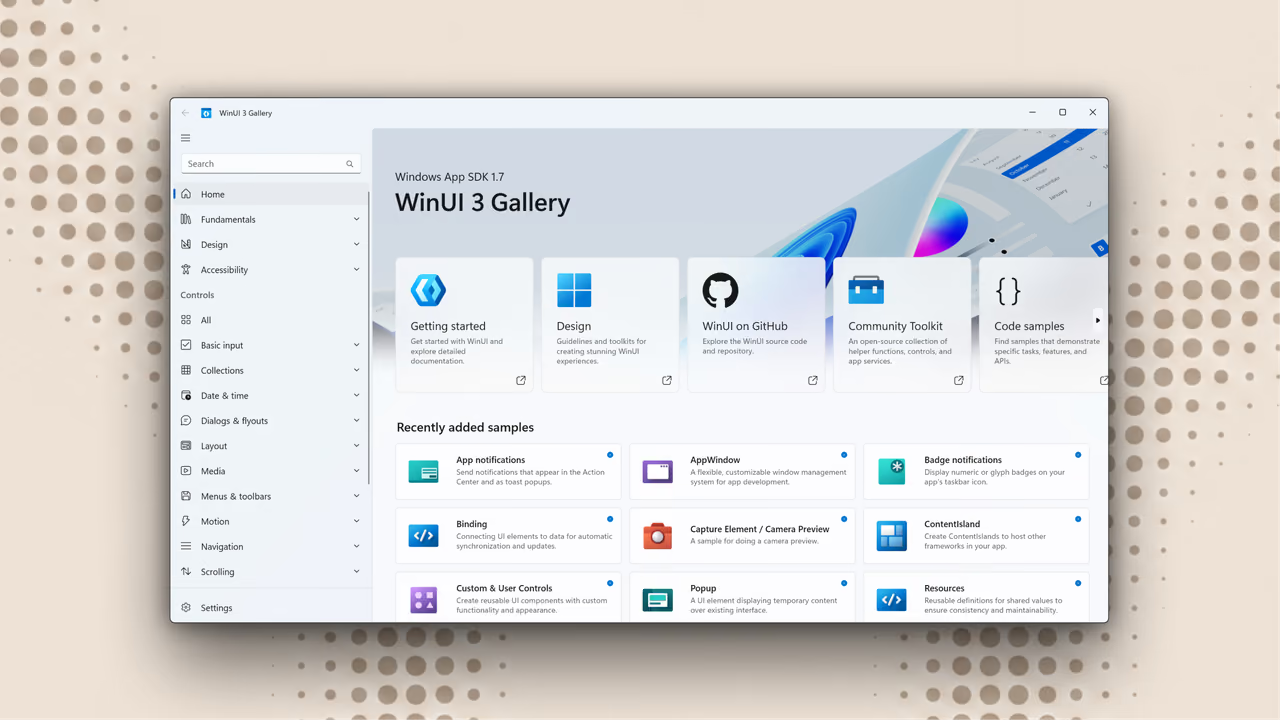
WinUI est le framework d’interface utilisateur moderne pour Windows. Utilisez-le avec C# ou C++ pour créer des applications qui offrent l’apparence et l’expérience de Windows.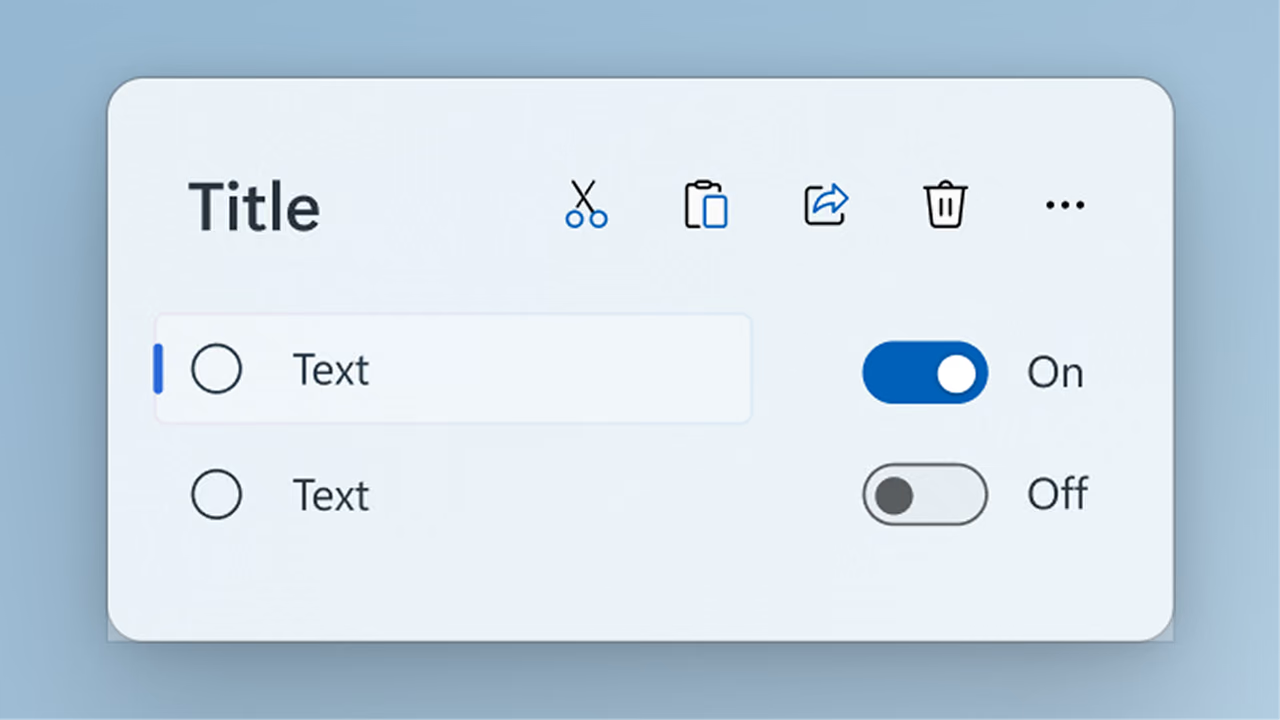


L’interface utilisateur derrière Windows et votre prochaine application
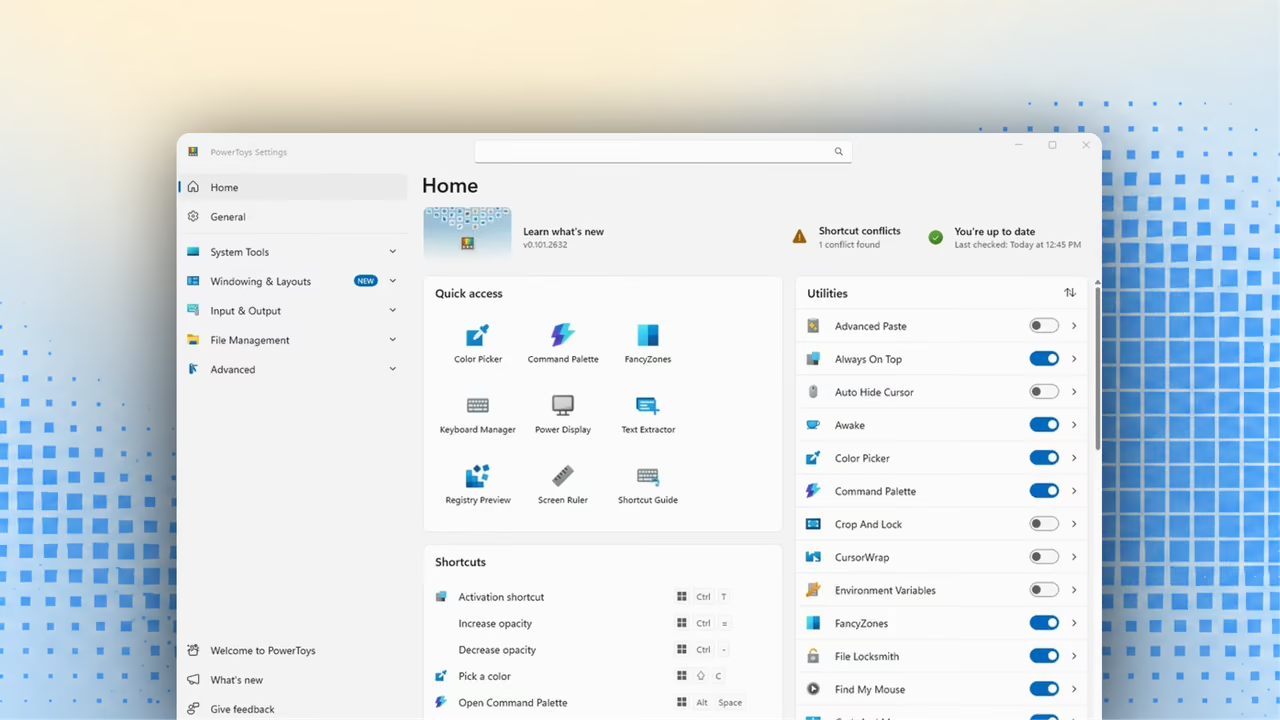
WinUI alimente les expériences offertes dans Windows et de nombreuses applications intégrées. Découvrez la plateforme en action, puis explorez les applications Microsoft open source et leur code fonctionnel.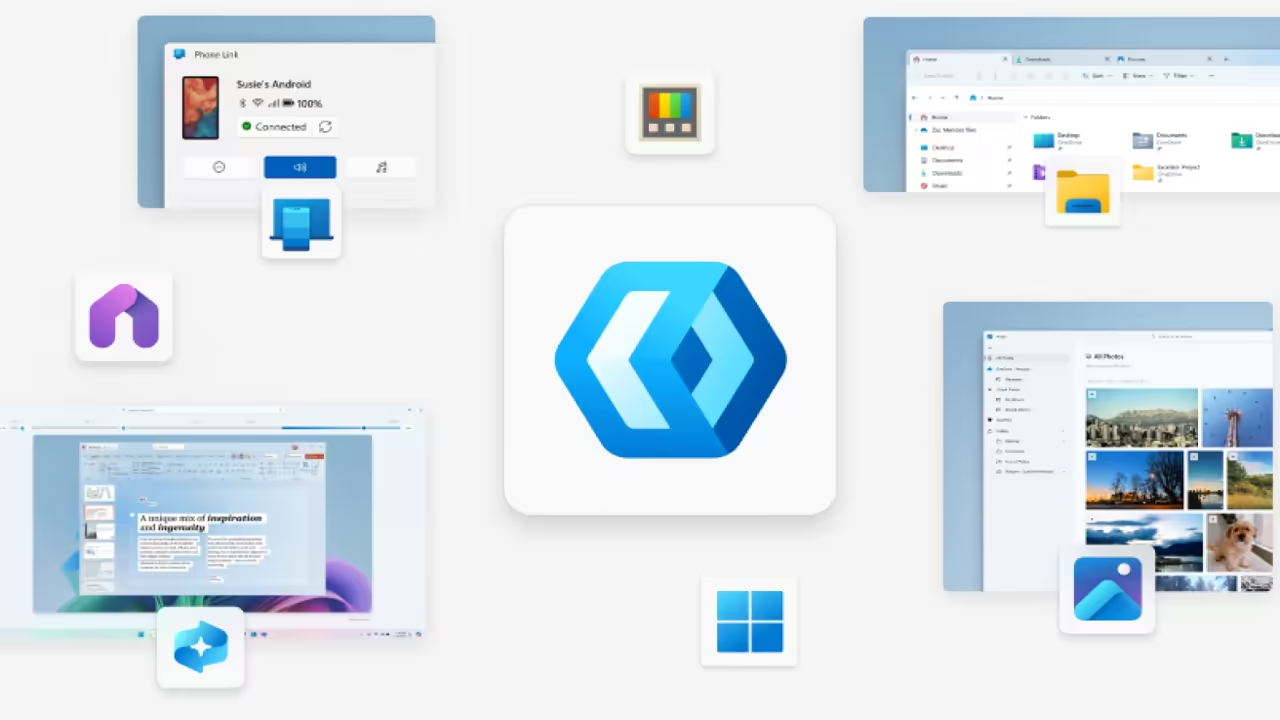
Commencez là où vous êtes
Choisissez le parcours adapté à votre projet. Chaque parcours propose des instructions détaillées étape par étape.Développez plus rapidement avec l’IA et la ligne de commande
Donnez des compétences WinUI à votre agent de codage IA, utilisez une seule CLI pour empaqueter et publier, puis ajoutez une IA qui s’exécute sur l’appareil.


Touchez davantage de personnes avec le Microsoft Store
Publiez votre application là où les utilisateurs trouvent déjà des applications sur Windows.
250 M+
utilisateurs actifs mensuels 1Restez à jour
Suivez les derniers outils, mises à jour de plateforme et conseils pratiques pour le développement d’applications Windows modernes.
octobre 21, 2026
Microsoft.UI.Reactor: a C#-first way to build WinUI apps
Alexandre Zollinger Chohfi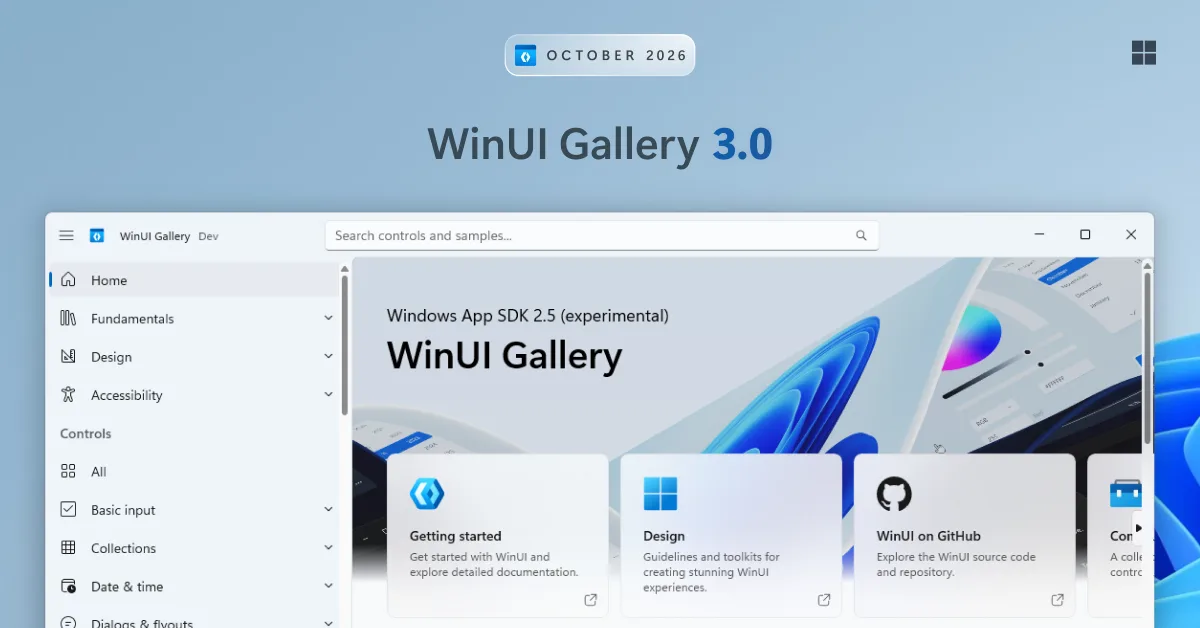
octobre 13, 2026
WinUI Gallery 3.0 is here: TableView, Charts, InkCanvas and more
Niels Laute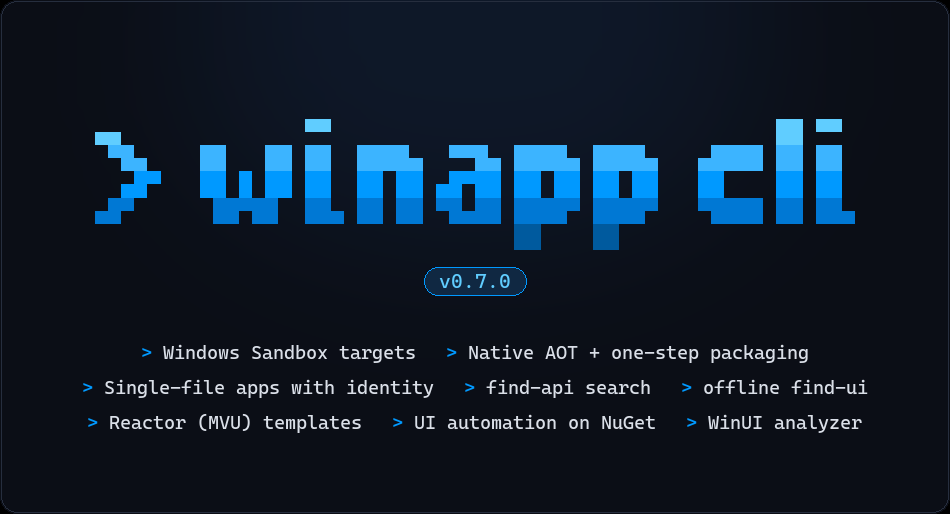
septembre 25, 2026
WinAppCLI v0.7.0 – Windows Sandbox automation, Native AOT support, single-file applications, and more
Zachary Teutsch