
Microsoft for Developers
Get the latest information, insights, and news from Microsoft.
Latest posts
Building AX evals that actually work

This is the eighth and final article in a series about Agent Experience (AX): the practice of making AI coding agents work correctly with your technology. The series covers what you can and can't control in the agent stack, how to measure whether your extensions are helping or hurting, and how to iterate toward better outcomes. You've read seven articles about what to measure, why benchmarks don't transfer, and what hidden variables can do to your results. Now you actually have to build the thing. Most teams build an eval, run it, get scores, and feel good about the numbers. The trouble is that these evals produ...

Let’s Learn GitHub Copilot App – Free Virtual Training Event

Join us for a free online event series kicking off July 16 to learn how to get started with the GitHub Copilot App!
The hidden variables in your agent eval
This is the seventh article in a series about Agent Experience (AX): the practice of making AI coding agents work correctly with your technology. The series covers what you can and can't control in the agent stack, how to measure whether your extensions are helping or hurting, and how to iterate toward better outcomes. You build an eval. You run it on your machine. You get a score. Your colleague runs the same eval on their machine and gets a different score. Same scenario, same setup. What changed? In the previous article, we covered why public benchmarks can't tell you which model works best for your stack. T...
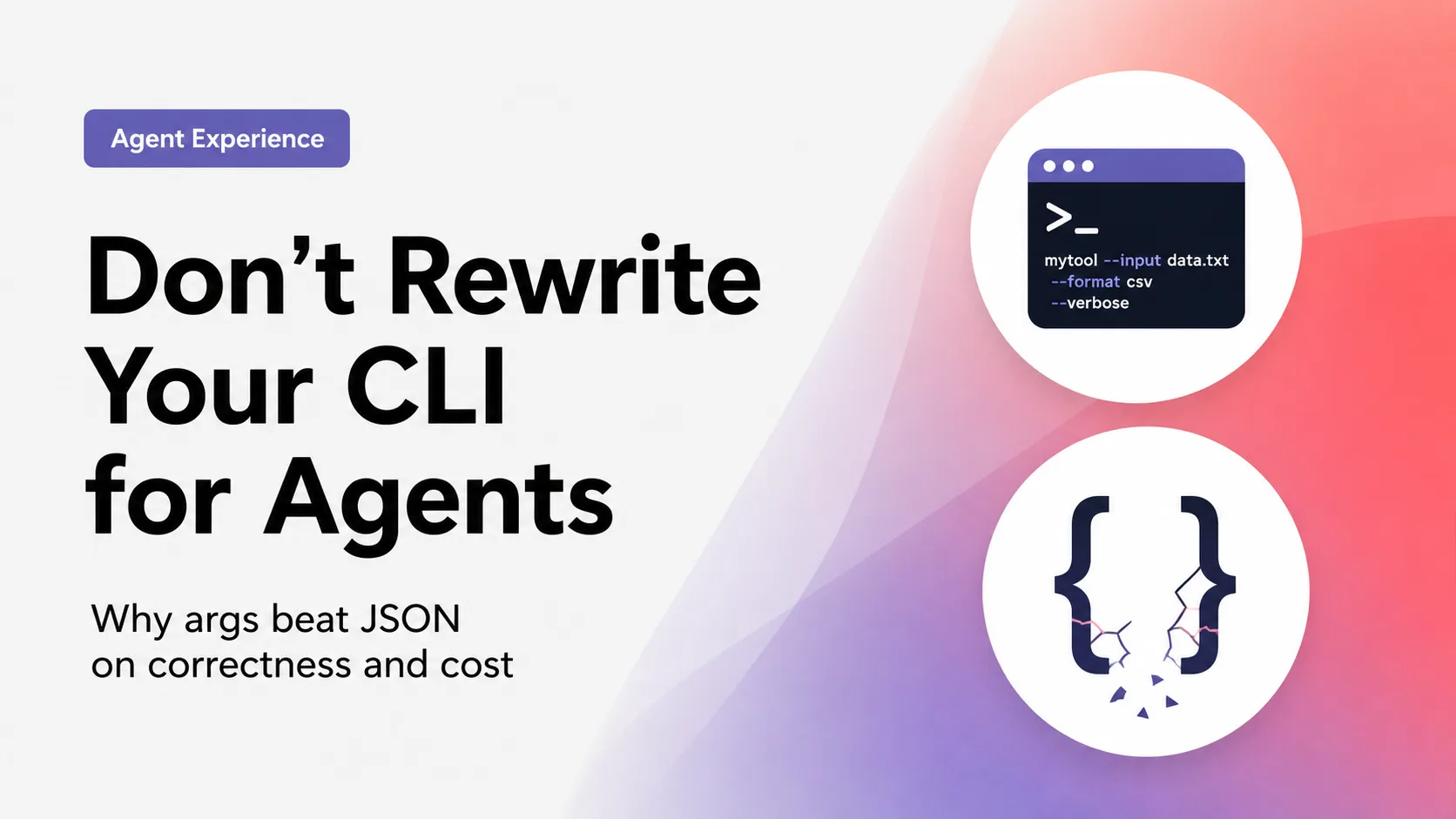
Don’t rewrite your CLI for agents
There's advice making the rounds: replace your CLI args with a single payload so agents can use your tool more effectively. The thinking being, that agents already think in structured formats, and nested data maps cleanly to JSON. Flat args on the other hand, force awkward conventions like repeating to delimit multi-value groups, which is inherently ambiguous. Not to mention, that the agent needs to get the types of all values right. It's a reasonable hypothesis, and we wanted to know if it holds up under measurement. The data we collected, showed something interesting. What we tested We built a synthetic CL...
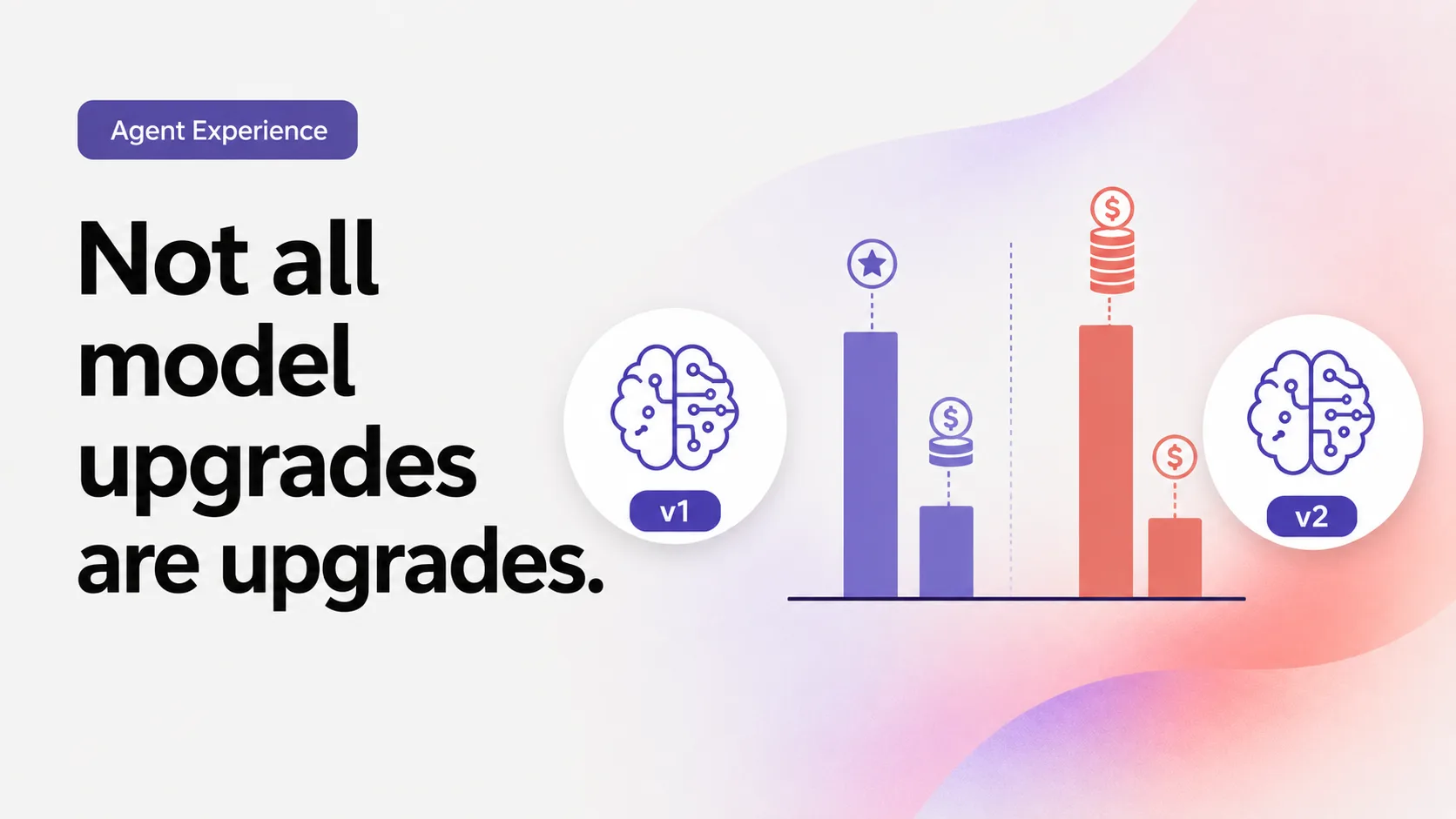
Not all model upgrades are upgrades
A new model drops with lower per-token pricing and better benchmarks. You switch. A week later someone asks why the agent is burning 12x more tokens on the same task while producing worse output. We ran 150 agent tasks across 15 scenarios on two models, Claude Sonnet 4.6 and Claude Sonnet 5, using GitHub Copilot Chat in VS Code on Windows. The scenarios covered two types of work: architecture and design tasks grounded in Microsoft Learn documentation, and SharePoint Framework project upgrades. Sonnet 5 is the newer model with 33% lower per-token pricing across every token category. The assumption we wanted to te...
What AI benchmarks are not telling you
This is the sixth article in a series about Agent Experience (AX): the practice of making AI coding agents work correctly with your technology. The series covers what you can and can't control in the agent stack, how to measure whether your extensions are helping or hurting, and how to iterate toward better outcomes. We love benchmarks. A new model drops, the leaderboard says 92% on SWE-bench, and your timeline declares it "the best coding model." You switch to it, run your agent on your codebase, and outcomes are... the same. Maybe worse. The leaderboard said 92%, so what happened? In the previous article, we ...
Your agent already has a plan

If an agent isn't doing the right thing, the obvious move is to make the docs clearer. Add a tip, spell out the correct command, describe the right approach more prominently. You do all of that, and the agent still ignores it. It does what it had already decided to do. The tip wasn't ignored because it was unclear, it was ignored because the agent had already made its plan before it read the page. The agent plans before it reads An AI coding agent doesn't arrive at your documentation as a blank slate. The moment you give it a task, it forms a plan based on what it learned during training, before it goes and...
Learn from Microsoft: Transform software development through an agentic platform

See how Microsoft is transforming software development with agentic workflows, AI-powered automation, and specialized agents across the engineering lifecycle.
When the model has never seen your code
This is the fifth article in a series about Agent Experience (AX): the practice of making AI coding agents work correctly with your technology. The series covers what you can and can't control in the agent stack, how to measure whether your extensions are helping or hurting, and how to iterate toward better outcomes. Everything we've covered so far assumed the model has some training data about your technology. Maybe it's outdated, maybe it's biased toward a competitor, but there's something in the weights to work with. For proprietary code, internal SDKs, and custom frameworks, there's nothing. In the previous...