


Building an Azure canvas no longer means starting with authentication, subscription scope, shared state, and host integration from scratch. The Canvas authoring plugin guides Copilot through the native canvas workflow and generates a project built on Microsoft Canvas Toolkit.
An Azure canvas is a shared, interactive workspace where developers and agents can work together. See Build with Azure Canvases: a shared workspace for agents for an overview. Building an Azure canvas no longer means starting with authentication, subscription scope, shared state, and host integration from scratch. The Canvas authoring plugin guides Copilot through the native canvas workflow and generates a project built on Microsoft Canvas Toolkit.
Get started
The plugin works with Copilot’s native create-canvas skill to generate a complete Canvas Toolkit app. It includes a read-only Azure starter that lists resource groups after an explicit subscription selection.
-
Under Customize > Plugins, select the Awesome Copilot marketplace, search for Canvas authoring, and select Install.
-
Start a new project session in the folder where you want to create the app.
-
Ask Copilot:
Build a read-only Azure canvas that lists resource groups.
Use the native create-canvas skill and the create-canvas-app companion's Azure starter.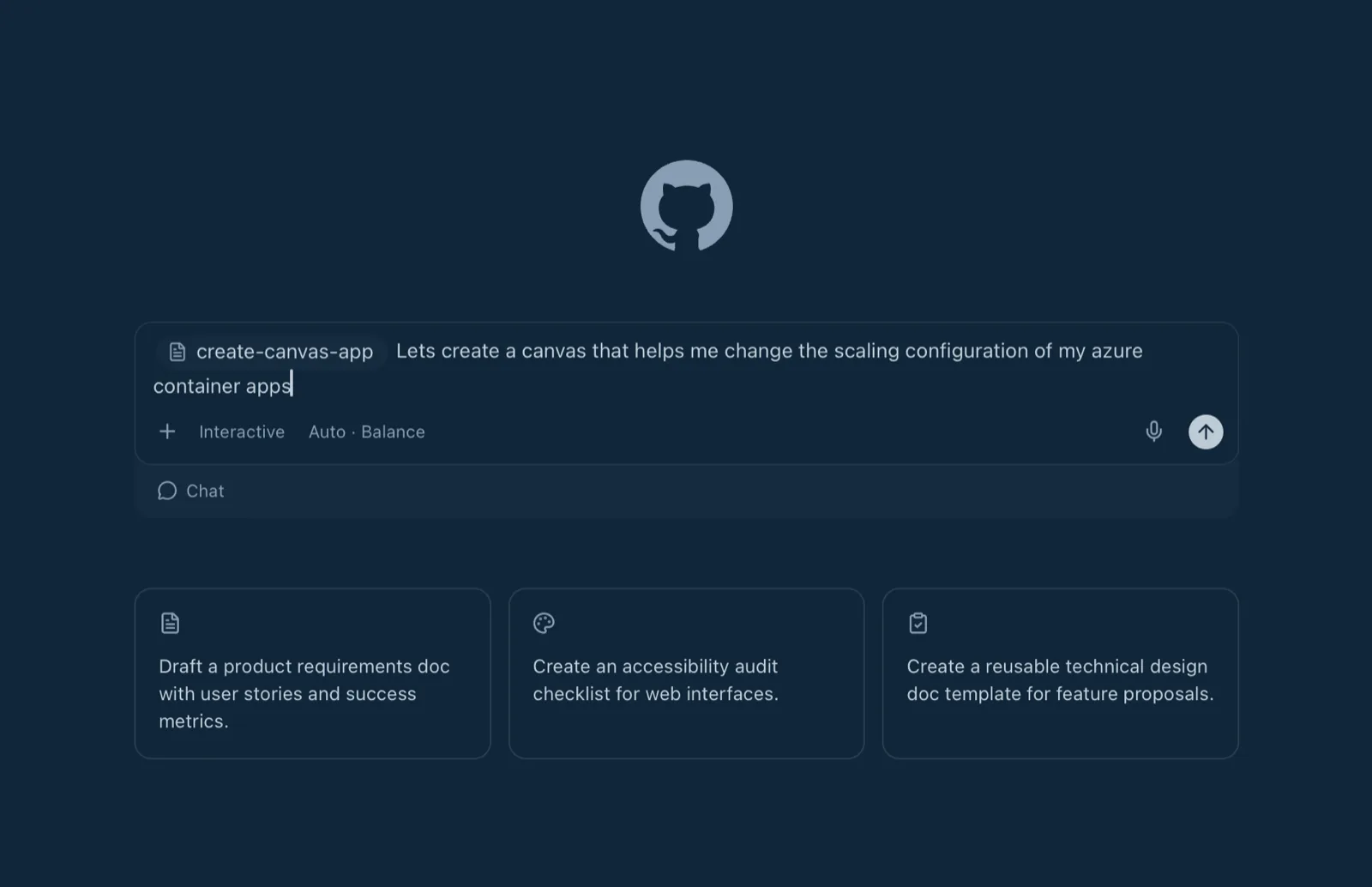
-
Follow the generated README to install the complete
dist/directory, then reload the canvas provider. -
Sign in with the Azure CLI, load your CLI profile in the canvas, select a subscription, and choose List resource groups.
From there, ask Copilot to adapt the starter to your scenario. Keep Azure operations explicitly scoped, and preserve the starter’s cancellation, validation, and read-only behavior unless your canvas clearly asks the user to approve a write.
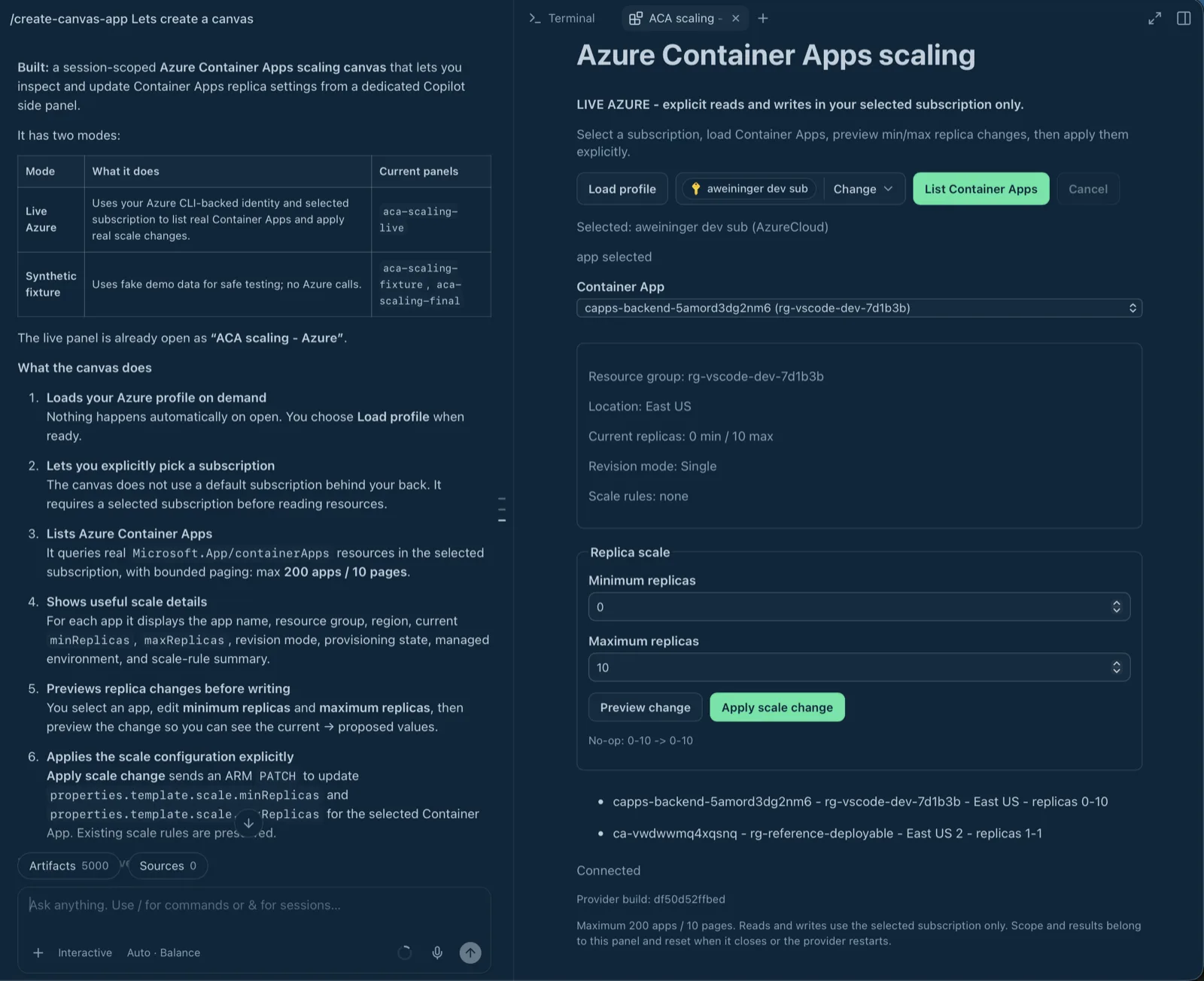
For example, you can ask the authoring skill to create a canvas for managing Azure Container Apps scaling. Copilot generates the project and opens the working canvas beside the session. The canvas should require explicit subscription selection and preview replica changes before applying them.
Under the hood: Microsoft Canvas Toolkit
The authoring plugin is the guided on-ramp; the @microsoft/canvas-toolkit npm package is the foundation underneath it. The plugin generates the same kind of toolkit-based project that powers Azure canvases, so you can start quickly without being locked into a separate authoring runtime.
You can work directly in the generated source, use Azure canvases as examples, and keep extending the app with normal development tools. The toolkit provides:
- Azure connectivity: Authentication through the Azure CLI or an Azure SDK credential, tenant and subscription selection, and helpers for calling Azure Resource Manager APIs.
- UI building blocks: Shared styles for headers, buttons, and lists, plus icons and theme-aware colors with light and dark fallbacks.
- A local backend: A server for serving your canvas UI and handling requests, with built-in origin checks, content security policies, and input-validation helpers.
- State and live updates: A lightweight state store and change notifications to keep the canvas view up to date as users and agents take actions.
- Agent integration: A bridge that lets a canvas button request agent help using prompts defined by the extension.


0 comments
Be the first to start the discussion.