


Want to build AI agents with JavaScript that go beyond basic chat completions? Agents that reason, call tools, and pull from knowledge bases on their own? We put together a free, open source course to help you get there.
LangChain.js for Beginners is 8 chapters and 70+ runnable TypeScript examples. Clone the repo, add your API key to a .env file, and start building.
Why LangChain.js?
If you already know Node.js, npm, TypeScript, and async/await, you don’t need to switch to Python to build AI apps. LangChain.js gives you components for chat models, tools, agents, retrieval, and more so you’re not wiring everything from scratch.
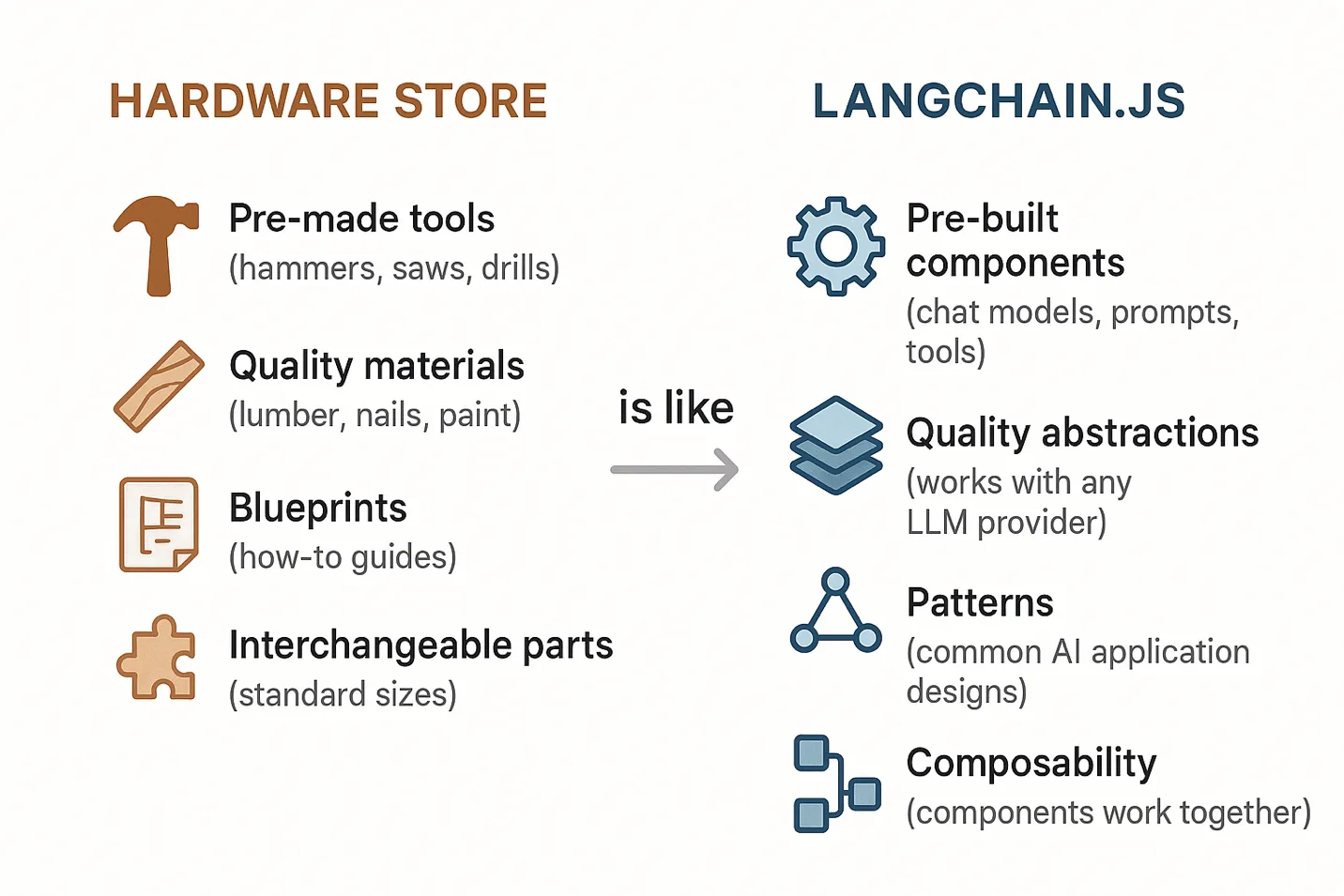
LangChain.js is like having a fully stocked hardware store at your disposal. Instead of fabricating every tool from raw metal, you grab what’s on the shelf and get to work.
An Agent-First Approach
Most LangChain tutorials start with document loaders and embeddings. This course gets to tools and agents early because that’s closer to how production AI systems actually work. Agents decide what to do, when to use tools, and whether they even need to search your data.
Here’s the path through the course:
Chapters 1-3 cover the foundations: your first LLM call, chat models, streaming, prompt templates, and structured outputs with Zod schemas. Standard stuff, but you need it before things get interesting.
Chapter 4 – Function Calling & Tools. This is where the AI stops chatting and starts doing things. You teach it to call your functions, and it figures out when to use them.
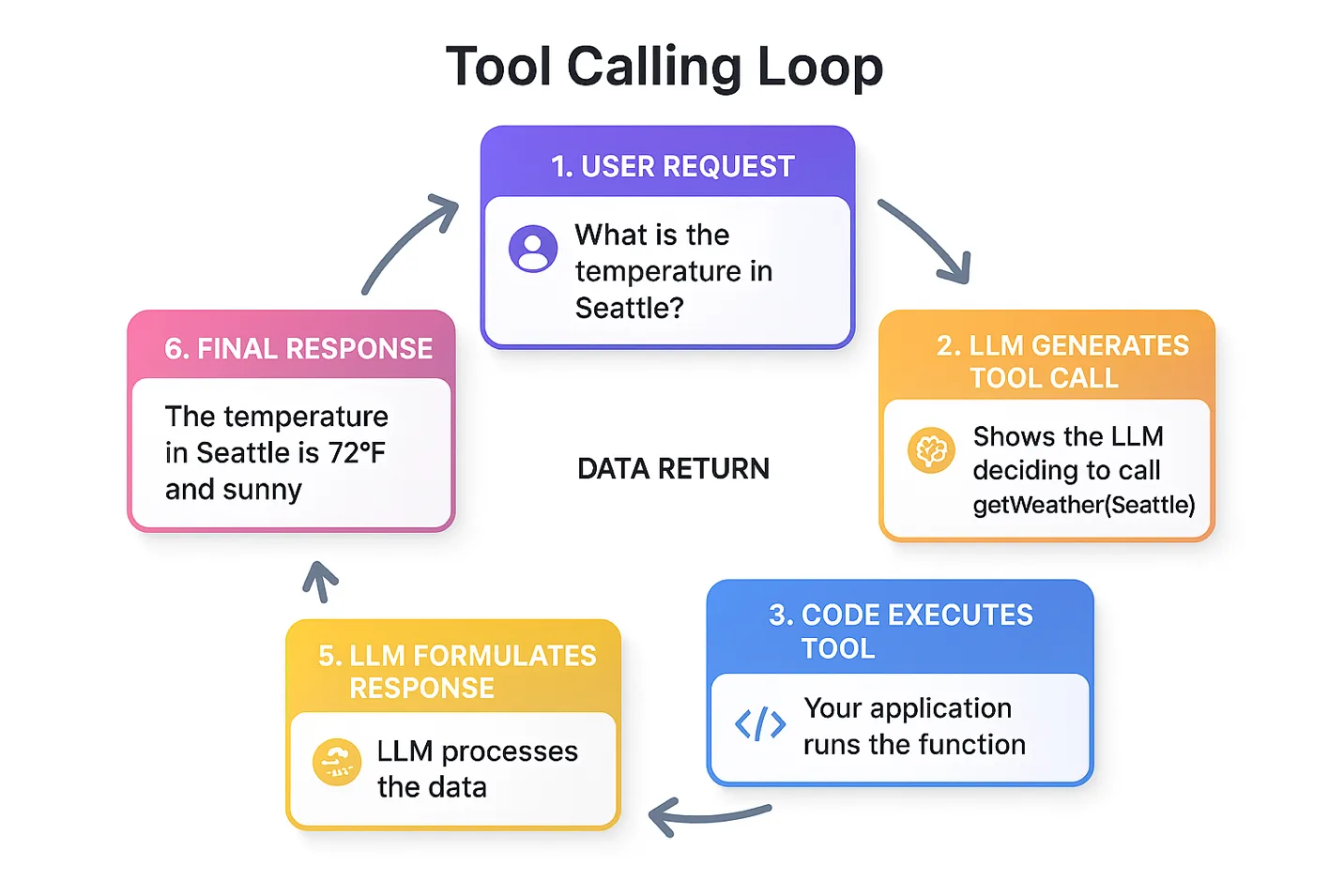
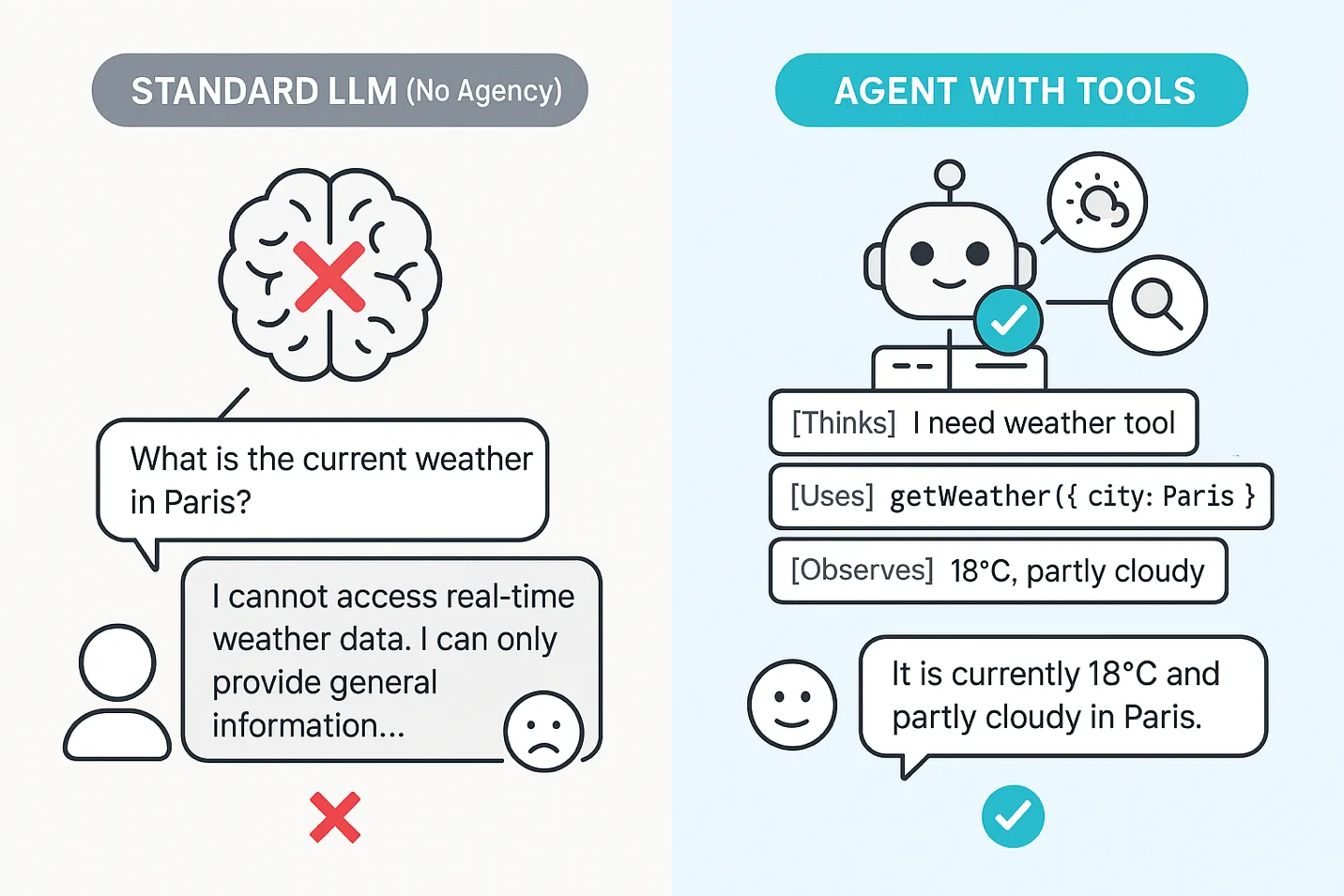
Chapter 5 – Agents. An LLM answers questions. An agent reasons through problems, picks tools, and executes multi-step plans. Chapter 5 walks through the ReAct pattern and how to build agents with LangChain.js.
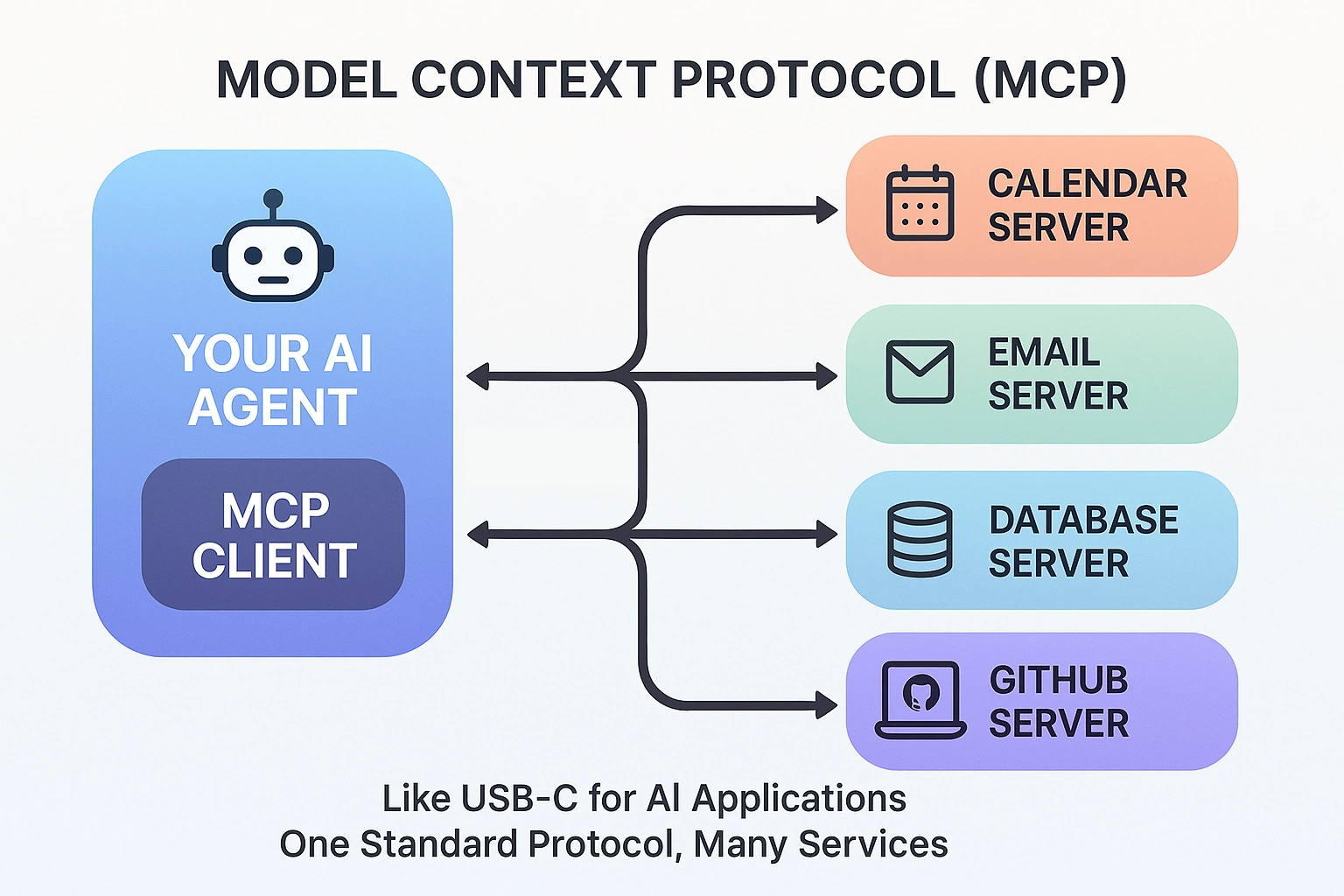
Chapter 6 – MCP. The Model Context Protocol is becoming the standard for connecting AI to external services. You’ll build MCP servers and wire agents to them using both HTTP and stdio transports.
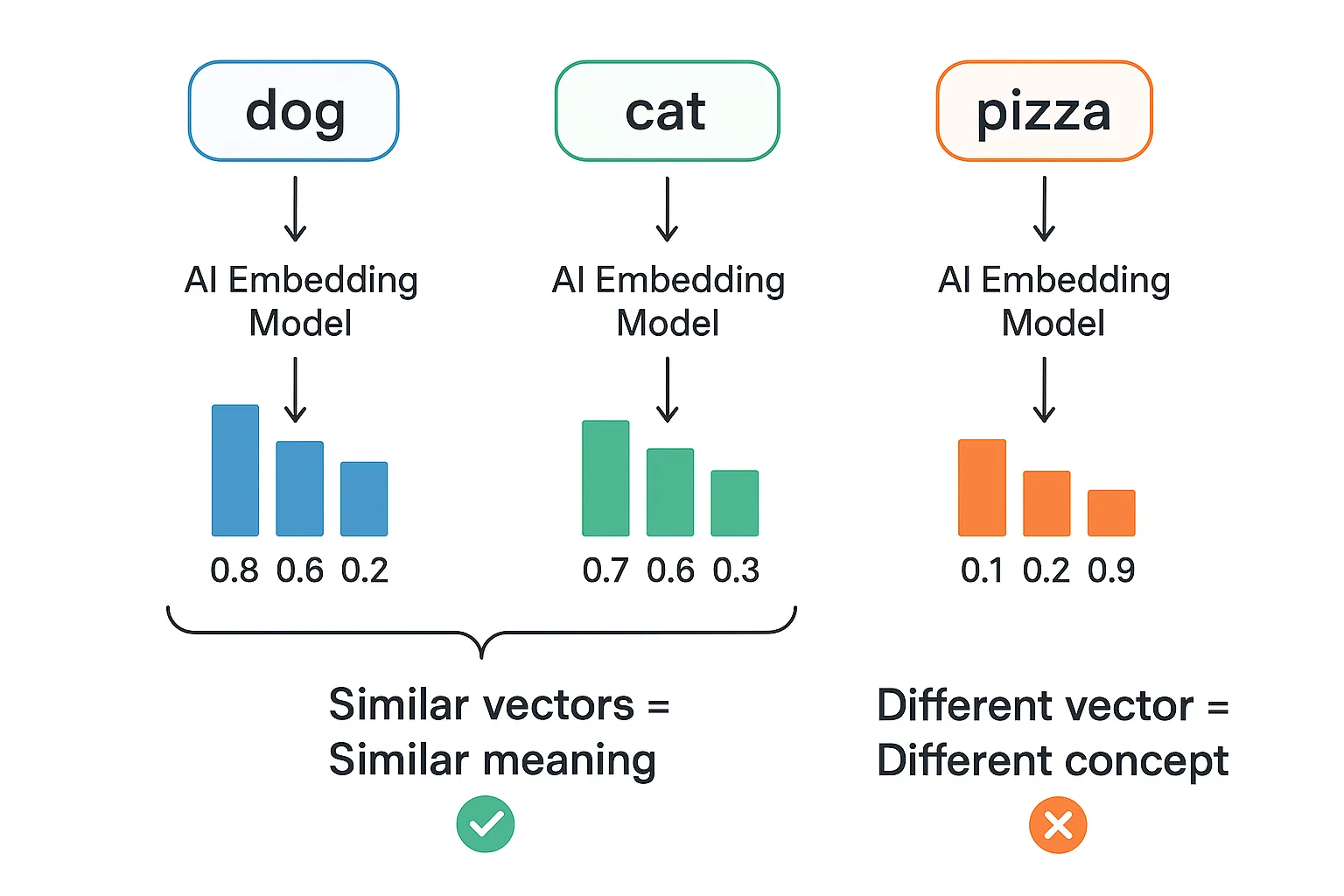
Chapters 7 & 8 bring in documents, embeddings, and semantic search, then combine everything into Agentic RAG. The agent decides when to search your knowledge base versus just answering from what it already knows. That’s a big step up from the “search everything every time” approach most RAG tutorials teach.
Each chapter includes:
- Conceptual explanations with real-world analogies
- Code examples you can run immediately
- Hands-on challenges to test your understanding
- Key takeaways to reinforce learning
Why Teach Agents Before RAG?
This comes up a lot. Think about it like a student taking an “open book” exam. Traditional RAG is like the student who flips through the textbook for every question, even “What is 2+2?” Agentic RAG is the smart student who answers simple questions from memory and only opens the book when they actually need to look something up.
By the time you reach Agentic RAG in Chapter 8, you already understand tools, agents, and MCP. Document retrieval becomes one more capability your agent can reach for. And because the agent already knows how to reason about tool selection, it can figure out when retrieval is actually necessary versus when it can answer directly. The result is faster responses, lower costs (fewer unnecessary embedding lookups), and a better experience overall. That beats bolting search onto a chatbot and hoping for the best.
Who This Course Is For
JavaScript/TypeScript developers who know npm install and async/await. No prior AI or machine learning experience needed. Each chapter starts with a real-world analogy to ground the concept before any code shows up. You’ll see comparisons to hardware stores, restaurant staff, USB-C adapters (for MCP), and more. From there, you get working code examples you can run immediately, hands-on challenges to test your understanding, and key takeaways at the end of each section. The goal is to learn by building, not by reading walls of theory.
You can also work through the course locally or use GitHub Codespaces for a cloud-based setup if you’d rather skip the local install entirely.
Works With Your AI Provider
The course is provider-agnostic. Examples run with GitHub Models (free, great for learning), Microsoft Foundry (production-ready), or OpenAI directly. The setup is the same in every case: update four environment variables in your .env file (AI_API_KEY, AI_ENDPOINT, AI_MODEL, AI_EMBEDDING_MODEL) and every example works without touching a single line of code.
Capstone and Bonus Samples
The course includes a capstone project you can check out. It’s an MCP-powered RAG server that exposes document search and document ingestion as MCP tools over HTTP. Multiple agents can connect to it and share a centralized knowledge base. It’s the kind of architecture you’d actually use in cases where you don’t want each agent to maintain its own copy of the data.
Beyond the 70+ course examples and capstone project, the README links to several bonus samples you can explore: a burger-ordering agent with a serverless API and MCP server, a serverless AI chat with RAG running on Azure, and a multi-agent travel planner that orchestrates specialized agents across Azure Container Apps.
Get Started
Visit github.com/microsoft/langchainjs-for-beginners to get started! Clone it, configure your API key, and run the examples. Chapters build on each other but are self-contained enough to jump around if something specific catches your eye.
New to generative AI concepts? Check out the companion course Generative AI with JavaScript first to get the fundamentals down.
Additional Courses
Additional LangChain courses are also available for Python and Java:
- LangChain for Beginners (Python)
- LangChain4j for Beginners (Java)


0 comments
Be the first to start the discussion.