


Build your way on Windows
Set up your development environment, build native Windows apps, and create AI experiences and agents on Windows.
From ideas to shipped experiences
Windows brings together development tools, app capabilities, and local AI. Set up your environment, build apps, and add AI from one platform.
Build
Build Windows apps
Create native apps with WinUI, connect to Windows capabilities, and distribute through Microsoft Store or your own channel.
Set up
Get developer tools
Use Windows and Linux tools side by side, connect to cloud environments, and configure your terminal and IDE for your preferred workflow.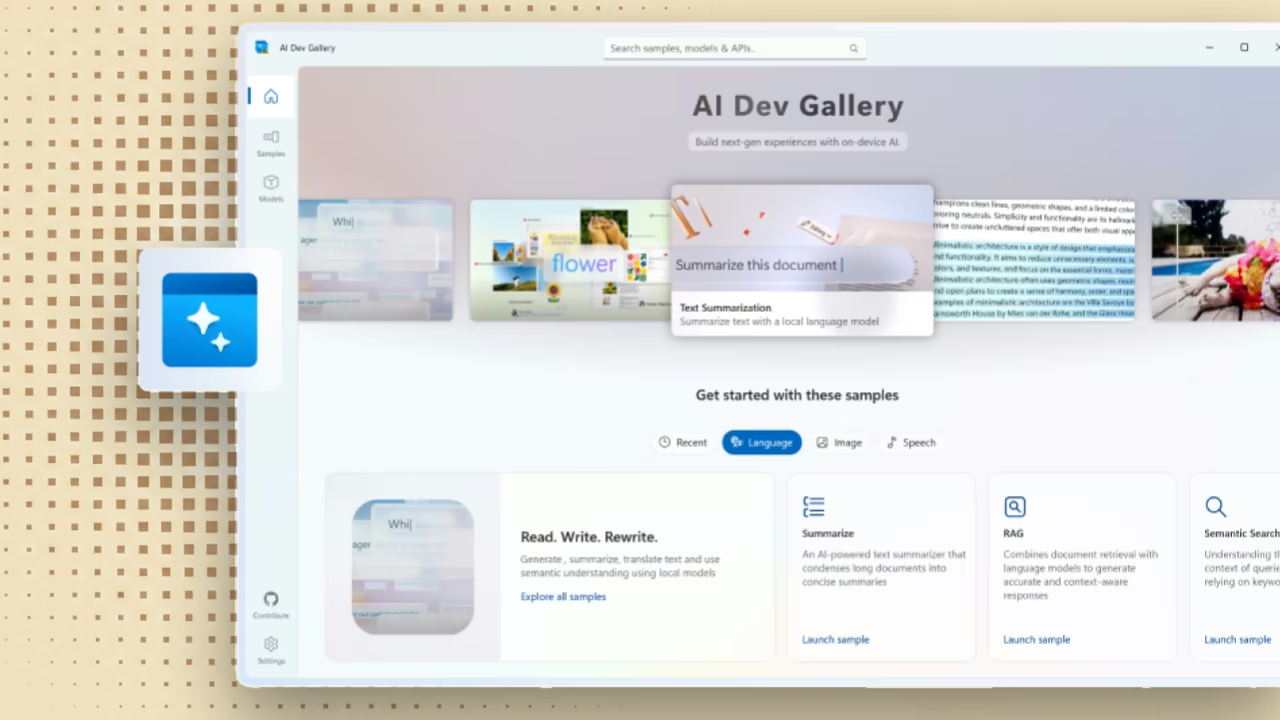
Create with AI
Code with AI
Explore ways to run supported AI workloads on your device.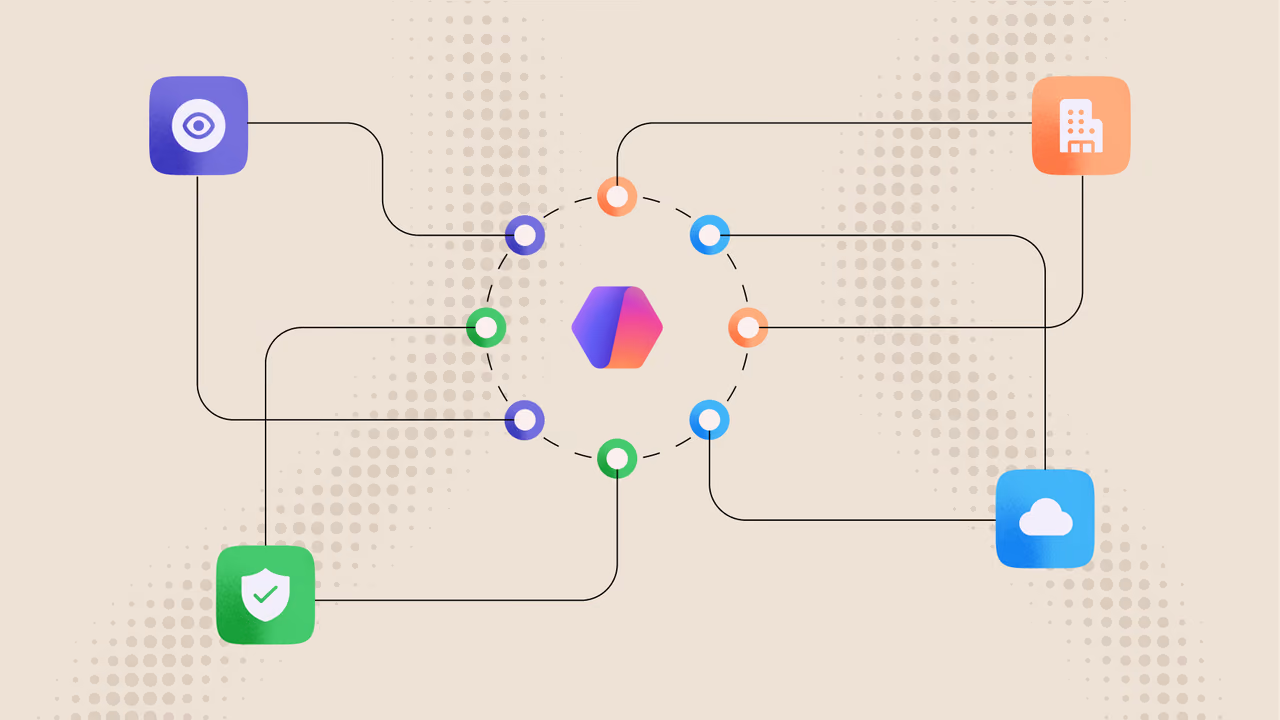
Run agents
Run agents locally
Build and run AI agents locally on Windows with identity, containment, and management controls.Start building with WinUI
Choose a guided overview, then continue to Microsoft Learn for the complete steps.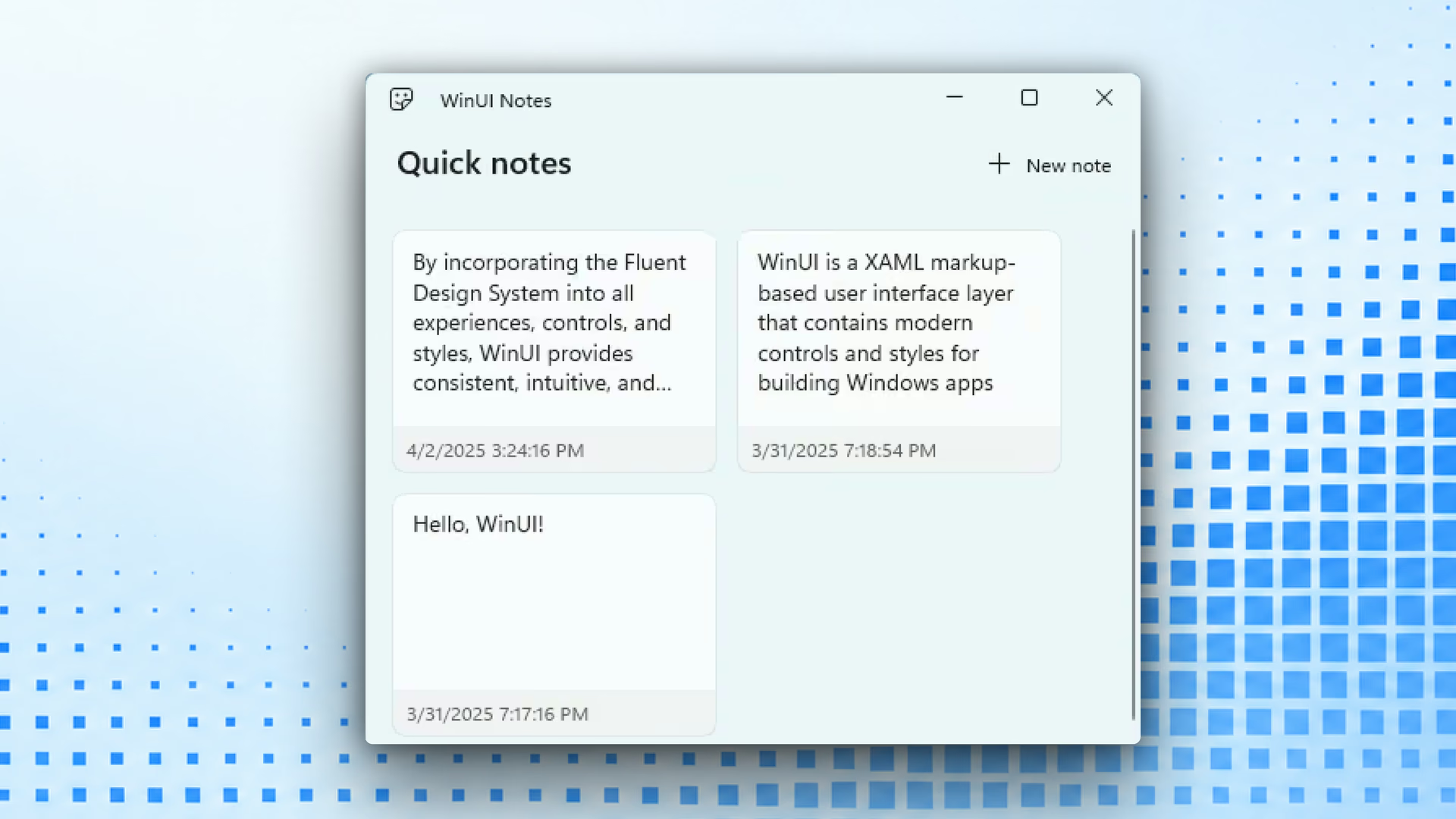
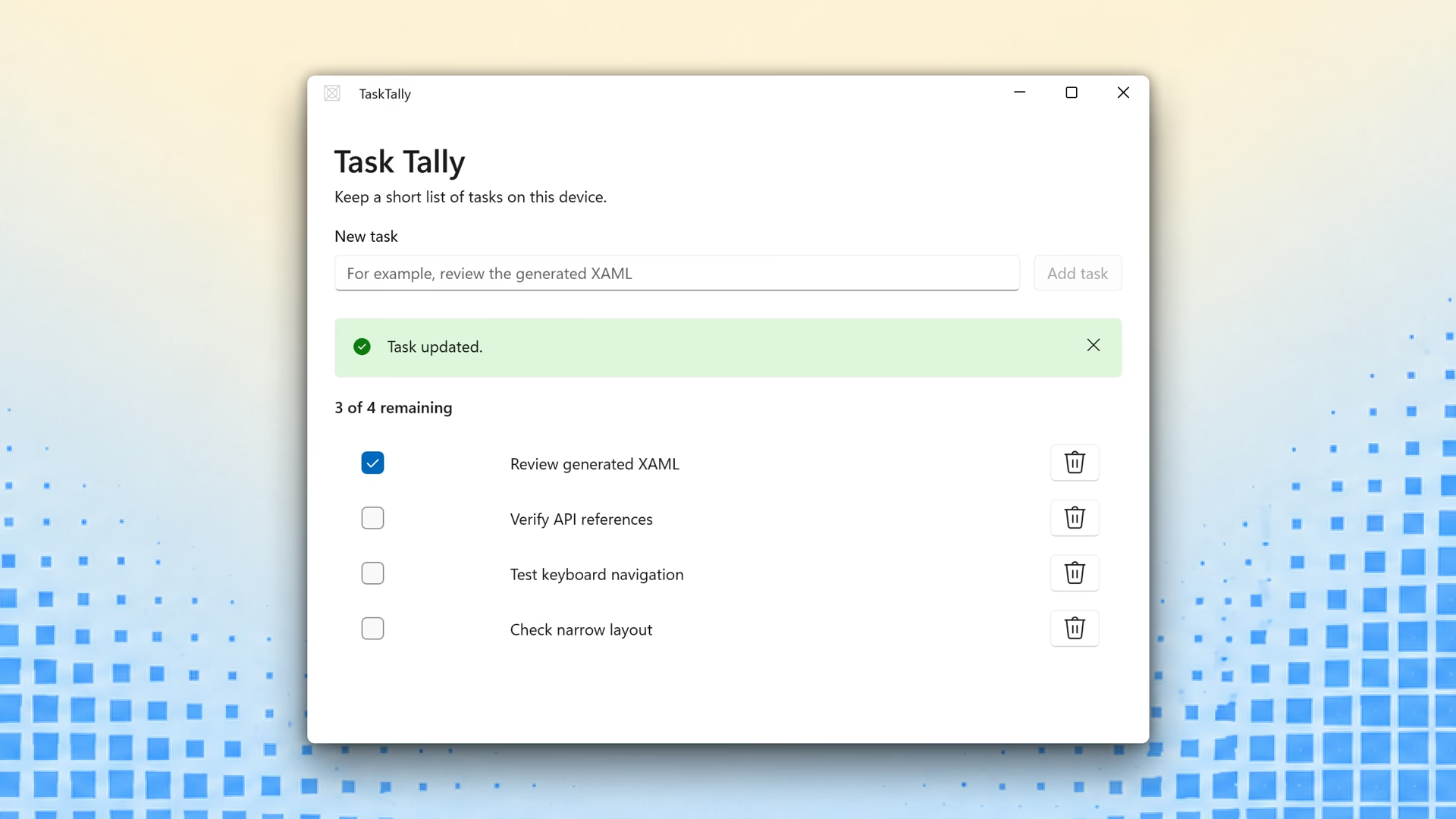
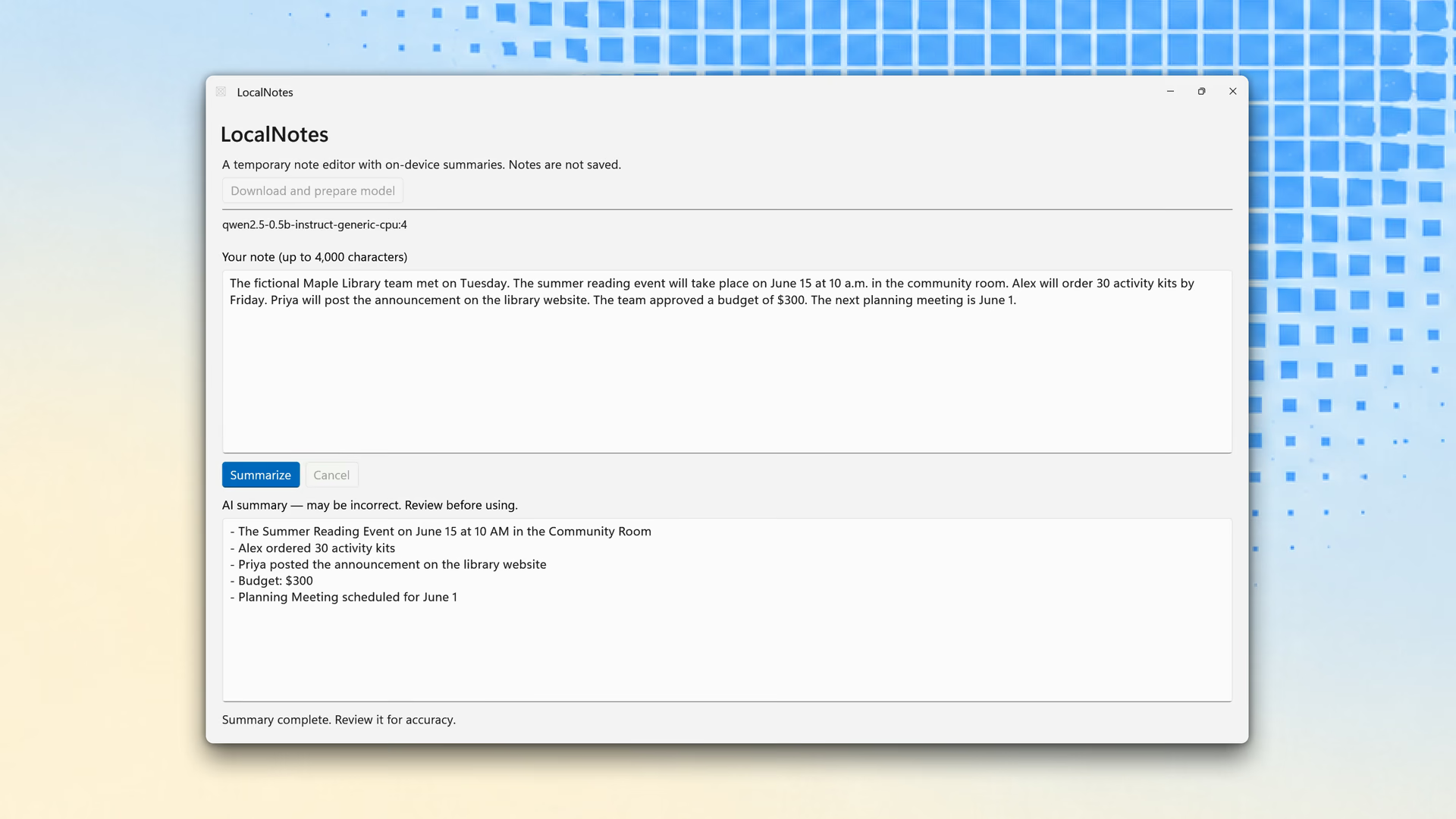
Featured articles for Windows developers
Explore selected articles about Windows apps, tools, and more.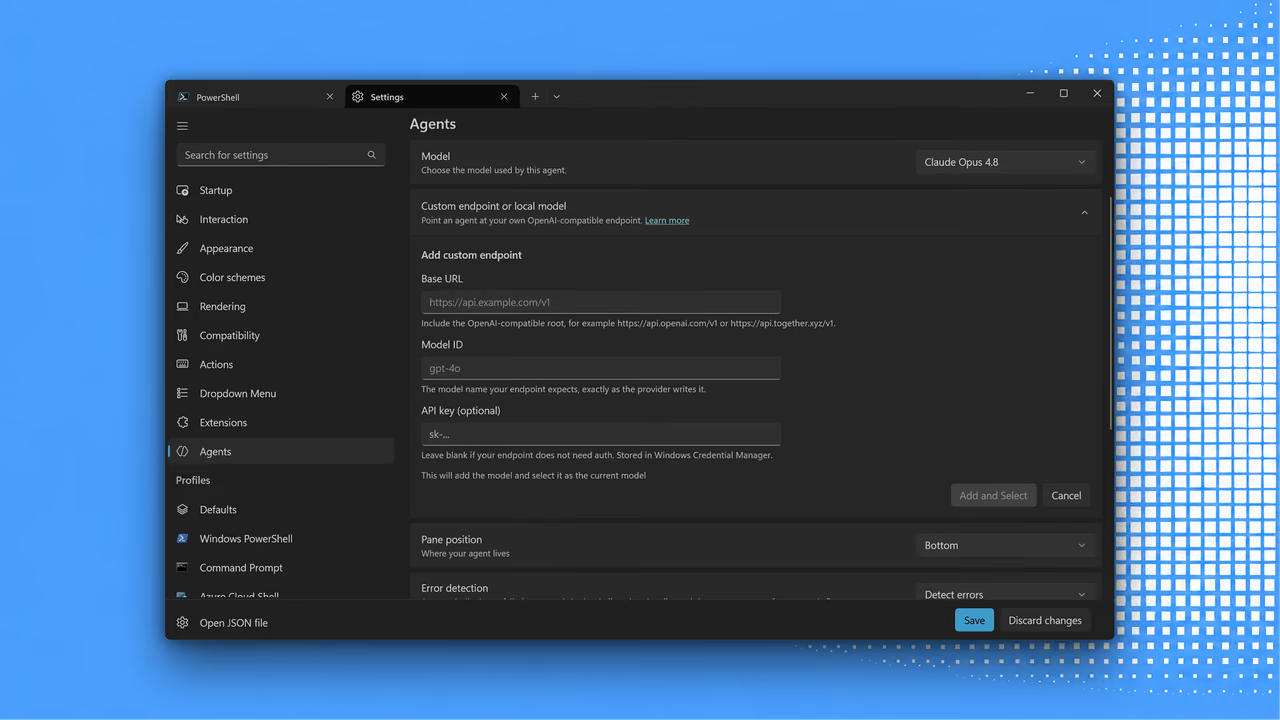
Developer tools
Intelligent Terminal 0.2.2572
Get a faster, smoother terminal agent experience with more than 60 fixes, local model API keys, automatic approvals, and native slash commands.
Cloud development
Build anywhere with Windows 365
See how managed Cloud PCs can shorten setup, scale compute, and keep code, tools, and project state available across devices.
Developer devices
Project Zenith: Ready to code from day one
Meet a distraction-free Windows experience with developer tools preinstalled and settings optimized for local AI and modern development.Resources
Explore tools, documentation, and samples for building and publishing on Windows.
