
XBOX Godot NetRumble Sample v0.1.0 Is Here
A complete multiplayer XBOX reference game in Godot 4, providing guidance on Microsoft GDK, XBOX Services & PlayFab integration.

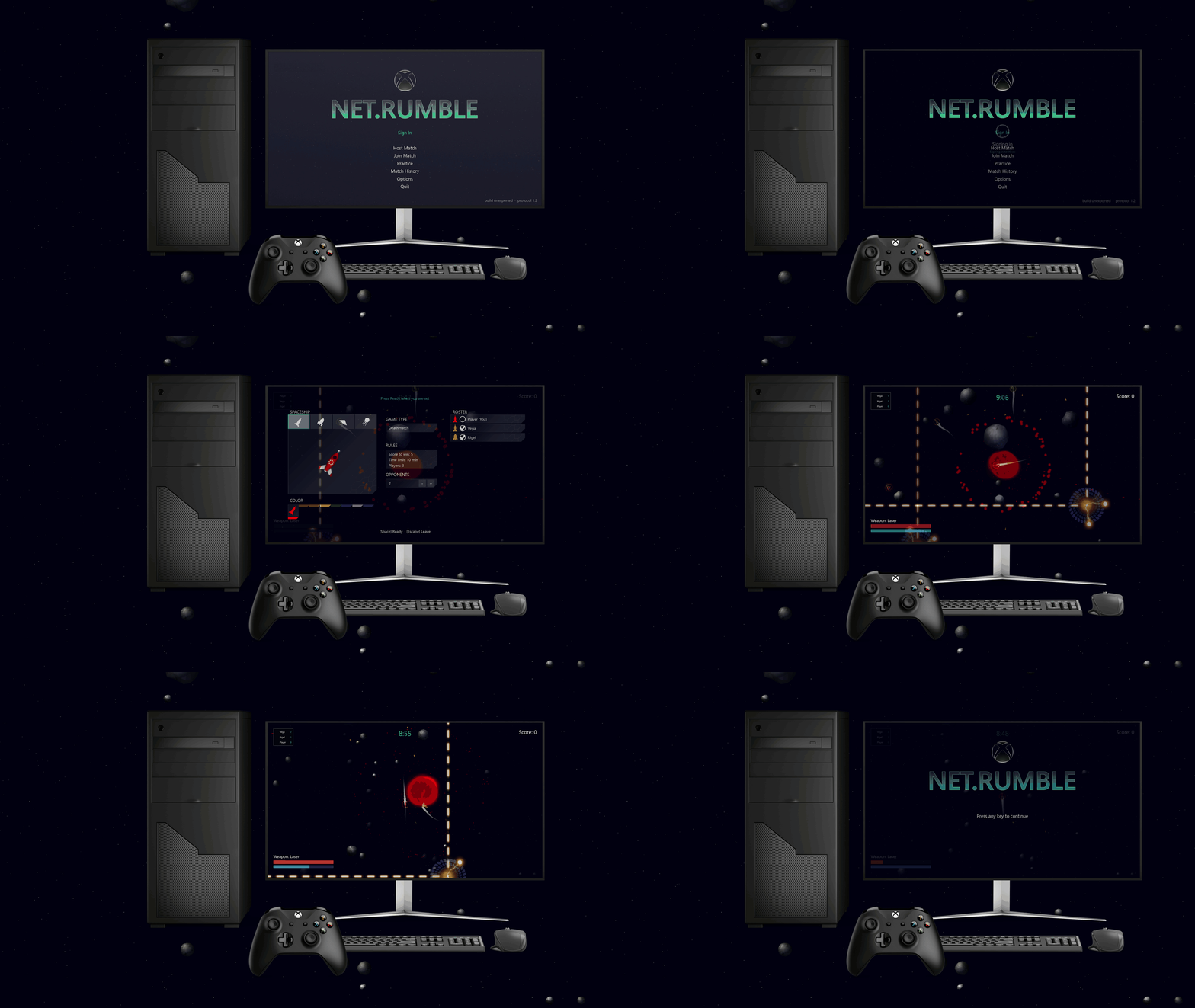
Our goal hasn't changed: make it easier to build for XBOX, regardless of the engine you've chosen. The sample answers "how do I call this API from Godot?". NetRumble answers the harder question, "where does this belong in a real game?", in code you can clone, build, run and pull apart.
Build a complete multiplayer XBOX game in Godot
Earlier this year we shipped the XBOX Godot Sample, a public, source-only reference showing how a developer can build a Godot extension that integrates the Microsoft GDK, XBOX services, and PlayFab, so you can build your title for XBOX without leaving the engine you already love.
Developers consistently tell us the same thing: an API reference gets you started, but seeing those APIs integrated into a real, playable game is what makes them land.
So today we're shipping two things: XBOX Godot NetRumble v0.1.0, a complete multiplayer XBOX game built in Godot 4, and XBOX Godot Sample v0.3.0, the compatibility and community-fixes update the addons underneath it are built on.
What is NetRumble?
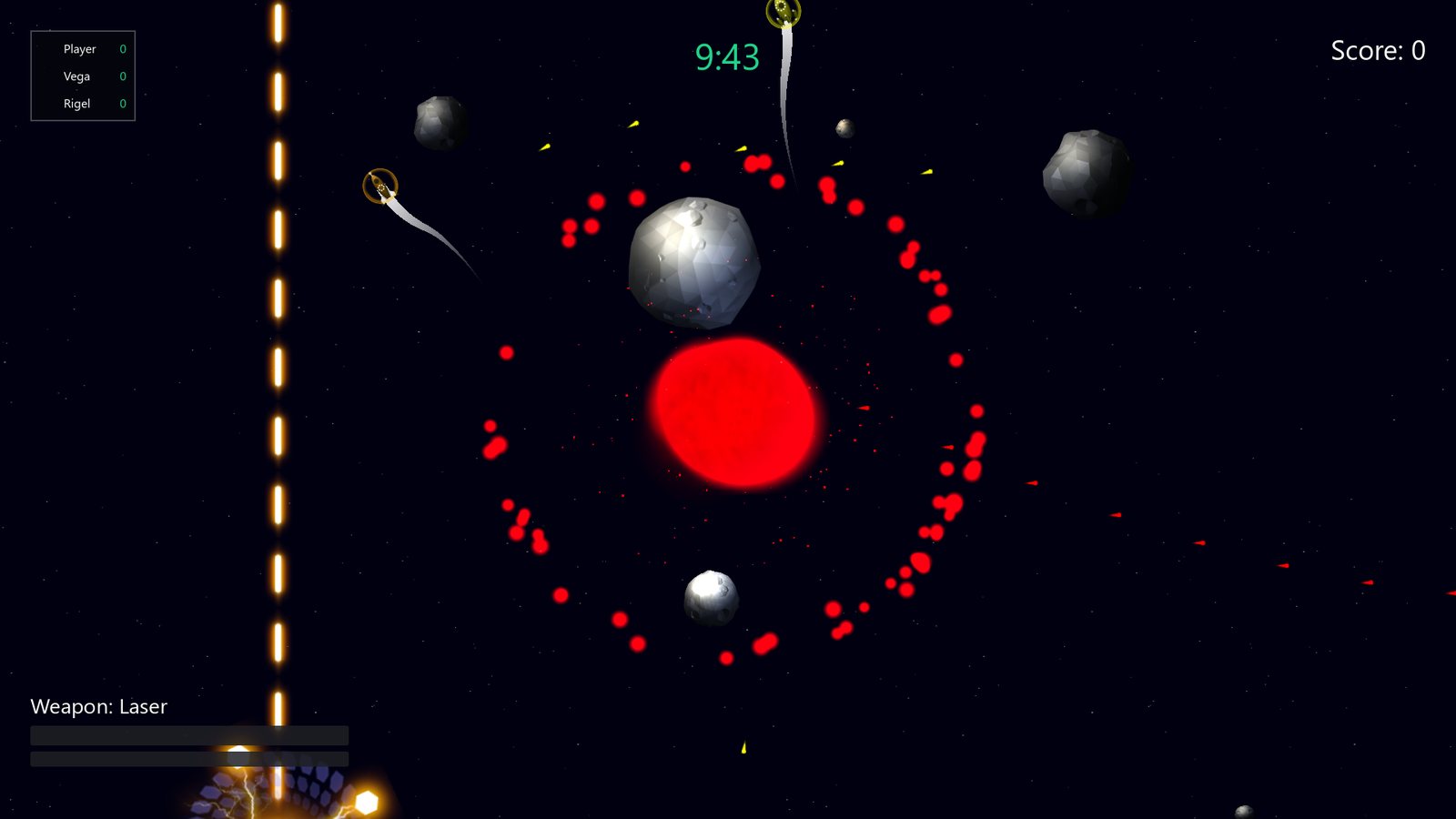
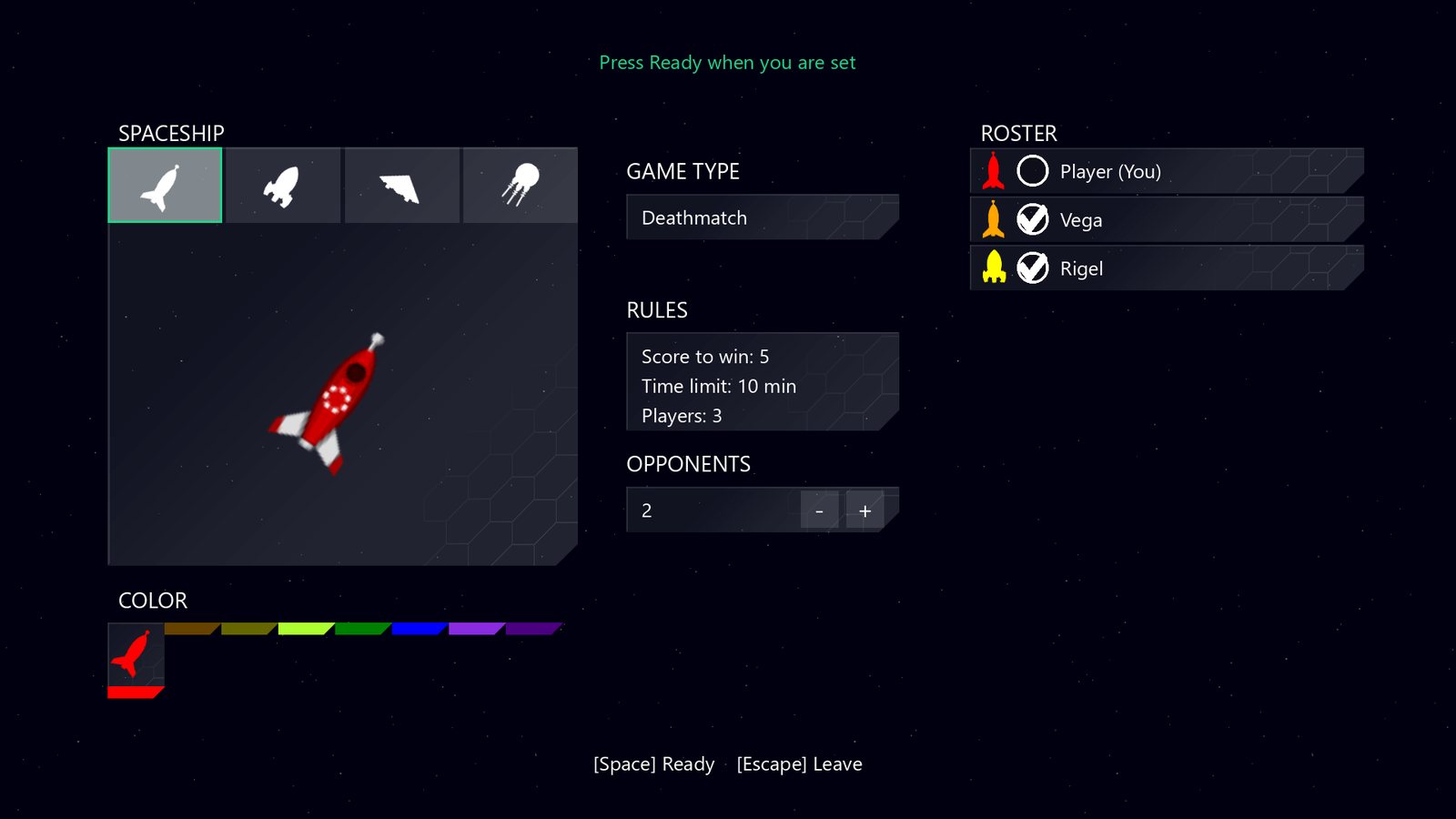
NetRumble is part of XBOX history: a tool that has been used to demonstrate multiplayer interactions for decades, now modernized with Godot. NetRumble is a 2D top-down space shooter. Dodge the asteroids, grab laser, rocket and mine pick-ups, and shoot your friends for points. Lobby and party voice chat, invites straight from the guide, achievements and a saved match history, all in the box.
Most platform samples show you one API at a time against a stub. NetRumble wires every Microsoft GDK and PlayFab service into the place a shipping title would really call it, so you can watch sign-in, privileges, privacy, Party networking and Game Save work around an actual game loop, and then go and play the result.
It's built with GDScript on top of the XBOX Godot Sample GDK and PlayFab addons, pinned as a submodule. NetRumble isn't a fork or a reimplementation, it's a consumer of the same addons you'd use in your own project.
What comes in the XBOX Godot NetRumble v0.1.0 sample?
Want an Xbox Requirements (XR)-ready solution? This sample maps each XR to the following features to make it easy to test, learn, and implement in your own game. Learn more here.
- GDK sign-in exchanged for a PlayFab identity, with a real progress screen and an offline fallback.
- PlayFab Party as a drop-in Godot
MultiplayerPeer. Every@rpcin the game is ordinary Godot RPC. Only the peer construction is PlayFab-specific. - Join-code discovery with PlayFab Lobby, activity publishing, and join-from-guide invites.
- Privilege, privacy and moderation done properly, including per-player mute, block and avoid enforcement, and text verification before player-authored content is shown.
- Party voice chat and in-match typed text, achievements driven by real match events, and Game Save for profile, history and counters.
- Lifecycle and input, covering suspend, resume, constrain, connectivity detection, and controller association through GameInput.
XBOX Godot Sample v0.3.0
- XBOX Godot NetRumble is built upon the v0.3.0 version of the XBOX Godot Sample. The v0.3.0 release contains community fixes and compatibility with middleware console forks for Godot. See the XBOX Godot Sample v0.3.0 full list of features and changes.
- Breaking Change in v0.3.0 of XBOX Godot Sample:
- Every script-visible type in the GDK addon moved from the
GDKprefix to theXboxprefix, soGDKUseris nowXboxUserand the C# namespaceGodotGdkis nowGodotXbox. No deprecated aliases are provided. - Why: so the addon can be dropped into a console-capable Godot fork and light up XBOX Series X|S scenarios there. Those forks expose their own types, and the
GDK*prefix collided with names they already use. One addon build now covers PC and console, with no separate compilation or preset. - The singleton is still called
GDK, soGDK.initialize()and friends are unaffected. There's a codemod that does most of the migration for you: .\tools\migrate_gdk_to_xbox.ps1 -Path <your-project> -WhatIf- Full old-to-new table: Migrating to v0.3.0.
- Every script-visible type in the GDK addon moved from the
Get started
Once you've integrated the Microsoft GDK with your Godot project, follow the rest of the PC end-to-end guide to register your title, set up your product in Partner Center, and publish to the Microsoft Store.
Where it runs, and how to run it
NetRumble targets XBOX on PC, and the same code also runs on XBOX Series X|S through a Middleware console fork of Godot. A fresh clone builds the addons once:
git clone --recurse-submodules https://github.com/microsoft/XBOX-Godot-NetRumble.git
cd godot-netrumble
.\tools\sync_addons.ps1
.\tools\deploy-pc.ps1 -Launch
You'll need Godot 4.6 or later, Windows, Visual Studio 2022 with the vcpkg component, and a Microsoft GDK edition. The online flows run against this sample's XDKS.1 sandbox and title, so they need an XBOX publishing relationship and a test account from that sandbox. Without one you can still clone, build and play Practice through Continue Offline. Not registered yet? Join the XBOX Developer Program.
Full setup, walkthroughs and troubleshooting live in the repo docs.
Next Steps
- Play it. Get into a match, then tell us where the integration felt wrong.
- File issues. Check Known issues first. Both repos want them.
- Send PRs. Contributions are welcome. See CONTRIBUTING.md.
- Tell us how you're using it. Real-world feedback directly shapes where we take this next.
Resources
- XBOX Godot NetRumble: microsoft/XBOX-Godot-NetRumble
- XBOX Godot Sample: aka.ms/XBOXGodotSample
- v0.3.0 release notes (Microsoft Learn): XBOX Godot Sample v0.3.0 Release
- Get started guide: Get started with Godot for XBOX development
- Microsoft GDK: microsoft/GDK
- PlayFab SDK: PlayFab Unified SDK
- GameInput: aka.ms/GameInput
- Docs: aka.ms/XBOXGodotDocs
- Issues: aka.ms/XBOXGodotIssues
- Discord: aka.ms/msftgamedevdiscord