
A Faster, More Complete Remote Development Loop with XBOX PC Remote Tools
What's new in XBOX PC Remote Tools - September 2026

Remote development works best when setup, deployment, and debugging feel like one connected workflow. The September XBOX PC Remote Tools release brings those experiences closer together, with less setup friction, more control over remote files and tools, and fewer manual steps between pairing and F5.
We've also updated the XBOX PC Remote Iteration Tools samples to show how these capabilities can fit into engines, pipelines, IDEs, and custom studio tools.
A quick recap of the suite
The XBOX PC Remote Tools support a connected remote-development workflow via:
- XBOX PC Toolbox prepares development PCs and target devices, installs required components, and establishes trusted pairings.
- XBOX PC Remote Iteration APIs provide programmatic building blocks for engines, middleware, IDEs, pipelines, and studio-owned tools.
- XBOX PC Remote Iteration Command-Line Tools support scriptable deployment, launch, file operations, remote tool execution, and automation.
- XBOX PC Remote Debugger brings remote deployment and debugging into the familiar Visual Studio F5 experience.
Spend less time setting up and more time iterating
XBOX PC Toolbox remains the front door for device setup and pairing. For many developers, device setup that once took 10 to 20 minutes now takes around one minute. That means less time waiting for device configuration to complete and a faster path to pairing and remote iteration!
The new Troubleshoot and Reset section in Settings gives developers clearer recovery paths:
- Check validates the current XBOX PC Toolbox configuration and identifies issues.
- Repair reapplies required components while preserving the device role, pairings, and saved state.
- Start over removes the device role, pairings, keys, and configuration before returning XBOX PC Toolbox to first-run setup.
In the Device Workspace, developers can now copy a paired device's IP address or device name for use in an IDE, engine, script, or other development tool. These improvements are designed to reduce the time spent diagnosing setup problems and help developers return to their game workflow more quickly.
Retrieve the files you need and clean up remotely
The September release adds new remote file-management capabilities across the XBOX PC Remote Iteration Command-Line Tools and APIs, based on direct studio feedback:
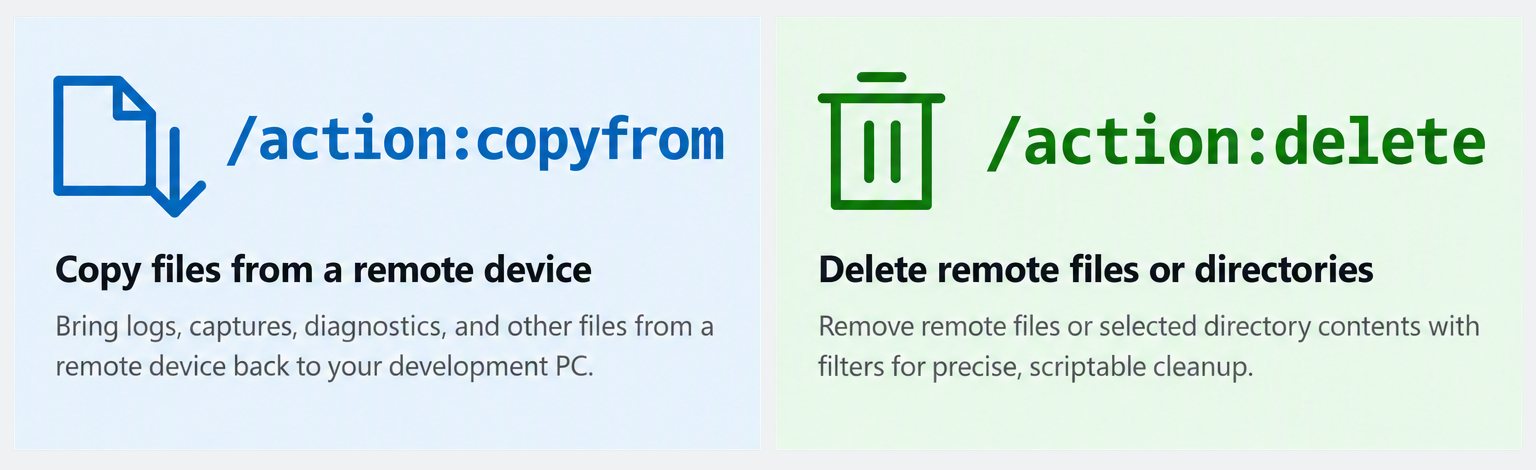
/action:copyfromcopies logs, captures, diagnostics, and other files from the remote device back to the development PC./action:deleteremoves remote files or selected directory contents, with filtering for precise and repeatable cleanup.
Developers can retrieve logs, crash dumps, and captures without leaving the development PC, then clear stale output from the target before the next run. This turns artifact collection and cleanup into repeatable, scriptable steps.
The following example copies a diagnostics directory from REMOTE-PC-01 to C:\GameDiagnostics on the development PC:
wdRemote /action:copyfrom /device:REMOTE-PC-01 /source:Game\Diagnostics /destination:C:\GameDiagnosticsThe corresponding XBOX PC Remote Iteration API capabilities are available through WdRemoteCopy with CopyFrom and WdDeleteRemoteFiles. This makes it easier for engine integrations, studio tools, and automated workflows to retrieve artifacts and manage target content without introducing separate file-transfer steps.
Run and manage tools on the remote device
The September release adds new XBOX PC Remote Iteration Command-Line Tool capabilities for automation and toolchain integration:
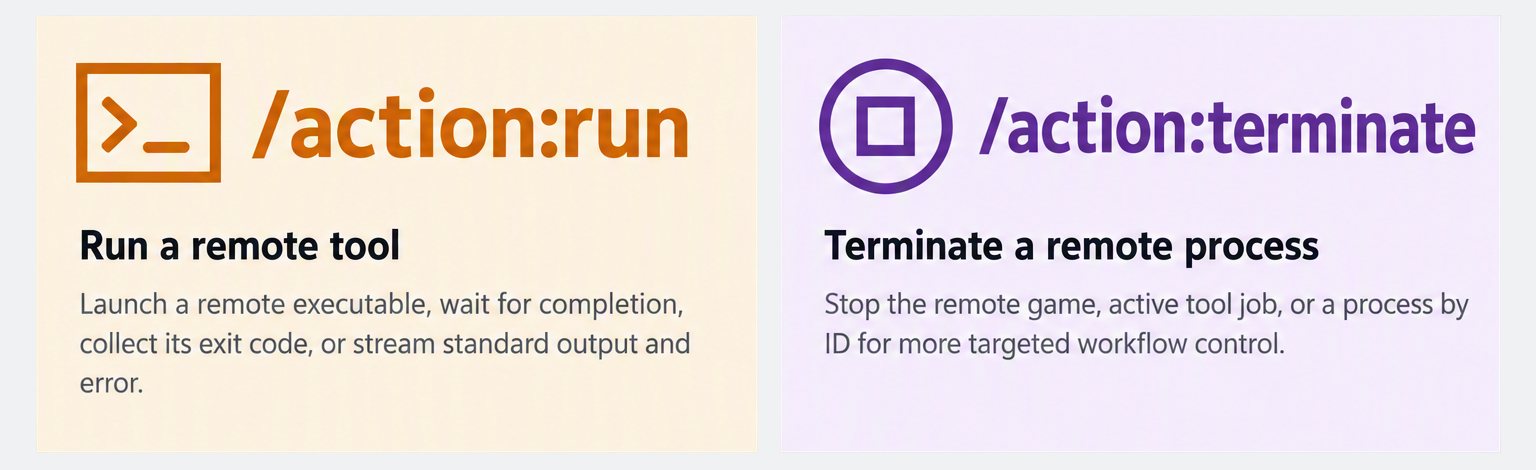
/action:runlaunches an executable on the remote device, optionally waits for completion, returns its exit code, and can stream standard output and error to the development PC./action:terminatestops the remote game, the active tool job, or a specific process by ID.
For example, a developer or script can launch a standalone tool independently of the game lifecycle, wait for it to finish or stream its output, and use its exit code in an automated workflow. If the tool becomes stuck, the tool job or a specific process can be terminated remotely.
The following example launches a standalone tool on REMOTE-PC-01 and streams its output to the development PC:
wdRemote /action:run /device:REMOTE-PC-01 /path:C:\Tools\StandaloneTool.exe /streamOutputAttribute-based deployment filters can also include or exclude files and directories based on archive, hidden, read-only, and system attributes. These capabilities give developers more control over what is deployed and what runs on the target while preserving scriptable, repeatable workflows.
Go from pairing to F5 in fewer steps
The XBOX PC Remote Debugger updates in the September release reduce the manual preparation required before the first successful remote debugging session. The Visual Studio extension can now provision the appropriate Visual Studio remote debugger from a local installation when it is needed, select the target architecture, and reuse a suitable debugger that is already present on the remote device.
The release also adds deployment options for additional directories and Visual C++ runtimes, displays live debugger-provisioning progress, and provides clearer connection and setup diagnostics. Together, these updates make it easier to reach the existing build, deploy, launch, and debug workflow through F5.
Start building with the updated XBOX PC Remote Iteration API samples
The updated XBOX PC Remote Iteration Tools samples provide a practical starting point for building the APIs into an engine, pipeline, IDE, or custom studio tool. Developers can explore the expanded API surface in working code, see how the remote-development capabilities fit together, and adapt the examples to their own workflows.
Explore the XBOX PC Remote Iteration Tools samples on GitHub.
Get started with the September release
- Review the documentation. Read the September release notes, known problems, and workarounds, then explore the XBOX PC Remote Iteration Command-Line Tools reference and XBOX PC Remote Iteration API reference.
- Get the tools. Install XBOX PC Toolbox which will install the XBOX PC Remote Iteration Command-Line Tools directly, otherwise if you are building your own workflows you can acquire them with WinGet:
winget install Microsoft.Gaming.RemoteIterationClient. Then get the XBOX PC Remote Iteration API package from NuGet and install the XBOX PC Remote Debugger from the Visual Studio Marketplace. - Build from working examples. Explore the updated XBOX PC Remote Iteration Tools samples on GitHub and adapt them for your engine, pipeline, IDE, or studio tools.
- Try the complete remote iteration loop. Set up and pair a device, use Check or Repair if setup needs attention, retrieve logs from the target, run a standalone remote tool, and complete the Visual Studio deploy-debug-modify-repeat workflow.
The XBOX PC Remote Tools remain in public preview, and we'd love to hear how they fit into your workflow. Share what works well, where you run into friction, and what you'd like to see next through Feedback Hub. Your feedback helps us continue improving the remote development experience.