Microsoft Build 2026 – Go deep on real code and real systems at Microsoft Build
Learn more
Unparalleled developer productivity
Discover how Windows is the best platform for developers, no matter the platform you are targeting.
Developer tools to boost productivityWindows prioritizes developers with tools to help you get your work done faster and more efficiently. Power-up your command-line workflow by customizing your Windows Terminal, run Linux workloads with WSL, and use Microsoft PowerToys to fine-tune your productivity.Overview of all developer tools
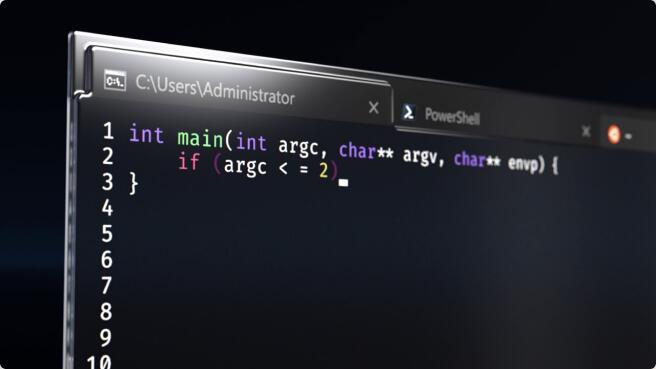
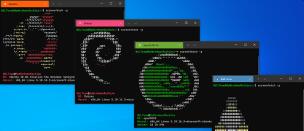
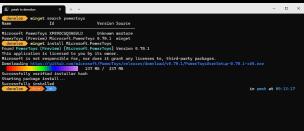
Advanced SettingsControl and customize your developer experience on WindowsLearn moreWSL is now open sourceContribute, customize and help integrate Linux more seamlessly into Windows.Learn moreWinGet ConfigurationsSeamlessly set up and replicate development environments using a single, reliable, and repeatable WinGet Configure command.Learn moreCommand Palette in PowerToysReduce context switching efforts by accessing all frequently used commands, applications and workflows from a single place on Windows.Learn moreWindows TerminalUse your favorite command line tools—including PowerShell, Azure CLI, Ubuntu, and a secure SSH connection—from the fully customizable Windows Terminal.Learn moreContribute on GitHubWindows Subsystem for Linux (WSL)Run Windows and Linux workloads simultaneously. Share files between environments, run Linux GUI apps, set up GPU acceleration or Docker containers and more. And, WSL is now open-source!Learn moreContribute on GitHubEdit command line toolEdit is a lightweight command-line text editor in Windows 11 supporting Mouse-Mode, Find and Replace, and Word Wrap.Learn morePowerToysTune and streamline your Windows experience for greater productivity with this powerful set of utilities.Learn moreContribute on GitHubWinGetFind, install, configure, upgrade, and remove Windows applications directly from the command line or submit your own packages with the Windows Package Manager.Learn moreContribute on GitHub


 Developer
