
The Key to Optimizing Virtual Reality Games with Simplygon
This month, we're breaking down the most relevant optimization techniques for VR using Simplygon.

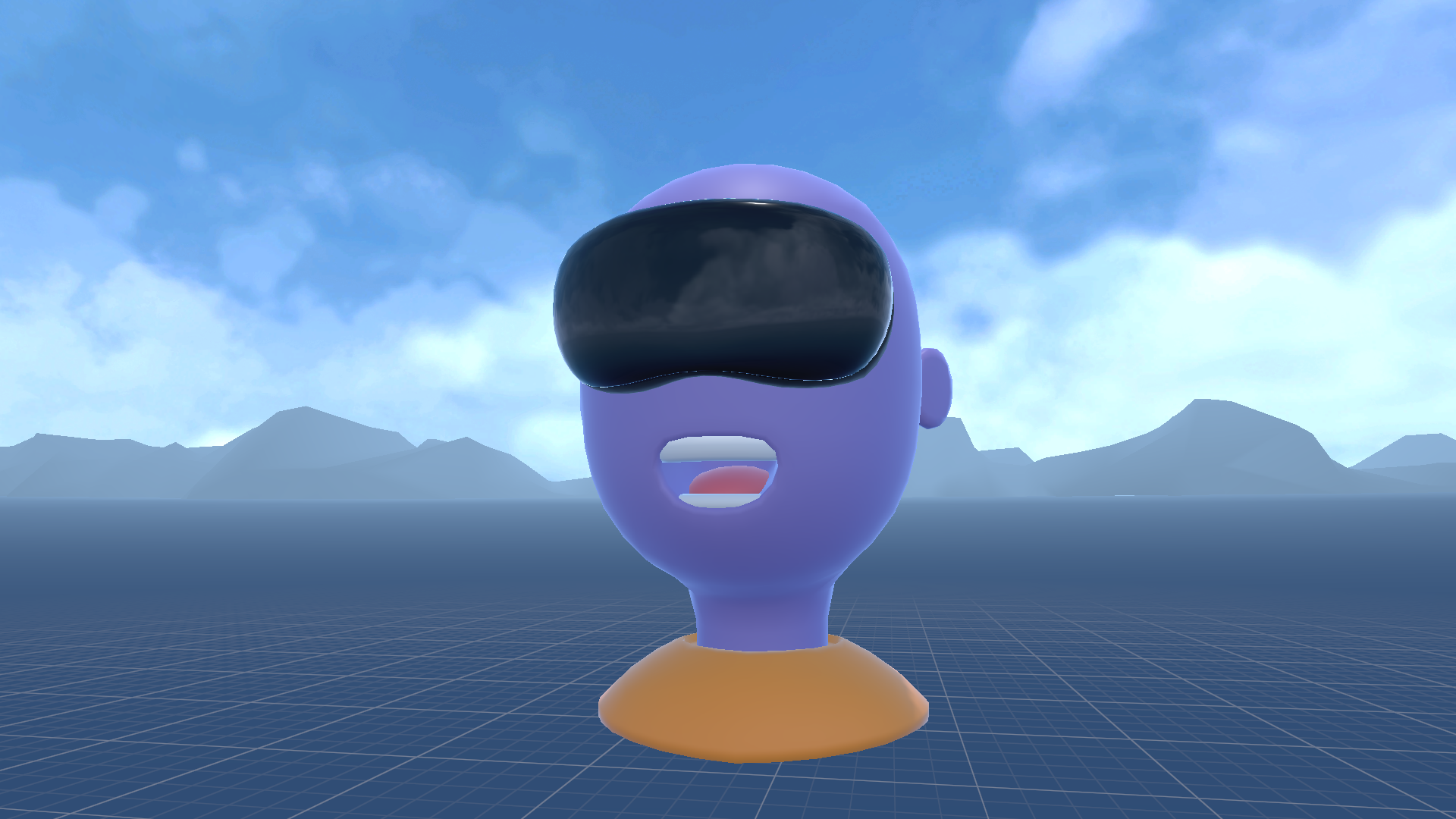
Virtual reality headsets are probably the platform where asset optimization is most critical. The immersive nature of VR means that any performance issues can break the experience for the player and even make them sick! It is also a platform where hardware is often less powerful than traditional gaming PCs.
That means that we often have to use every tool we have to make the game run smoothly. In this blog we will detail the most relevant optimization techniques for VR. Here we will share four Simplygon tools that we think are useful for Virtual Reality projects.
Optimize draw calls with material merging
Draw calls are expensive, especially in VR where we need to render the scene twice. We want to minimize them as much as possible. One effective way to do this is through Simplygon's material merging. It combines multiple materials into a single material. This reduces the number of draw calls needed to render a scene.
We can either merge materials on a a per-asset level or merge materials of multiple assets.
- If our asset contains multiple materials, we can merge these into a single material. This is often the case for characters where skin, eyes and clothes can be different materials. How to do this is covered in Getting started with draw call optimization in Unity and Introduction to material merging in Maya.
- We can merge materials and textures of multiple assets into a single texture atlas. This means that we could potentially have all objects in our scene use the same material. Depending on rendering engine this could significantly save draw calls. How to do this is to use Simplygon's Object Aggregation tool. Depending on if the scene is static, or dynamic we might want to either merge the models into a single one or keep them separate. This can be changed with Aggregation's merge geometries option.
Reduction
Rendering small triangles is costly, especially for more low end hardware. For assets that the player can either be close to of far away from, like enemies, we want to use several level of detail (LOD) models. These can automatically be created from LOD0 with Simplygon's triangle reducer.
If our original assets are not originally intended for virtual reality usage, perhaps those are from another game or bought in an asset pack, it can be worth to also perform LOD0 optimization. Here are two blogs that can be of help:
- LOD0 character optimization using quad reduction and material baking in 3ds Max
- LOD0 optimization in Unity
How visible a LOD transition is depends on many factors like art style, lighting conditions, distance to computer screen and screen resolution. We want to switch LODs as close as possible to the camera for maximum performance gain. Thus, it is important to benchmark the level of detail models from within the VR headset and not just from the DCC tool or editor. We want to judge the LODs in the same way as a player would view them.
Cull away invisible geometry
In virtual reality games the player is often bound to certain areas, this can be a nav-mesh limiting which areas the player can freely move in, or that there is only a few contained areas where the player can move in. This makes VR games especially suitable for Simplygon's visibility culling. With this tool we can cull away all geometry that is never visible to the player. This gives us several performance improvements:
- Reduced triangle count
- Reduced overdraw
Reduced shadow calculations, if we are using real time shadows
Culling away invisible geometry also has the benefit of reducing memory footprint of baked lighting, something often used for VR titles.
Optimize distant geometry
As we discussed above, the player is often bound to certain areas. This means that we can optimize the geometry that is further away from the player into static proxies. The perfect tool to use for this is Simplygon's remesher.
As the game's level is assembled from within the editor we want Simplygon's proxy creation tool to be accessible from here. Simplygon comes with a Unity Editor integration and a Unreal Engine plugin that allows for easy access to these features.
- The Simplygon Unreal Engine plugin has a build-in feature called Stand-Ins which allows us to replace geometry non-destructively. More can be read in the blog optimize Unreal Engine levels with visibility culled Stand-Ins
- For Unity it is possible to build similar functionality using Simplygon's C# API. An example of this can be found in the blog post a tool for optimizing distant meshes in Unity.
If we have a system where the player switches between different locations in the scene it can be worth creating several different proxy representations of our environment. Each proxy model covers all parts of the scene that is not the player's current location.
Final thoughts
Optimizing Virtual Reality games is crucial for delivering a smooth and immersive experience. By leveraging tools like Simplygon, developers can effectively reduce draw calls, manage LODs, cull invisible geometry, and optimize distant assets.
Our suggested starting point is to start with extremely aggressive optimization of all assets to benchmark what performance gains that are possible. Once you have established that the bottleneck in your virtual reality project is 3D asset related start balancing performance and graphic quality until a balance is achieved. If you want to test out Simplygon you can request a free 30 days trial at Simplygon's website.