
GDC 2026: What's Changed in Xbox Development (and Why)
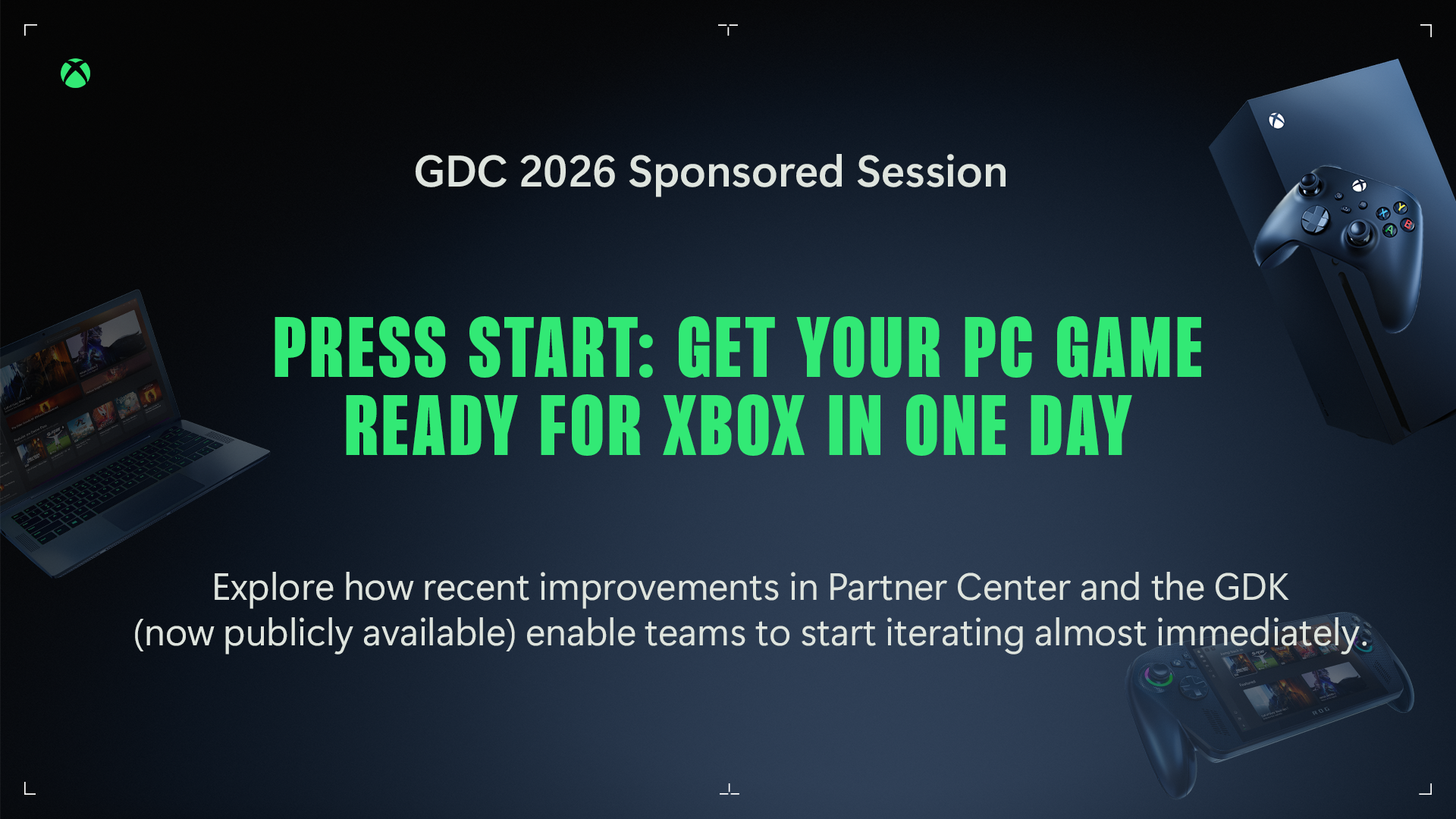
During our "Press Start: Get Your PC Game Ready for Xbox in One Day" session, we shared some recent and upcoming changes to make developers' lives easier.
If you've looked at Xbox development before and walked away thinking it was more challenging than it should be, you weren't wrong. We heard that feedback, and we've been investing in fixing the things that caused it.
At GDC 2026, during our “Press Start - Get Your PC Game Ready for Xbox in One Day” session, we walked through the full developer journey - from first signup to a game running in the Xbox app - to show where things stand today. This post isn't a recap of the talk. It's a closer look at what's changed, why it matters, and where to go if you want to try it yourself.
What's New
- Onboarding in ~30 minutes: down from 30 days two years ago, and months before that.
- Modular onboarding: start building before you're fully approved.
- Automated agreements: 90%+ reduction in handling time.
- Open docs, open GDK: no NDA required to read, install, or start building.
- PlayFab free for Xbox games: matchmaking, game saves, economy, analytics, all included.
- 2×–13× faster uploads: less waiting between builds.
30 days to 30 minutes
Two years ago, we released Application to Approval: Joining Xbox in Less than 30 Days to coincide with GDC 2023. That was a big deal at the time because, before that, onboarding could take months.
Today, you can get to a working Xbox development environment in about thirty minutes. We've done speed runs of the full process, from signup to playing a build in the Xbox app, and completed end-to-end in under an hour.
That's the trajectory: months → 30 days → under an hour. And we're not done.
What we've changed
Modular onboarding — build before you're fully approved
The old model was one big gate: get approved, then get access to everything. The new model unlocks capabilities independently as you complete each step.
Create your account, complete verification and the NDA, and you're in. The GDK is already public, so what onboarding unlocks is the service layer: Partner Center, sandboxes, and Xbox services. You can start building your game in parallel while the publishing relationship comes together on its own track.
The philosophy: get developers building as fast as possible and move the gates to where they actually need to be.
Automated agreements — no more waiting on paperwork
Becoming an Xbox partner involves signing contracts at a few different points. Historically, each one meant waiting for someone to generate the paperwork, send it, and process it back.
That's automated now. Agreements generate and send automatically as you hit each milestone. We've cut handling time on agreement generation by over ninety percent. What used to take days now happens in minutes.
This was a real pain point developers told us about. Every place where momentum used to stall, we want to find it and fix it.
Open documentation, no NDA required
Xbox development documentation is now fully public at learn.microsoft.com/gaming. The GDK, the APIs, the platform architecture - it's all there. You can read it, reference it, and start planning before you're even a partner.
That might sound small, but it was one of the most consistent points of friction. You had to be a partner before you could even read about how the platform worked. That's gone.
The GDK — public, standard, and simpler than it used to be
The Game Development Kit is how Xbox capabilities get into your Windows game, including APIs, runtime, tools, and service libraries.
Best of all, it's public. Just type the following code snippet into a terminal:
winget install Microsoft.GDK
No NDA, no partner agreement.
And here's something worth knowing if you've looked at the GDK before: it builds as a standard x64 project now. Previously, PC games needed an additional Gaming.Desktop.x64 platform target, an extra configuration that other storefronts didn't require. Since March 2023, that's gone. GDK games are identical to regular x64 projects from a build and debug perspective. Your game stays your game.
If you tried the GDK in the past and found it complex — it's worth a fresh look. Install it, add a config file, reference the headers and libs, and start calling what you need. There are over a hundred open-source samples on GitHub to get you started.
PlayFab — free for games shipping on Xbox
PlayFab is your cross-platform game backend — matchmaking, leaderboards, stats, economy, live ops, analytics, and game saves.
For games shipping on Xbox, it's all included at no additional cost. The latest GDK bundles the PlayFab Unified SDK — one modular package. You reference the components you need, and they're already part of your GDK install.
A few specifics worth calling out:
- PlayFab Game Saves is where we're headed for the future of saves on Xbox. Your players' progress follows them across every device. It's available now.
- PlayFab Matchmaking is the newest Xbox matchmaking — all your players in one pool.
- Economy, live ops, and analytics form your live-service backbone for managing inventory, experiments, and real-time data.
Faster packaging and iteration
One thing worth understanding about Xbox development: your development sandbox isn't a simulation. It's real distribution through real Xbox infrastructure, scoped to your team. Your game gets a real store page in the Xbox app. Your testers install and update it the same way players will. The iteration loop — make changes, package, upload, publish to sandbox, test — is the same workflow all the way to retail. Nothing changes except the audience.
That makes packaging speed matter a lot, and upload times were slowing down iteration. We went after it.
Xbox Game Package Manager (GPM) packages your game into MSIXVC format — the same format the Xbox app uses for installation and updates. Same tool, same format, from dev sandbox to retail. What's changed: upload speeds are 2× to 13× faster for full uploads, and about 2.5× faster for delta uploads. GPM also runs validation during packaging — catches common certification issues before you submit, not after. And it plugs into whatever CI/CD you're already running.
The Bigger Picture
None of this is one feature announcement. It's a pattern.
Every improvement on this list came from something developers told us was too slow, too opaque, or too hard. Onboarding took too long, so we made it modular and automated. Documentation was locked, so we opened it. The GDK required a custom build target, so we removed it. Upload speeds were holding back iteration, so we made them faster. PlayFab services cost money on top of platform fees, so we made them free.
This isn't "done." We're showing the trajectory and the commitment: the distance between "I'm curious about Xbox" and "I'm building on Xbox" should keep getting shorter. And we're still listening — if something's not working, tell us.
Start building
If you're ready to try it, the onboarding process starts here:
Sign up at the Xbox Onboarding Hub: Home to ID@Xbox — from signup to a working Xbox development environment in about thirty minutes.
And these resources are available right now — no partner agreement required:
Microsoft GameDev Portal: your starting point for Xbox development. Programs, tools, documentation, and resources in one place.
Xbox Development Documentation: public GDK and platform docs, no NDA required.
Xbox GDK Samples on GitHub: 100+ open-source samples.
Related GDC 2026 sessions
- "Future-Proof Your Game: Streamlined Workflows for a Multi-Device World" — Karla Larriva, Zach Hooper & Jon Martin. Extends the journey across PC, console, and handheld.
- "Build Once, Play Anywhere: PlayFab Powers Xbox Cross-Platform Game Services" — Anthony Nguyen. Deep dive on PlayFab capabilities and the new pricing model.
- "Leveling Up the Xbox Marketplace: Tools to Sell, Grow, and Reach Every Player" — Brady Woods. Storefronts, marketing tools, and reaching players across devices.