
Easier Game Publishing with Game Package Manager
A closer look at how we're making it easier to manage packages and publish them to Xbox.

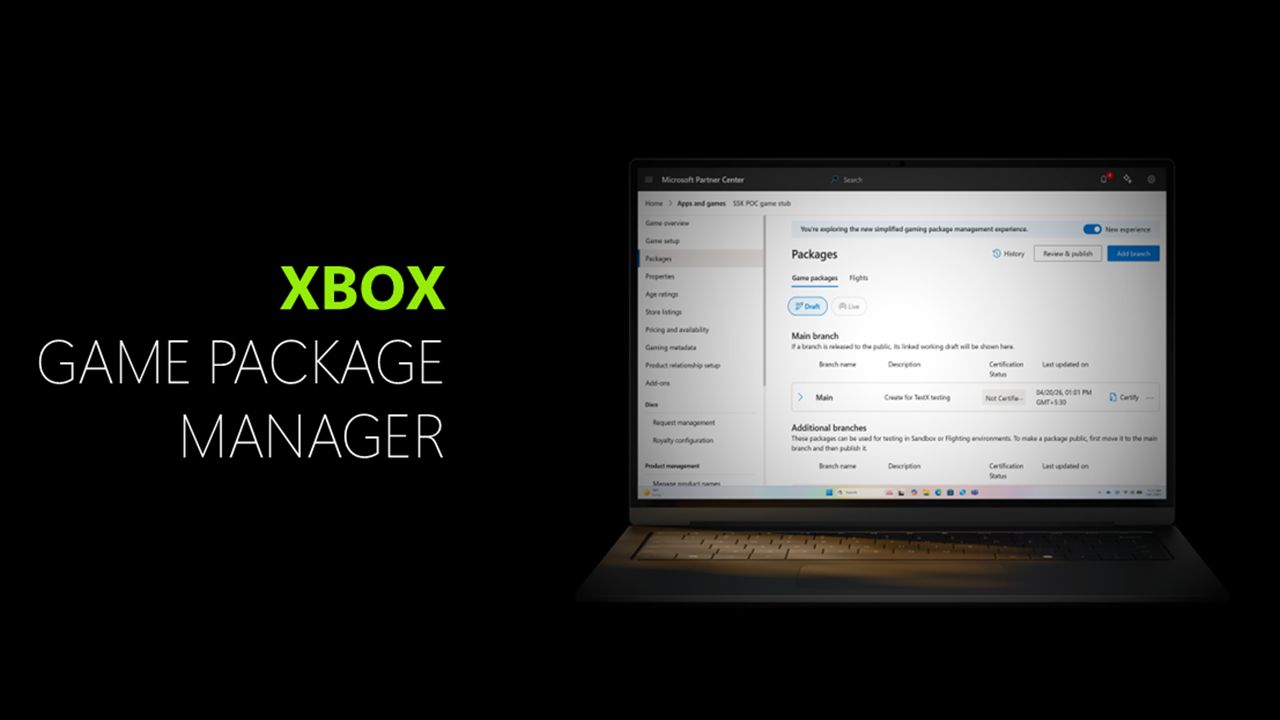
This week, the Game Package Manager will start rolling out automatically for all Xbox developers currently configuring or adding new products to publish to Xbox, replacing the current Microsoft Partner Center module for “Packages”.
This update from Angela Savarese, Sr. Production Partner Manager for Xbox Developer Relations, as well as Bhanu Gill, Technical Program Manager and Eddie Iglesias, Principal Product Manager for Xbox Developer Engineering and PM – the team who delivered this feature – helps us learn more about the work they are doing to reduce friction in the publishing process.
"Game developers deserve publishing tools built for how they actually ship." — Eddie
That's the idea behind Game Package Manager. It replaces the old Packages module with a dedicated, gaming-centric experience — one that lets us move faster, respond directly to creator feedback, and lay the foundation for the next generation of publishing tools.
Angela, who works directly with game publishers and advocates for publishing improvements on behalf of partners, explained that “Game Package Manager gives you a cleaner way to upload packages, review certification and validation status, manage branches, and track your publishing history — all in one place. Your existing packages, certification pipeline, and publishing history are not affected.”
Worth noting is that Game Package Manager is also the foundation upon which Xbox will add future features to improve publishing workflows. More announcements coming this year will explain those features in detail.
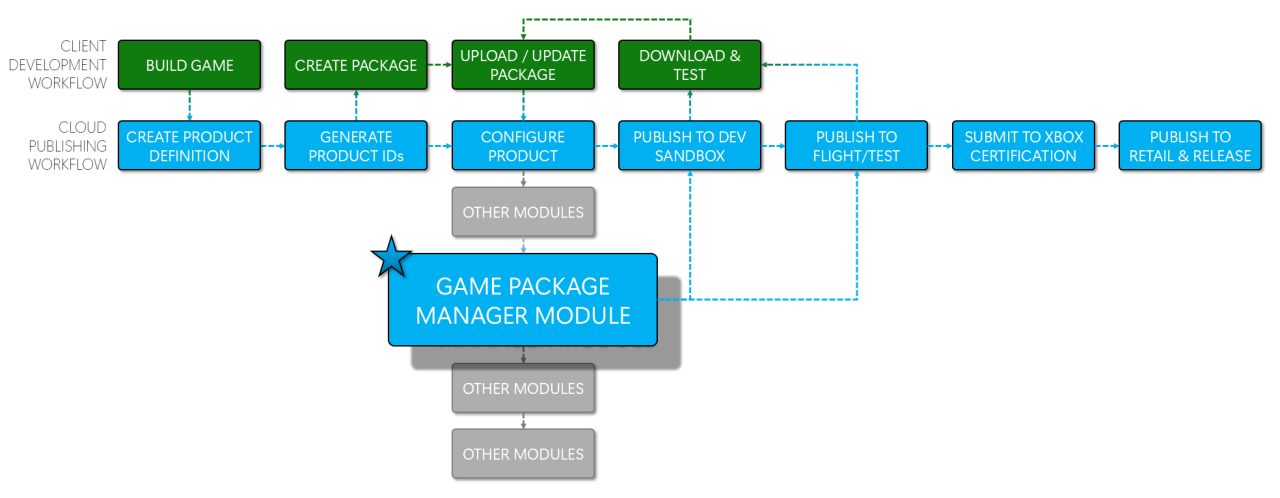
Where in the publishing flow does the Game Package Manager show up?
Every time you need to upload or distribute a package, you do so through the Packages module; this entire flow has been redesigned.
What does the new Game Package Manager module do differently than the previous “Packages” module?
Bhanu and the team have already updated the Game Package Manager documentation with the full details, but here are some highlights they presented to us to highlight key improvements:
- Branch gallery: draft and live. This is probably my producer-favorite feature. It makes it clear which packages are in Draft (only available to your Partner Center users) vs. Live (available to players in an external-facing sandbox).
- Better information organization. Package details are grouped neatly and with clear borders to facilitate visual scanning when you have multiple packages listed on the screen; much of the screen clutter and walls of text have been reduced/collapsed.
- Package validation. Many package errors can be detected and resolved before you submit to Certification, saving you a LOT of wasted time.
- Room for new features. As hinted above, we have some new features coming very soon that live in this interface that will move Xbox publishing, into the next generation.
Do I have to use the new interface?
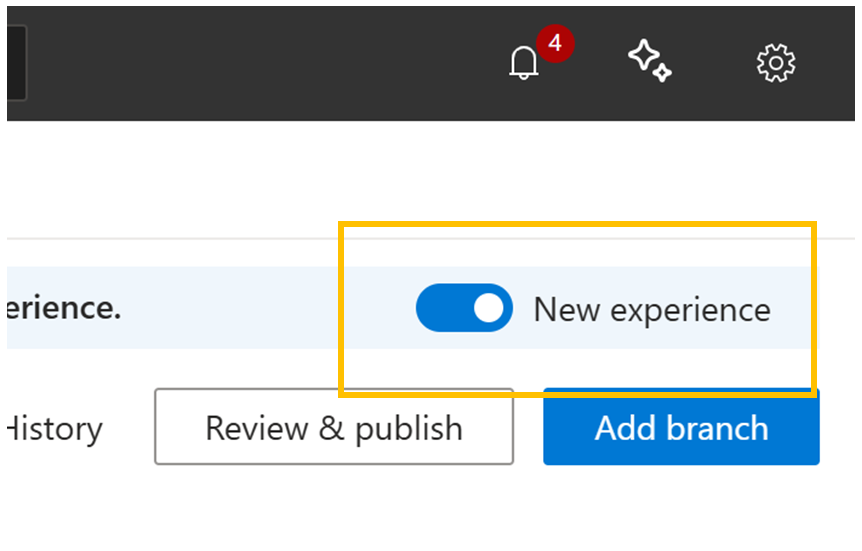
For the new features that are coming soon, yes, but at any time you can toggle back to the old interface to access the previous user experience. This may be particularly useful for someone who was in the middle of a publish when the Game Package Manager released to the service.
Have Feedback?
This is just one of many parts of the Xbox Publishing process the Xbox Consumer and Commerce Platform team is improving to save developer’s time and improve efficiency. We cannot wait to see and celebrate what you publish next!
Please share any comments, happy thoughts, or concerns with your Xbox Partner Manager.